act
Active and stableRuns locally ✓No paid APIRun GitHub Actions jobs on your computer before pushing changes, and inspect failures locally with act and Docker.
brew install actIdeal use for this tool
Best for a developer or small team that repeatedly edits GitHub Actions workflows and wants to test a job before pushing. It provides a local run log, while a final GitHub check remains necessary. It is not suitable when exact hosted-runner parity is required.
Details and illustrated features
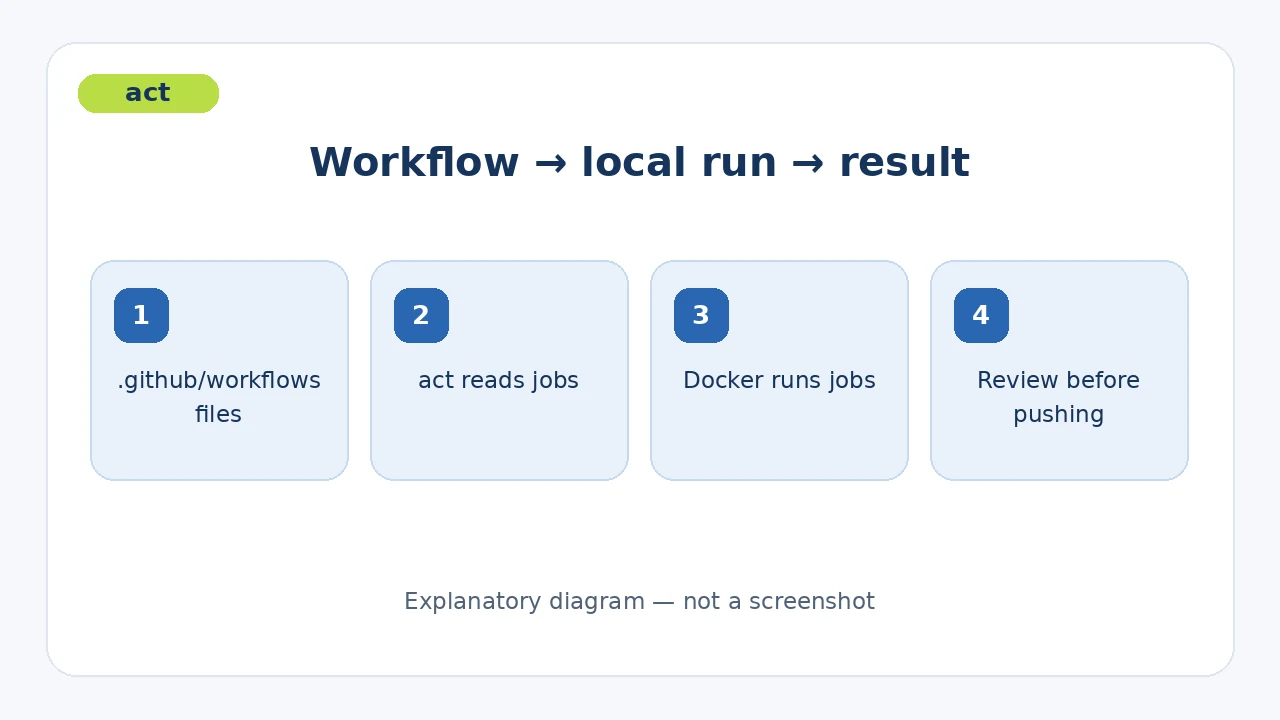
When a GitHub Actions workflow fails after every push, fixing one step can turn into repeated commits and hosted runs. act runs the workflows in .github/workflows on your computer so you can inspect a test job before pushing. Its practical value is a shorter local feedback loop, while GitHub's runner remains the final check.
🧭 What is act?
act is an open-source command-line tool by nektos. It reads GitHub Actions files, selects the jobs matching an event, then uses the Docker API to prepare images and run containers. You keep your existing YAML workflow. The latest release shown during verification was v0.2.89.
🎯 How does it help you?
Suppose a job in checks.yml keeps failing on GitHub. Open the repository locally, adjust the workflow, and run that job with act. You can inspect its local log before pushing another commit. This can move trial runs onto your own computer. It does not remove the need for a final GitHub run or bypass an account budget limit on hosted Actions.
It suits an individual developer or small team that already uses GitHub Actions. It is a poor fit when the workflow requires unsupported GitHub features or exact parity with a hosted runner.
🌟 Key features and how to use them
1. Run an event locally
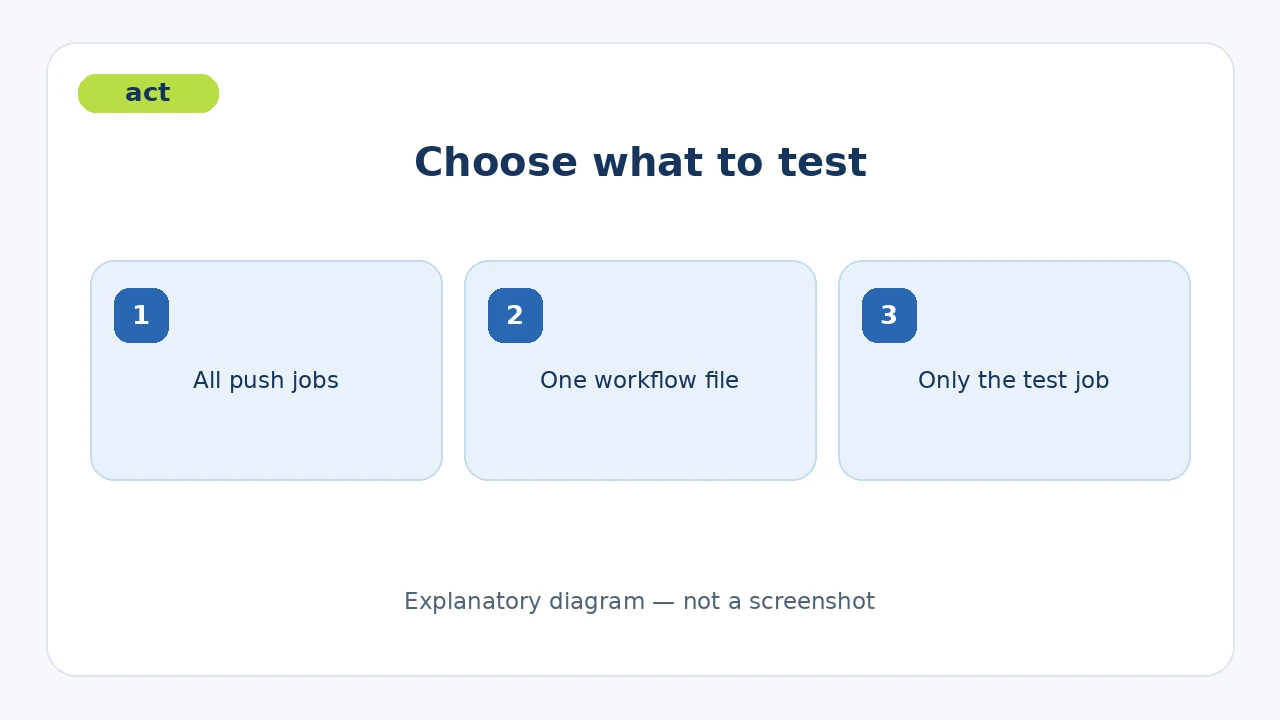
From the repository root, plain act defaults to the push event. You can specify act push or act pull_request. Start with act -l pull_request to list matching jobs before running an unfamiliar workflow. Some workflows need event details that act cannot infer; supply a JSON event file with -e in that case.
- Value: see the jobs and their execution log before pushing.
- Limit: event emulation is basic and may not provide every GitHub context field.
2. Select one workflow or job
Use -W to select a workflow file and -j to select a job name. For example, act -W .github/workflows/checks.yml -j test targets a single test job. Replace both names with those in your repository.
3. Supply secrets when needed
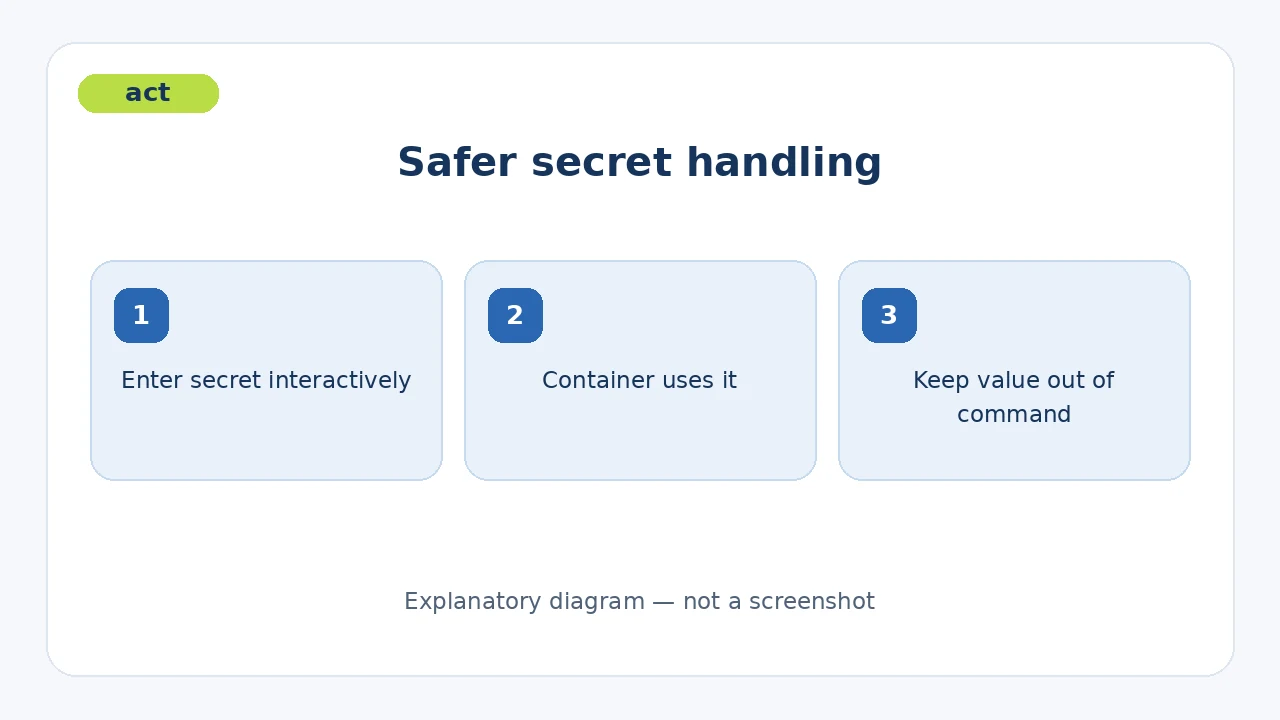
Run act -s MY_SECRET to read a secret from the environment or prompt securely if it is absent. This avoids typing the value into a shell command that may be saved in history. Secret files are supported too, but you must protect the file. GitHub supplies GITHUB_TOKEN automatically in hosted runs; locally, a token-dependent workflow may need you to supply one.
4. Choose a runner image and understand the gap
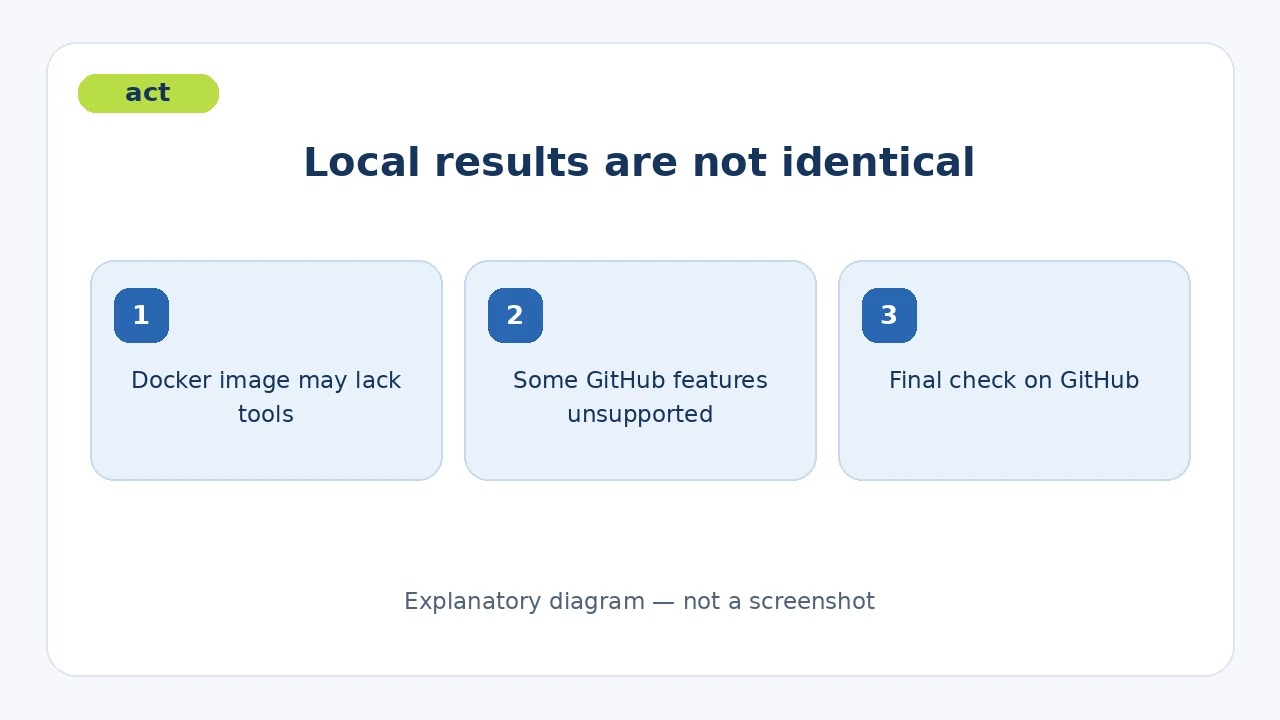
act uses Docker images as runners. You can choose an alternative with -P, but default images may lack tools installed on hosted GitHub runners. More complete images can be very large. Review the local log and perform a final hosted check.
🪜 Step-by-step example
Illustrative example; I did not run it on your project:
- Open a repository containing
.github/workflows/checks.yml. - Ensure Docker is running. On a Mac, install act with
brew install act. - List push jobs with
act -l push. - Run only the test job:
act -W .github/workflows/checks.yml -j test. - Read the failing step, edit the workflow or test, and repeat the same command.
- Push the change and review the actual GitHub Actions result before merging.
Inspect the workflow first if it contains deployment, deletion, or external service steps. A job named test is not necessarily harmless.
⚖️ Compared with manual troubleshooting
| Without act | With act |
|---|---|
| Push each edit to learn whether the job changed | Try the job locally before pushing |
| Read YAML and hosted logs only | Also get a local execution log |
| Trial runs consume hosted CI capacity | Local trials use your own computer |
| Hosted runner provides the final result | A final hosted check is still needed |
This describes workflow differences, not a measured cost saving or full parity.
⚙️ Installation and configuration
On macOS or Linux with Homebrew: brew install act. Official release artifacts cover Apple Silicon, Intel Macs, Linux, and Windows. Normal workflow execution needs the Docker Engine API; installing the binary alone is insufficient. The documentation describes direct host execution for selected Windows or macOS jobs, but that removes container isolation and is not a universal substitute. Podman is not officially supported.
Use -P to select another runner image. Put recurring command arguments in .actrc, but keep secrets out of it. An official Darwin_arm64 release artifact exists.
🔗 Compatibility, cost, and privacy
The code is MIT licensed, and act itself does not require a paid subscription or API. Docker resources, image downloads, and services called by your workflow are separate considerations. Jobs execute on your computer, but act may pull images or actions over the network and workflow steps may contact external services. It uses GitHub Actions files but does not reproduce the hosted runner exactly.
⚠️ Limitations and permissions
The official unsupported-feature list includes ignored concurrency, job.permissions, job.environment, OpenID Connect, and job.timeout-minutes. Docker images may also lack hosted runner tools. Do not treat a successful local run as proof that deployment or permissions will behave identically on GitHub. Review third-party actions and images before allowing them to access tokens or local files. Secure secret input protects shell history, not the secret from the workflow step that uses it.
📚 Sources and verification date
Verified on 29 September 2026 against the original repository, installation guide, usage guide, runner images, unsupported functionality, and releases. The latest visible release was v0.2.89, dated 1 June 2026. GitHub displayed approximately 72.1k stars and 2.0k forks for the repository at review time; these changing popularity counts are not quality ratings. I did not install act or run the example.