Bruno
Active and stableRuns locally ✓No paid APITest APIs locally, keep requests as Git-reviewable text files, and run the same collection from the CLI and CI.
npm install -g @usebruno/cliIdeal use for this tool
Ideal for a solo developer or small team that wants API collections and tests beside the code with Git review. Use it for repeatable REST, GraphQL, gRPC, and WebSocket checks—not live cloud collaboration or load testing.
Details and illustrated features
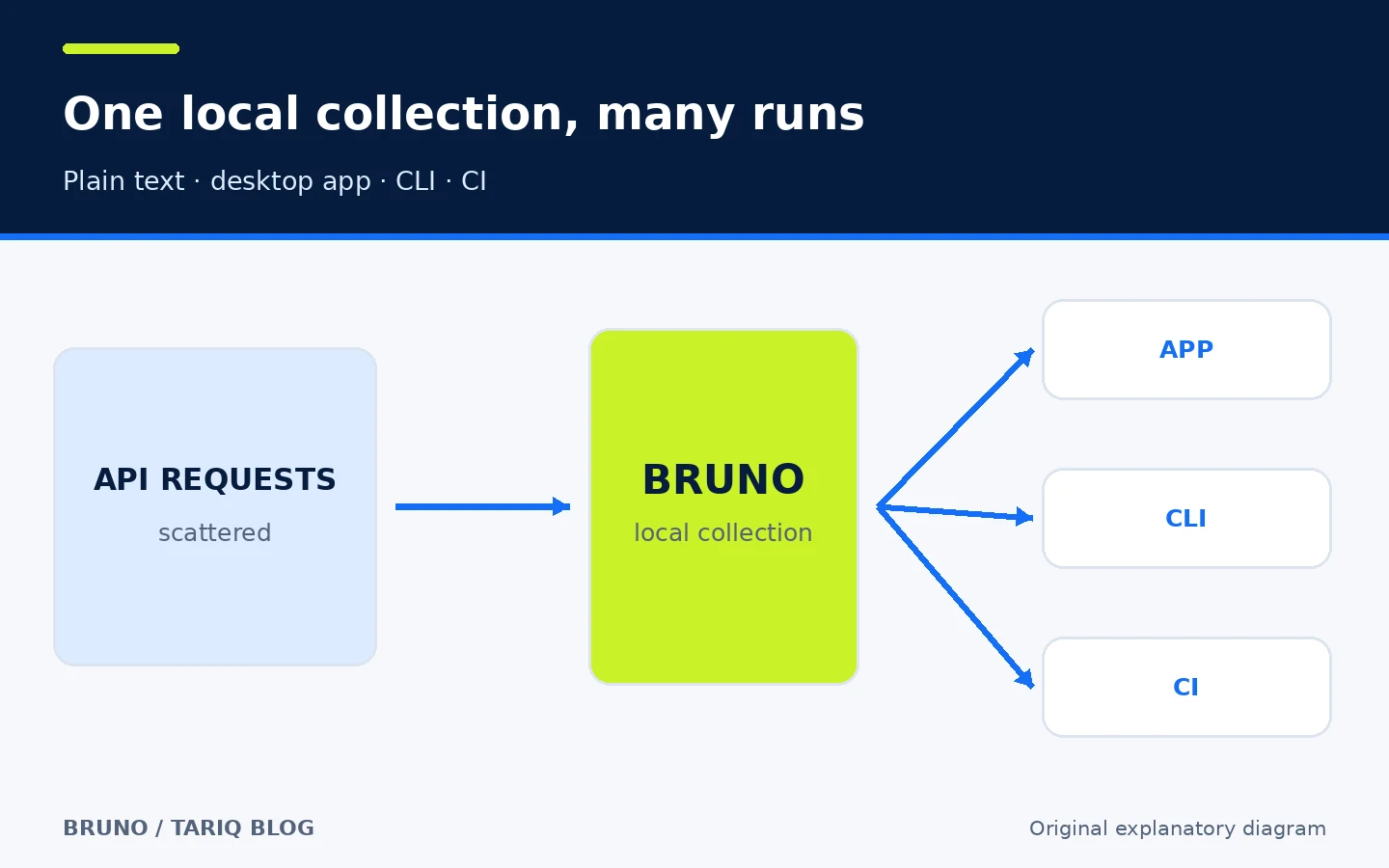
The problem often begins with one API request in a graphical client. Requests, environments, scripts, and assertions then multiply until the team is sharing a large export or a cloud workspace whose changes are difficult to review like code. Bruno closes that gap by storing the collection locally as plain-text files. You can open it in the desktop app, review it in Git, and run the same tests from the CLI or CI. Its real value is not merely sending HTTP requests; it makes API definitions part of the engineering workflow.
🧭 What is Bruno?
Bruno is an open-source client for exploring and testing APIs. It supports REST, GraphQL, gRPC, and WebSocket, and stores collections in a folder on your computer instead of requiring a cloud service. The project explicitly describes Bruno as offline-only and says cloud sync is not planned. Your collection therefore remains under your control, while you choose the Git host and backup method.
There are two main working surfaces:
- A desktop app for creating requests, selecting environments, inspecting responses, and writing assertions or scripts.
- The
brucommand-line tool for running a request, folder, or entire collection locally and in CI/CD.
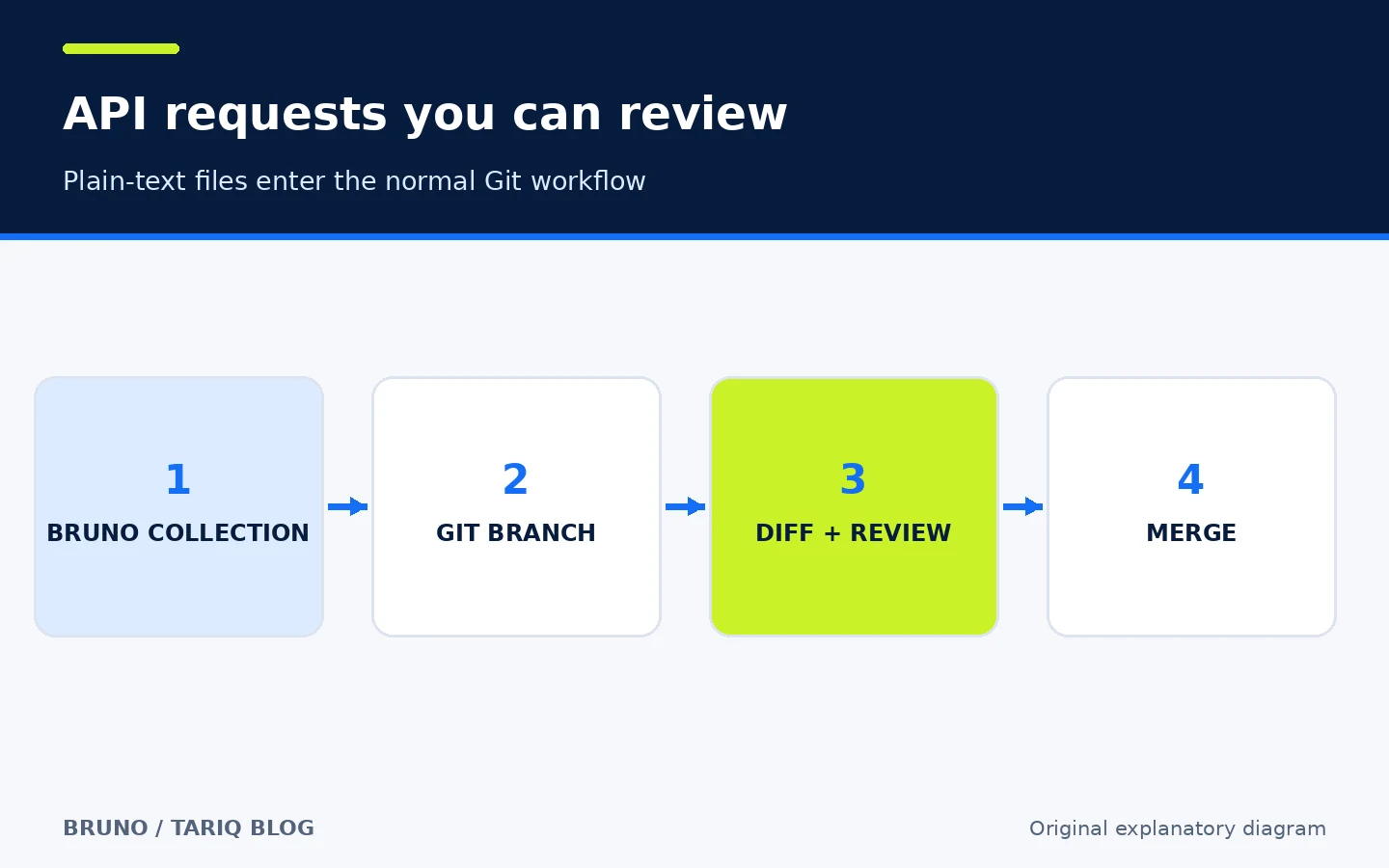
Bruno saves requests in text files that can be diffed and reviewed. Current product material mentions Bruno/OpenCollection formats, while the repository explains the Bru text language. The practical outcome is consistent: a developer can read the files in an editor, review the change before merge, and recover an earlier version from Git.
🎯 Best use
Bruno suits a solo developer or small team that wants API tests beside the code, or wants to replace opaque collection exports with reviewable files. It is useful for an internal service, executable request examples, development and staging checks, and an API smoke test after each change.
Do not choose it solely for instant cloud sync and live collaborative presence; that is not its model. It is also not a load-testing tool or an always-on production monitor. CI can run functional checks, but load measurement and continuous monitoring need purpose-built tools.
🧩 How it works, step by step
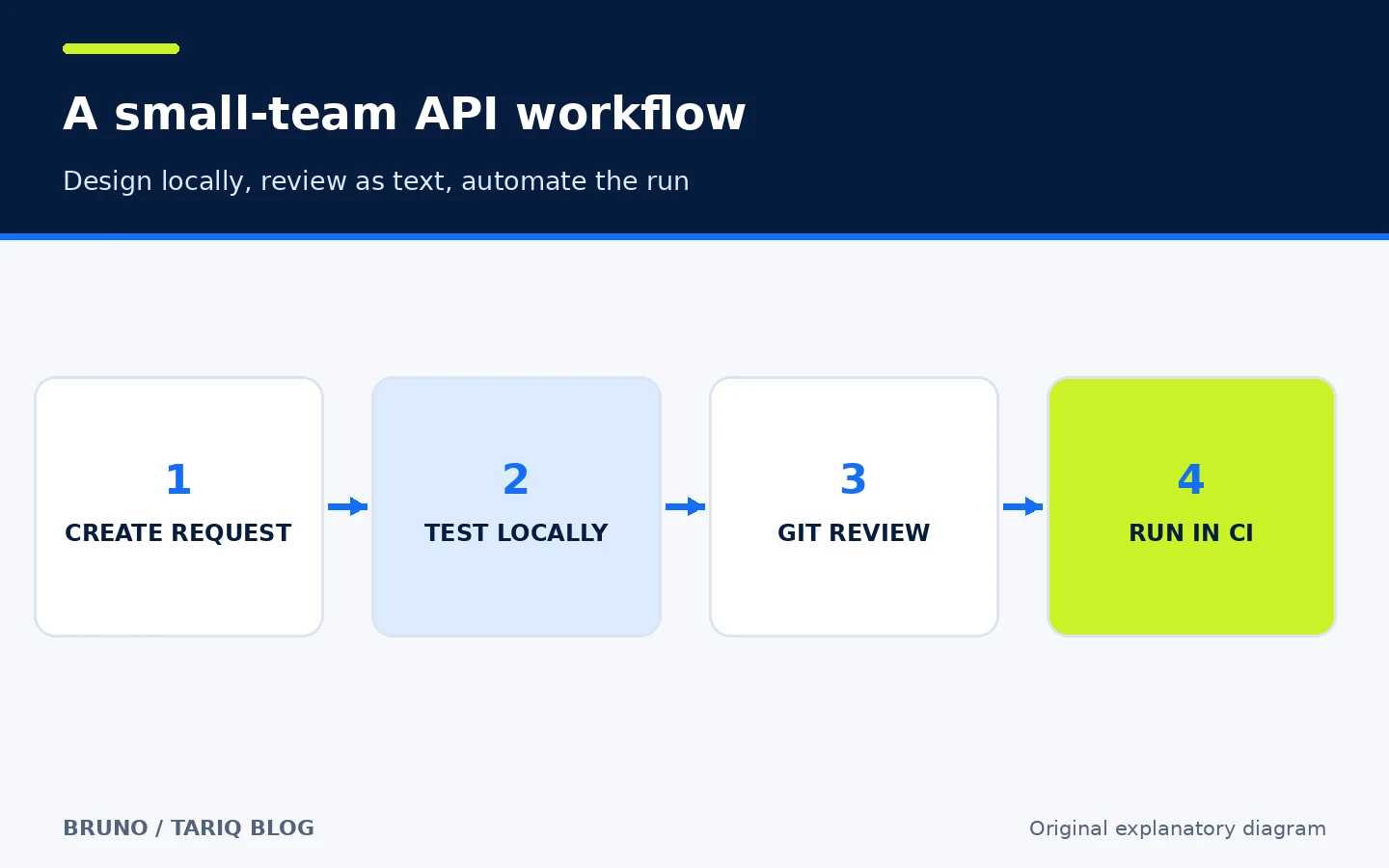
- Create a collection in a project folder or a dedicated repository.
- Add a request and define its URL, headers, body, and authentication.
- Put values such as
baseUrland user IDs in an environment; keep real tokens out of Git. - Add an explicit assertion, such as status
200and the presence of an expected field. - run the request in the desktop app, then run the collection from the CLI to prove it is automatable.
- Review the text files in Git and separate request changes from secrets and temporary output.
- Run
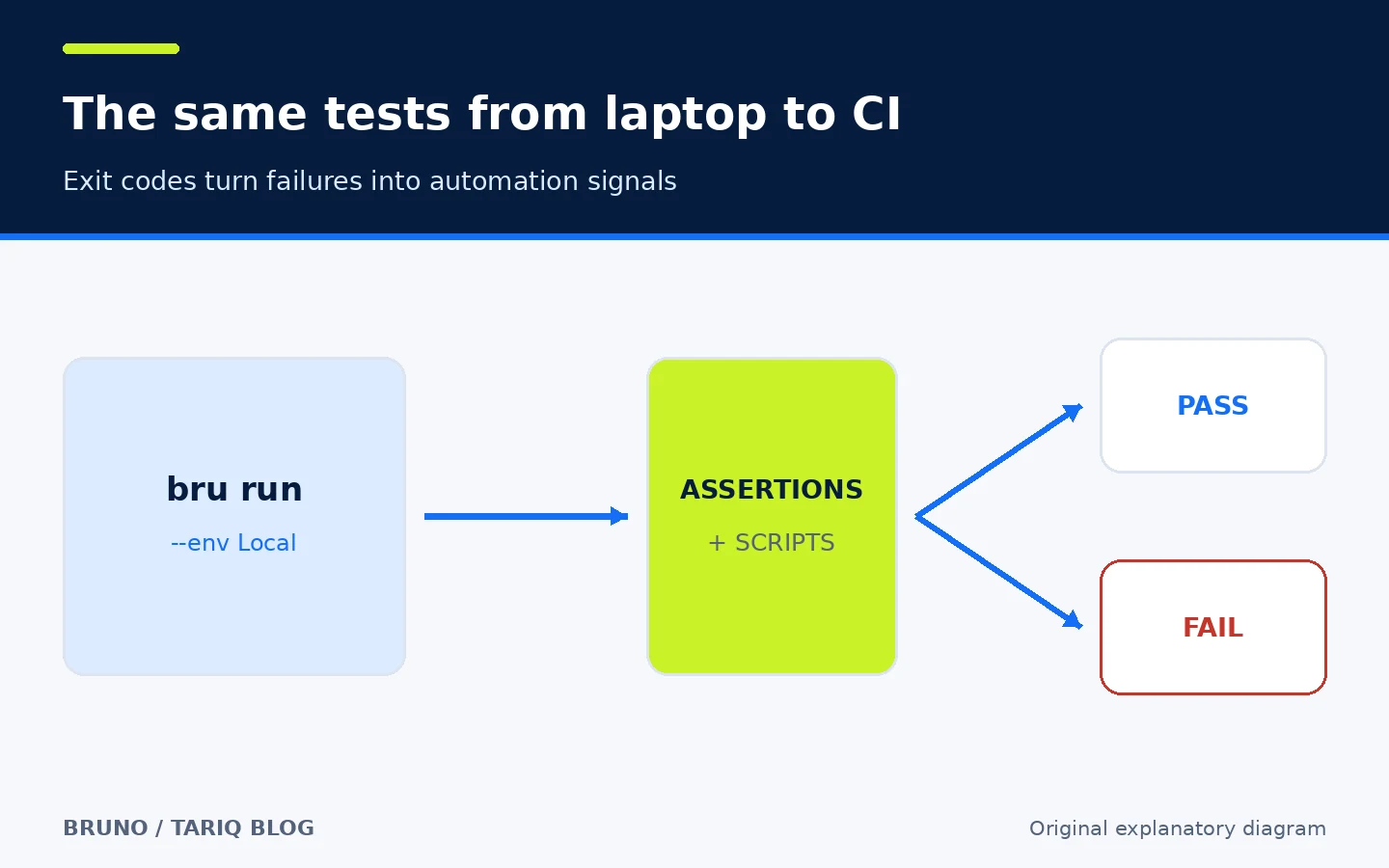
bru runin CI and let a failing exit code block a merge or deployment.
This separation matters: the app supports exploration, the files preserve knowledge, Git reviews the change, and the CLI proves that the scenario is repeatable.
🔌 Protocols and environments
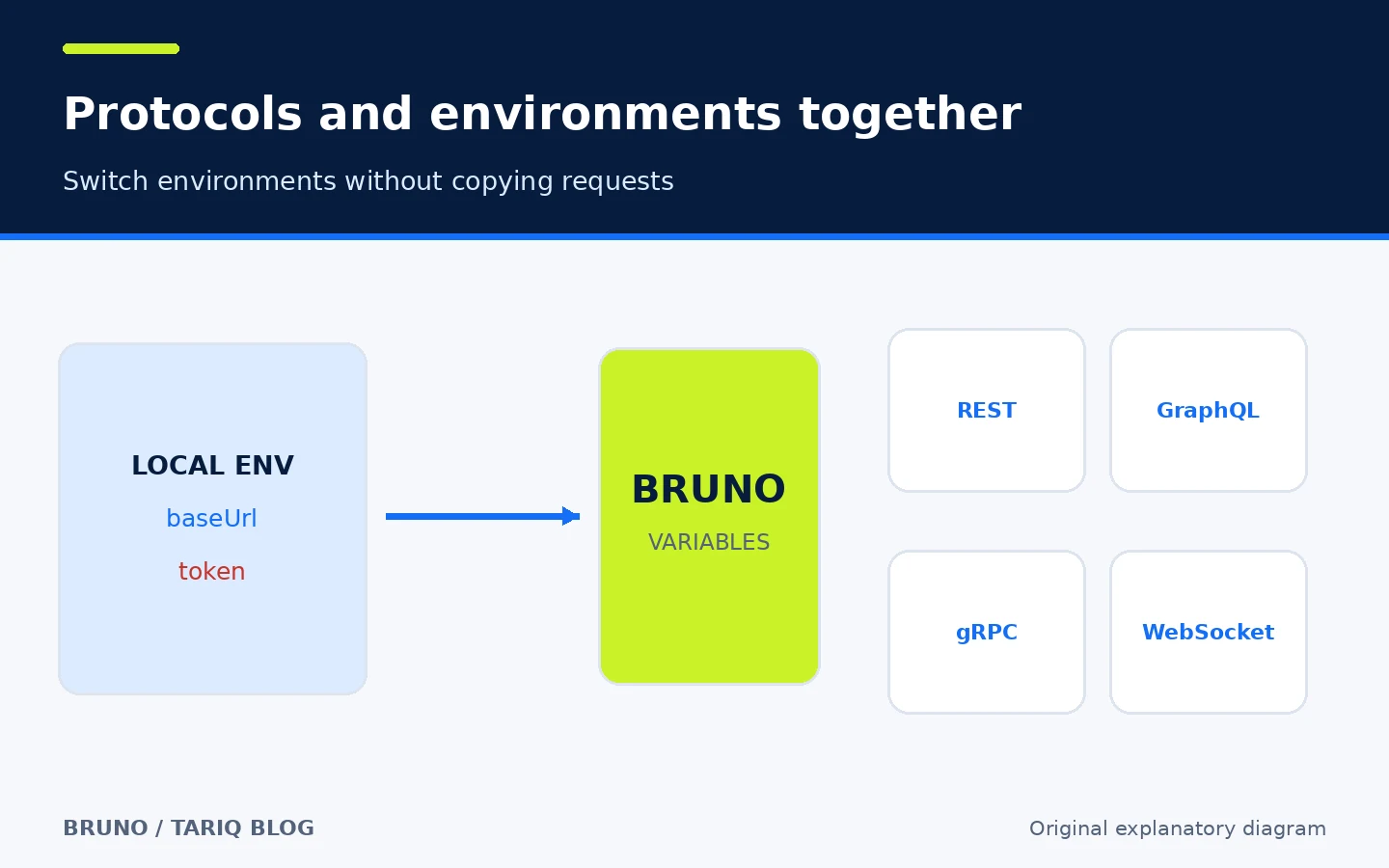
The official product page lists REST, GraphQL, gRPC, and WebSocket support. You can define development, staging, and production environments, then switch values without copying the request. This avoids a common failure mode: three collections gradually drift apart and no one knows which is current.
Separate three kinds of values:
| Value | Example | Recommended location |
|---|---|---|
| Non-sensitive setting | baseUrl | Reviewable environment file |
| Local secret | token or password | Secret Manager or a local file excluded from Git |
| Test-created value | a newly created order ID | Runtime variable, after reviewing persistence behavior |
Bruno can import Postman and Insomnia collections, OpenAPI definitions, and other formats. Import is not the end of migration: review authentication, scripts, and variables afterward because the models are not always identical.
✅ Practical example: checking an orders service
Assume an internal service exposes GET /health and POST /orders. Create a Local environment with baseUrl=http://localhost:3000, then add the health request and order creation request. Keep the token in the secret store. Add one assertion for the health status and another that confirms the new order response contains an id.
Install the CLI and run the collection:
npm install -g @usebruno/cli
bru run --env Local
The CLI reference also supports running a folder or individual request. Start with the simple command above and pin a CLI version in CI instead of always resolving the newest release. I did not install or execute Bruno for this directory entry; verification was documentary, using the upstream repository and official documentation.
In a manual workflow, a developer may send individual requests and forget to share one adjustment. With Bruno, the collection is the source asset: the developer changes a request, the reviewer sees the diff, and CI runs the scenario again. The team still owns assertion quality; Bruno cannot decide whether the business result is correct.
🔐 Privacy, secrets, and permissions
Collections are local and core use does not require a Bruno account. “Local” is not the same as “automatically safe”: requests can send data to any host placed in baseUrl, and scripts can handle secrets or modify variables.
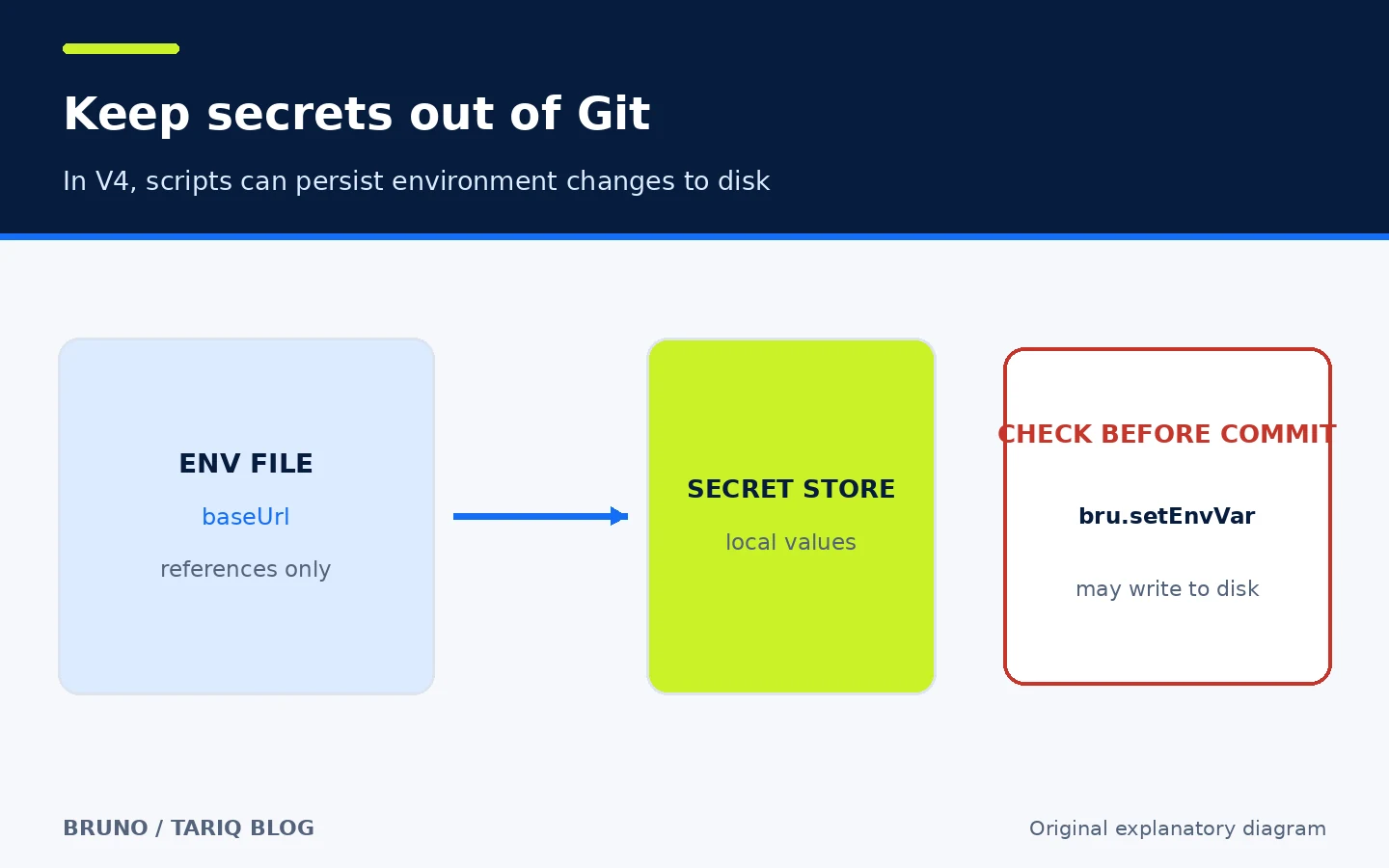
Bruno V4 moved external secret-provider mappings into environment files. Secret values themselves are not written to disk, but mappings and provider configuration may appear in files. More importantly, the V4 notes say scripts using bru.setEnvVar persist environment changes to disk by default. Therefore:
- Inspect
git diffbefore every commit. - Use Secret Manager for sensitive values, or a local
.envfile added to.gitignore. - Do not assume a script-created variable remains only in memory.
- Open older collections in the app for V4 migration; the CLI does not migrate them for you.
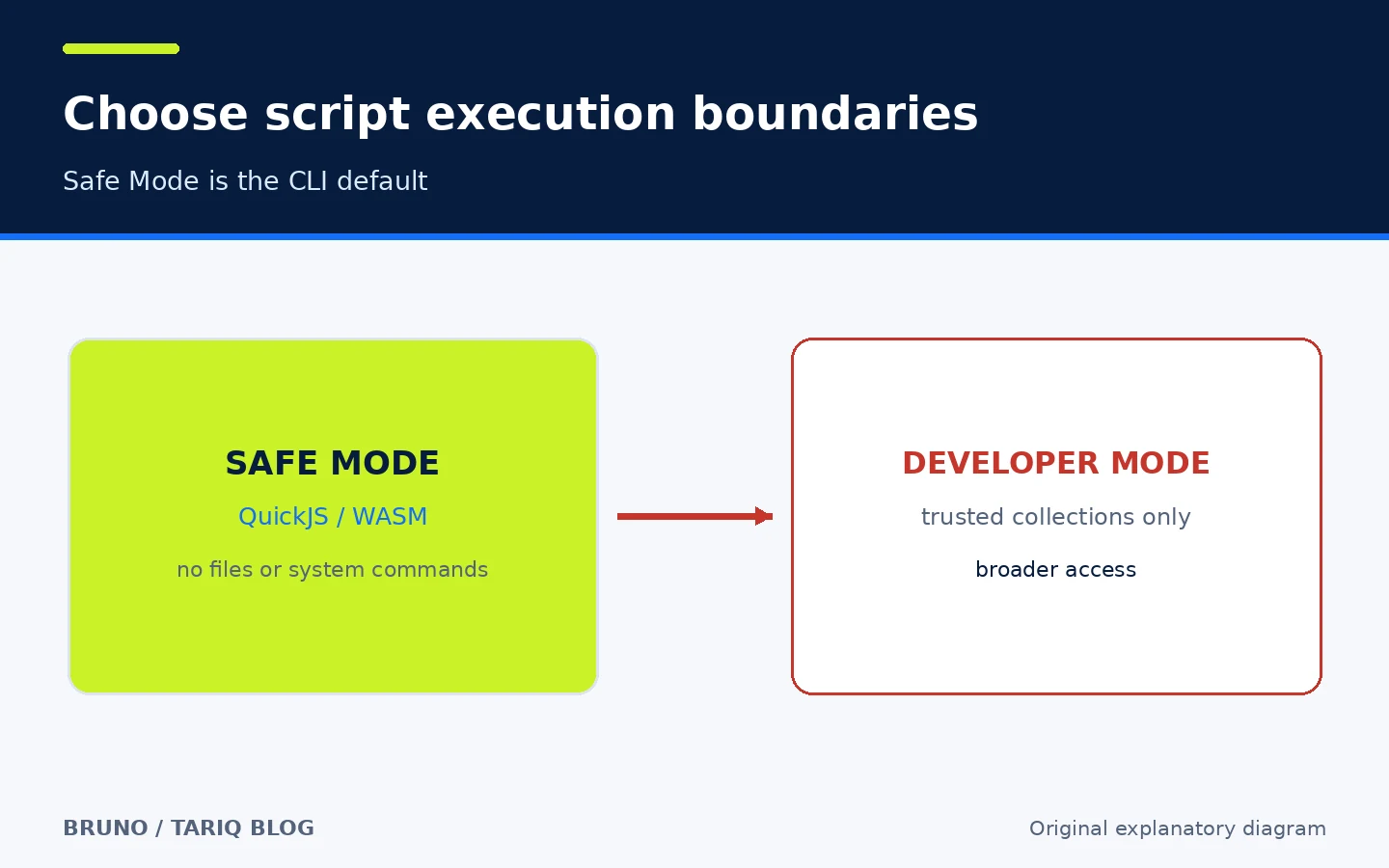
Bruno CLI runs scripts in Safe Mode by default, using QuickJS/WASM. This blocks filesystem access, system commands, and native Node modules. Developer Mode exists for scenarios that require broader access, but it should only be used with a trusted collection whose scripts you have reviewed. Treat an imported collection like third-party code: inspect it before execution and begin in Safe Mode.
💰 Free edition and paid boundaries
The core project is open source under the MIT license, and the pricing page lists an Open Source plan at $0. On November 1, 2026, the displayed paid plans were Pro at $6 per user per month billed annually and Ultimate at $11 per user per month billed annually. Check the live page before purchasing because price and limits can change.
One boundary deserves care: collaboration through Git files is free, and terminal or external Git clients remain available. Some advanced Git actions inside Bruno—such as in-app commit, push, branch management, and conflict resolution—are described by the sharing documentation and pricing page as paid capabilities. Reports and certain team features also vary by edition. “Git is free” does not mean “every Git button inside the app is free.”
⚖️ What you gain over manual work
| Task | Manual or scattered files | With Bruno |
|---|---|---|
| Share requests | Copy text or export a large file | Plain-text files in Git |
| Review changes | Hard to see the exact field change | Git diff and pull request review |
| Switch environment | Copy a request and change the host | Environments and variables |
| Repeat in CI | Rewrite the test in another tool | Run the collection with bru run |
| Own the data | Depends on the service | Collection stays on your computer and repository |
| Live collaboration | Often built into cloud tools | Git-based; no Bruno cloud sync |
The added value appears when requests join the development lifecycle rather than remaining temporary experiments. If the team never reviews the collection files or runs them automatically, Bruno is simply another API client.
⚠️ Limits and compatibility
- The desktop app is available for macOS, Windows, and Linux through direct downloads and multiple package managers. The CLI installs through npm; official Docker images target
linux/amd64andlinux/arm64. - The newest verified release is v4.3.0, published October 22, 2026. The downloads page can lag behind GitHub Releases, so use the release page when comparing versions.
- The newest commit visible on the main branch was October 30, 2026. At inspection time, GitHub showed about 48.0k stars and 3.1k forks. These are adoption signals, not quality ratings.
- Bruno provides no cloud sync; Git is the intended collaboration path.
- V4 includes breaking changes around secrets and environment variables. Do not mix app and CLI versions across a team without a migration plan.
- Functional API tests are not load tests or production monitoring, and weak assertions create false confidence.
- I did not execute the installers, CLI, or imports. Verification covered the published repository, documentation, release, and pricing information.
📚 Sources and verification date
Verified on November 1, 2026 from these upstream sources:
- Official Bruno repository — license, local-first model, install options, CLI, Docker, and activity.
- Release v4.3.0 — published October 22, 2026.
- Official documentation and CLI reference — execution and environments.
- Official product page — protocols and product surfaces.
- Pricing — open-source and paid editions and feature boundaries.
- Bruno V4 changes — secret migration and environment-variable persistence.
- CLI Safe Mode — QuickJS/WASM and Safe/Developer Mode boundaries.