Cline
Active and stableRuns locally ✓No paid APIAn open-source coding agent that plans changes, edits files, and runs commands with your approval in the editor or terminal.
npm i -g clineIdeal use for this tool
Best for an individual developer or small team tracing a bug, adding a test, or implementing a bounded change with a reviewable plan and diff. Avoid broad production access or unscoped Auto-approve, and do not treat it as a replacement for tests, Git, or human review.
Details and illustrated features
When you ask a coding assistant to fix a bug, the hard part is not producing a few lines. It is understanding the repository, proposing a reviewable path, changing the right files, and running the right checks without exceeding your permissions. Cline is an open-source coding agent for editors and the terminal. It turns a request into a plan, then into edits and commands that you can approve step by step. Its practical value is not code generation alone; it connects planning to execution while keeping approvals and the diff visible.
🧭 What is Cline, and how do you use it?
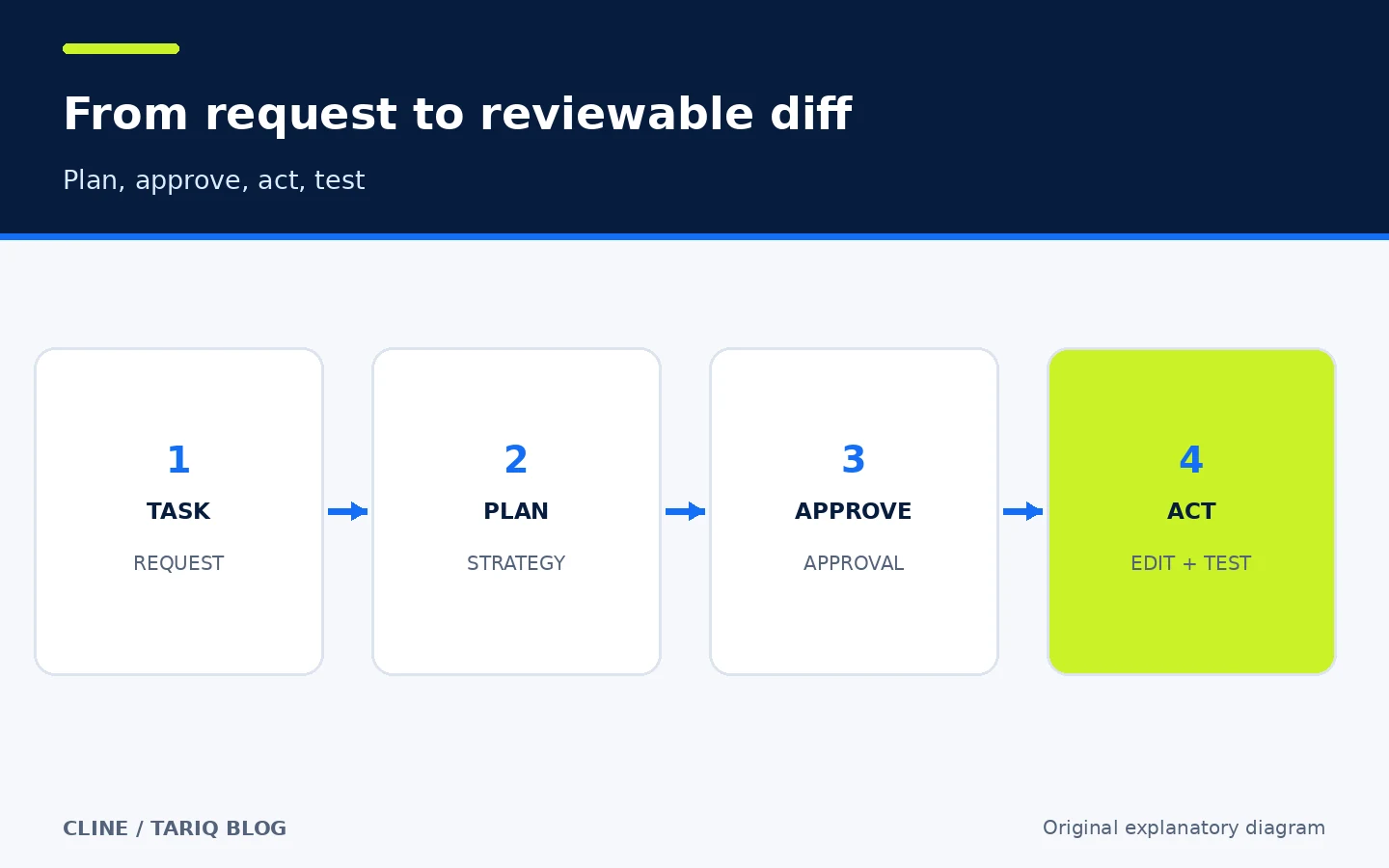
Cline is an Apache-2.0 project in the cline/cline repository. It is available as an extension for VS Code-compatible editors, a JetBrains integration, a desktop app, and a command-line interface. You can start with a natural-language task such as: “Find why the login test fails and propose the smallest safe fix.” In Plan mode it reads context, asks questions, and proposes an approach. After you review that approach, Act mode can request specific edits and commands.
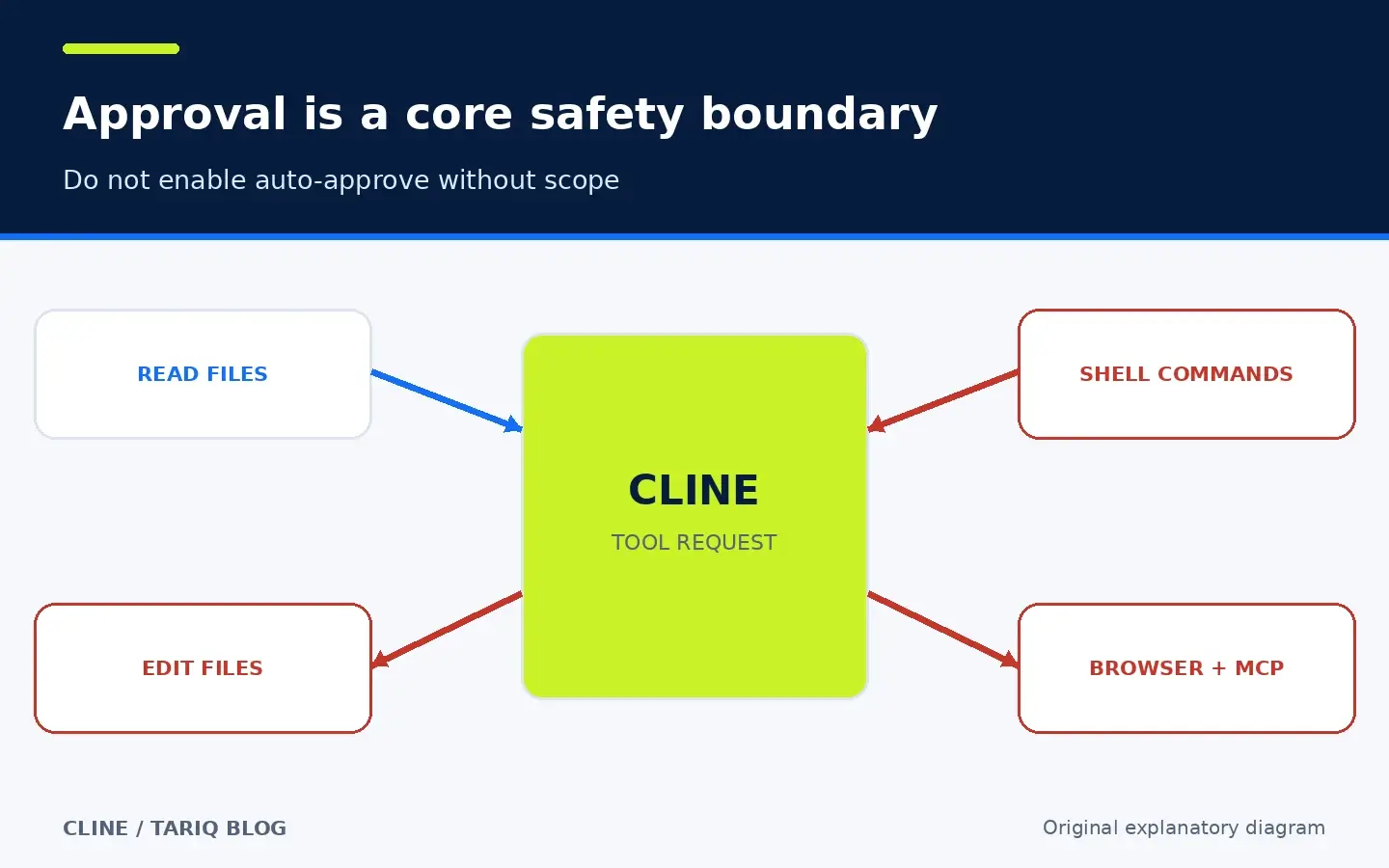
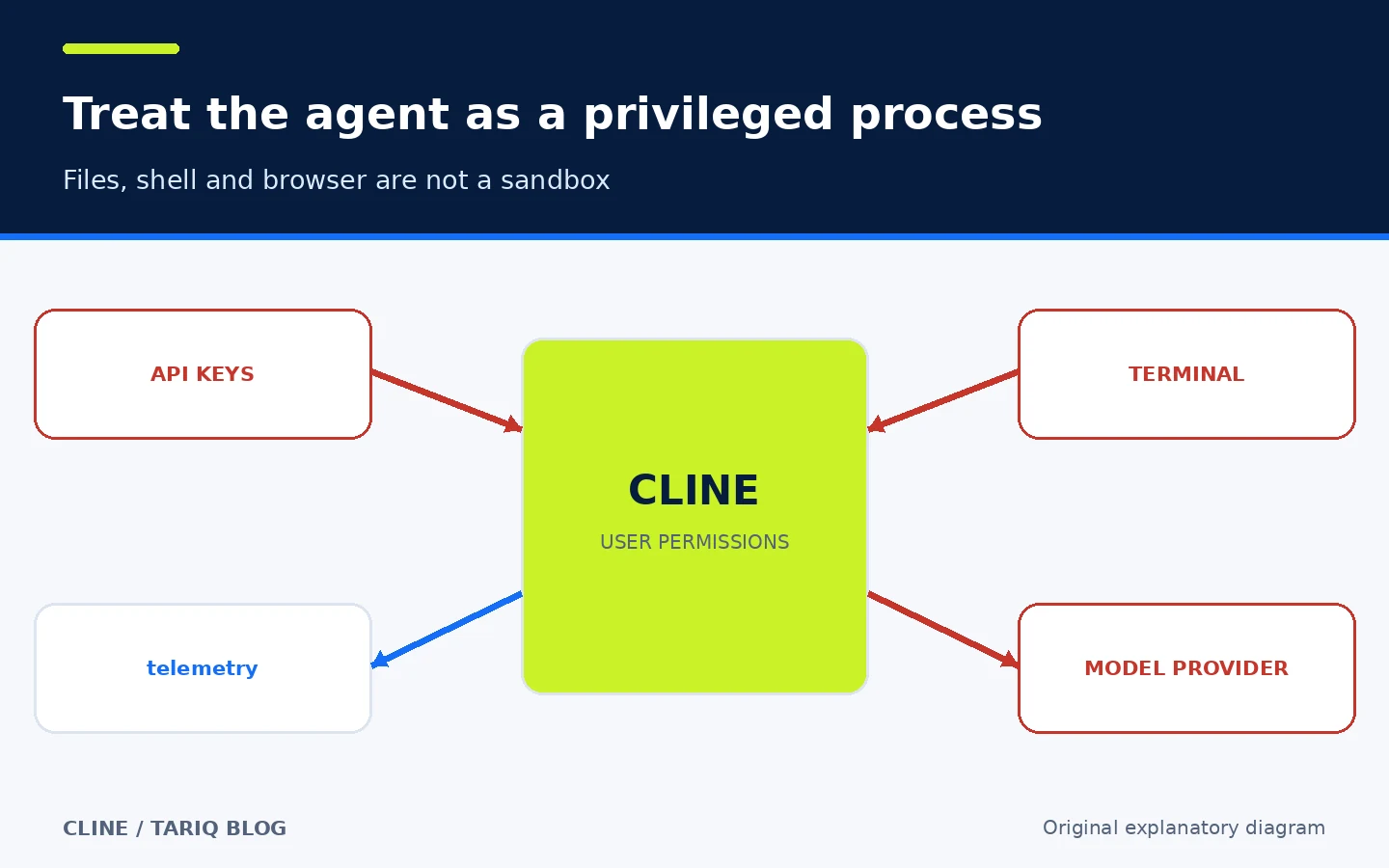
Depending on the surface and your settings, the agent can read and edit files, run terminal commands, use a browser, and connect to MCP servers. That makes it a privileged process rather than an isolated chat box. Approval-driven use is the sensible starting point. Auto-approve should have a narrow, explicit scope.
🎯 When is it a good fit?
Cline fits an individual developer or small team when a task is larger than completing one line but smaller than a project that needs independent architecture work: tracing a bug, adding a test, updating an API, making a bounded migration, or exploring an unfamiliar repository. It is useful when you want a visible plan and a reviewable diff instead of copying snippets from a chat into your editor by hand.
It should not be your first choice for a highly sensitive change with no tests or review, and it should not receive broad access to production systems or real secrets. If the task is precise and one trusted command already solves it, manual execution may be faster and cheaper.
🌟 Features that add practical workflow value
1. Separate planning from execution with Plan and Act
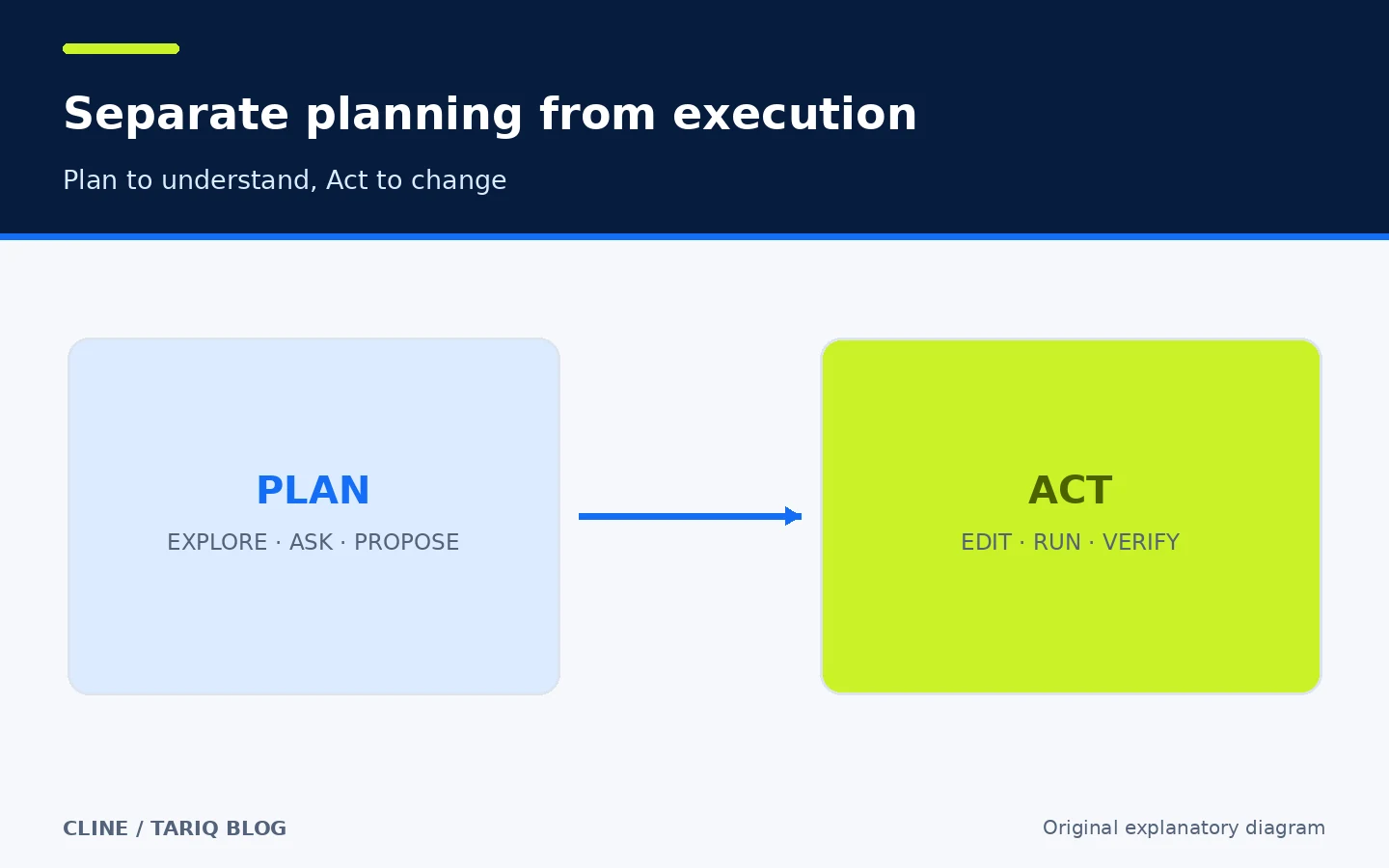
In Plan, Cline explores files, builds an understanding, and proposes steps before making changes. In Act, it moves to execution: edit, run, and verify. This separation reduces the chance of starting a broad change before agreeing on scope. Correcting the agent’s understanding in a plan is cheaper than undoing code later.
2. Explicit approvals for tools
Cline presents tool requests when it needs to read or write, run a command, open a browser, or use MCP. You can accept a step, reject it, or redirect the task. More granular approval policies are possible. For a low-risk project, automatically allowing reads and searches can be reasonable while keeping file edits and command execution behind manual approval.
3. Project context you can shape
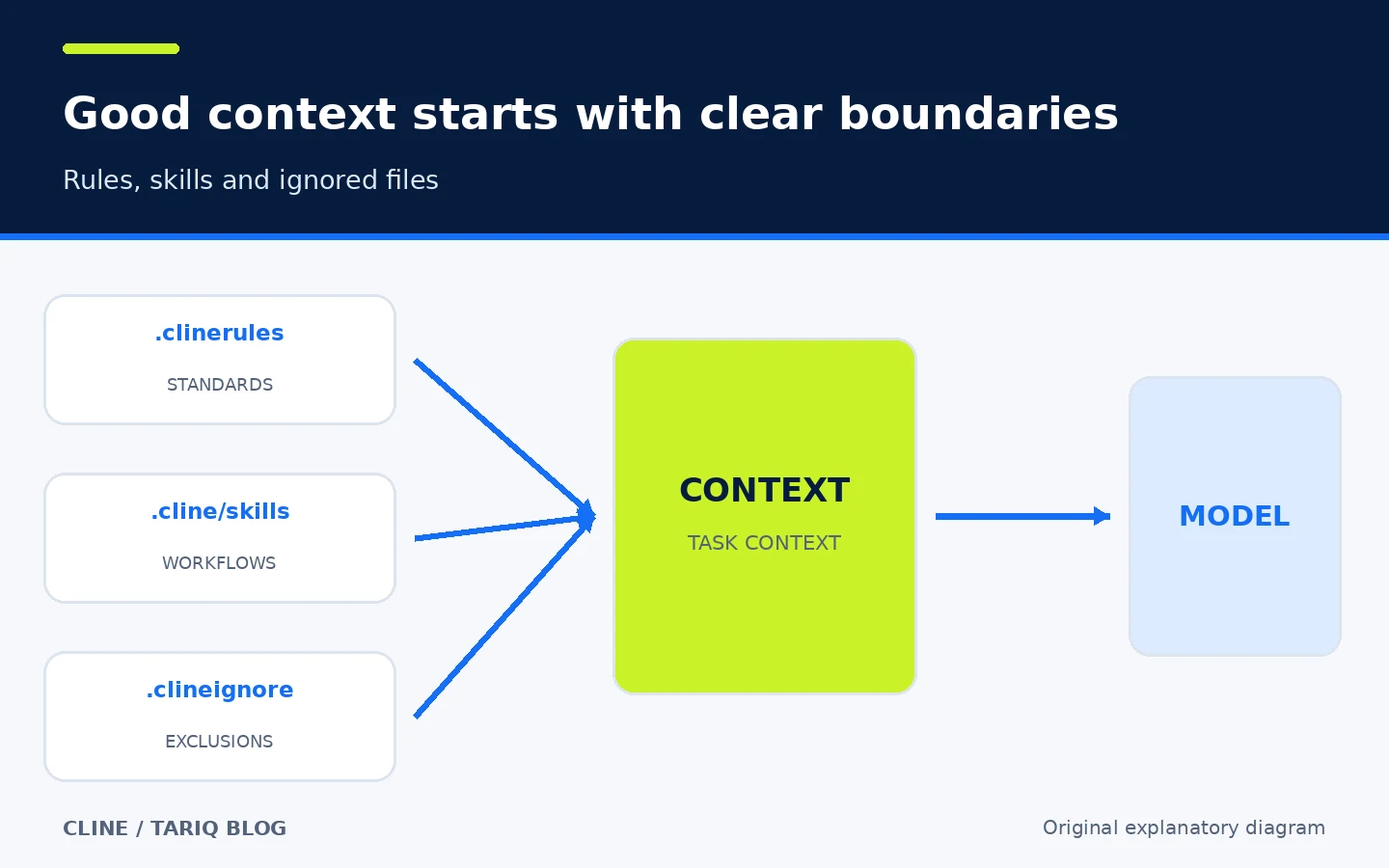
You can put project standards in .clinerules, save repeatable workflows as skills under .cline/skills, and exclude unnecessary files with .clineignore. A short request can then reach the model with testing conventions, directory structure, and validation commands already attached instead of repeating them in every session.
.clineignore helps reduce context and exclude selected files from a task, but it is not a security boundary or sandbox. Keep secrets out of the repository and do not rely on this file alone to protect production credentials.
4. Reviewable diffs and checkpoints
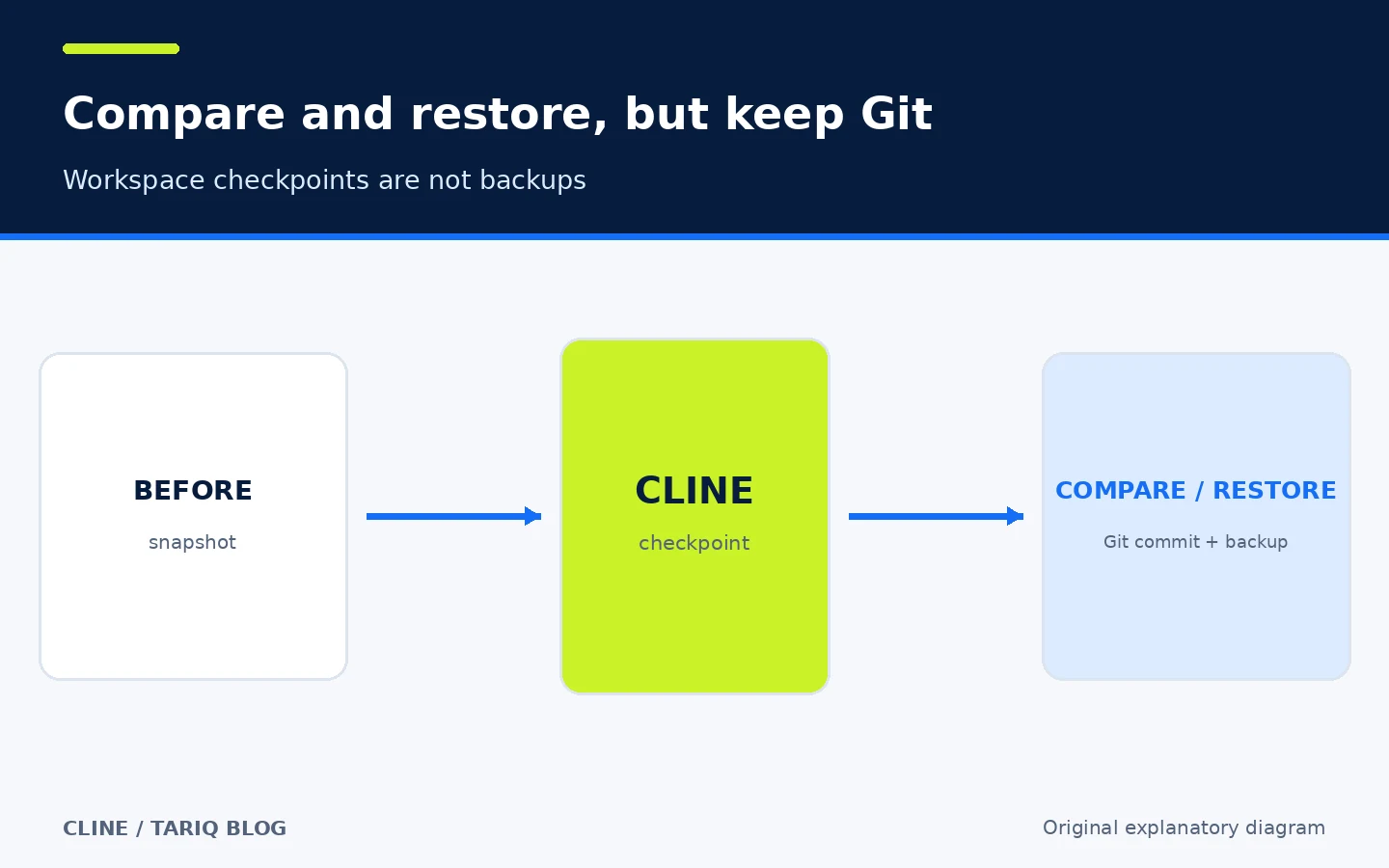
Cline keeps task history, exposes changes, and offers workspace checkpoints that help you compare or restore state. That is useful when trying one approach and backing out if it fails. Checkpoints are not a replacement for Git or backups. Create a branch, inspect git diff, and commit good states as usual.
5. Choose a cloud provider or a local model
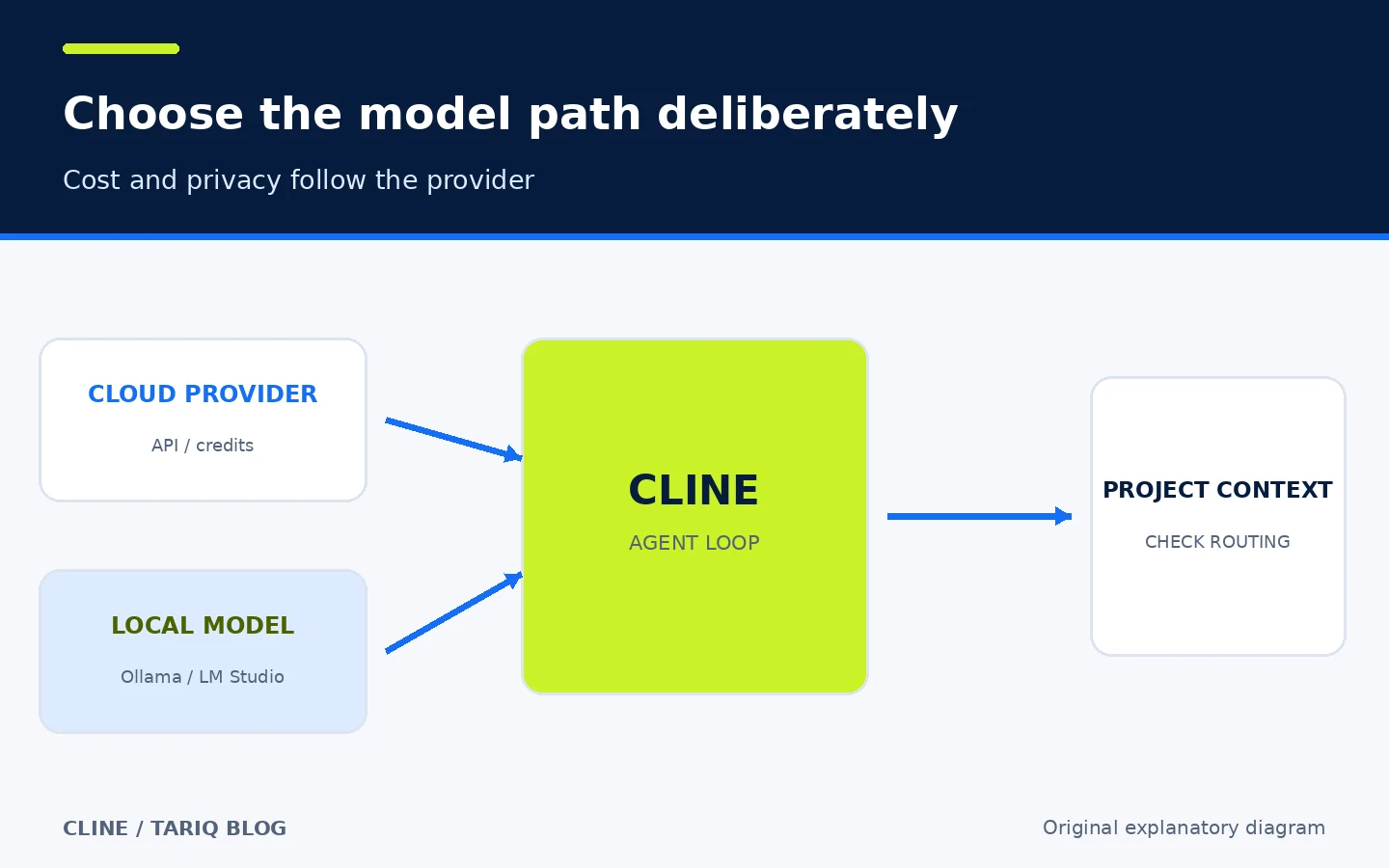
Cline supports multiple model providers, OpenAI-compatible services, and local routes such as Ollama and LM Studio. You can choose a stronger hosted model for a difficult task, or a local model when data policy and budget matter more. The code is free and open source, but hosted provider calls or Cline/ClinePass credits may cost money according to the provider. Local inference has no per-request API price, but it requires hardware and memory, and quality and speed vary.
The data route follows your choice. With an external provider, the necessary context leaves your machine under that provider’s terms. A local model reduces that path, but it does not automatically eliminate other application connections such as sign-in or feature flags when those services are used.
6. Extend the agent through MCP
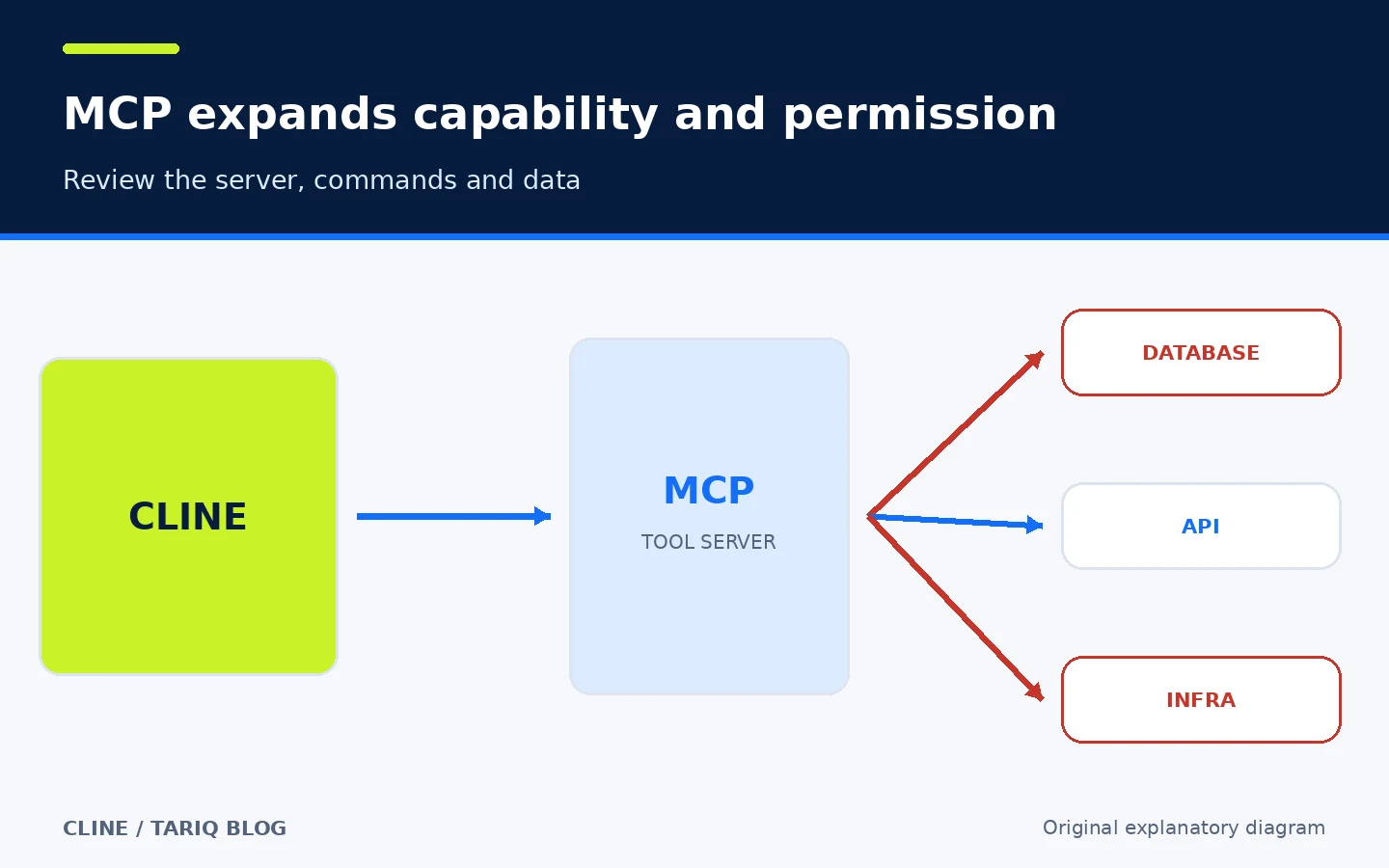
Cline can connect to MCP servers for access to a database, API, or infrastructure tool. This is helpful when a task needs more than repository files, but it also expands permissions and attack surface. Review the server publisher, commands, and data access. Start with read-only permissions and a development environment before connecting anything to production.
🛠️ A practical step-by-step workflow
This is a proposed workflow for fixing a failing test. I did not execute it against a real project while preparing this card:
- Create a clean branch and establish the current test baseline.
- Install the CLI or editor extension from the official source. The current CLI package manifest requires Node.js 22 or newer.
- Open the project root, run
cline, and choose a model provider or local route. - Begin in Plan with a bounded request: “Analyze the failing login test. Identify the file, cause, and smallest fix. Do not edit anything yet.”
- Review the plan. Correct assumptions, name forbidden files or commands, then move to Act.
- Approve only the reads the task needs. Review the proposed diff before accepting writes, then approve the specific test command.
- If the change expands, stop and return to a checkpoint or Git. A green test is not a substitute for reviewing the diff.
- Run the appropriate test suite yourself, inspect
git diff, and create a manual commit with a meaningful message.
⚖️ What do you gain over doing it by hand?
| Task | Manual workflow | With Cline |
|---|---|---|
| Understand a new repository | Search, open files, and assemble relationships yourself | Explores files and proposes a reviewable map and plan |
| Turn an idea into a change | Move between chat, editor, and terminal | Connects the plan to edits and commands in one session |
| Control permissions | You execute each command directly | Presents tool requests for step-by-step approval |
| Back out an experiment | Git or manual copies | Helpful checkpoints, while Git remains authoritative |
| Repeat team conventions | Explain them on every task | .clinerules and skills retain repeatable context |
| Cost | Your time and current tools | Review time plus possible model cost or local hardware |
The added value is reducing manual handoffs between analysis, files, and commands, not removing developer responsibility. The clearer the tests, rules, and scope, the more useful and reviewable the agent becomes.
📦 Installation and compatibility
Install the command-line interface from npm:
npm i -g cline
cline --version
cline
The package manifest reviewed for this card requires Node.js 22 or newer for the CLI. You can install the Cline extension from the editor marketplace in VS Code and compatible editors including Cursor and Windsurf. JetBrains support and a desktop app for macOS and Windows are also documented. Because Cline is a monorepo with multiple deliverables, do not assume the extension and CLI share a single version. At verification time, the latest extension release was v4.1.26, published on 26 October 2026, while the CLI package manifest showed 3.0.74.
I did not install or run Cline in the environment used to prepare this card. Verification is based on the original repository, documentation, and release pages.
🔐 Privacy, permissions, and security
Cline may read your project, write files, run the terminal, use a browser, and connect to MCP servers and a model provider. Treat it as a privileged agent:
- Start on a work branch with development accounts and least-privilege secrets.
- Keep file edits and command execution behind manual approval until you understand the task pattern.
- Do not enable broad Auto-approve on an untrusted repository. Instructions in project files may try to steer the agent toward unwanted actions.
- Review every MCP server, model provider, and data-retention policy before sending private code.
- Telemetry is enabled by default according to Cline’s documentation. It covers feature usage, errors, token counts, provider/model, app version, operating system, and editor, plus a device identifier and account or organization information when signed in. It can be disabled in settings or with
telemetryOptOut. Cline/ClinePass provider requests may record prompt and response content according to the documentation; check your organization’s settings. - Do not treat
.clineignoreor checkpoints as a sandbox or backup.
The security policy says only the latest minor release receives active fixes. Security advisories in 2026 covered WebSocket services, and an unauthorized npm publication of CLI version 2.3.0 was reported in February. Install from the official channel, avoid that old version, keep current, and inspect the package name and version before installation.
⚠️ Limits to understand
- Results depend on the model and context. Cline can diagnose the wrong cause or change more than necessary.
- Large context increases time and cost, and important details may be lost during compression.
- Local models need capable hardware and do not guarantee the same quality as hosted models.
- Auto-approve is faster but removes an important review point, especially for shell commands and MCP.
- Checkpoints belong to the workspace and do not replace Git, backups, or peer review.
- Task data and history may be local, while model-bound data follows the provider route you selected.
- Multiple product surfaces mean extension, CLI, and desktop versions can follow different release cycles.
- Stars and forks indicate adoption, not quality or security by themselves.
🔎 Why was Cline selected today?
I compared Cline in the coding-agent category with Ruff in Python testing and quality. Ruff is mature and fast, and the latest official release reviewed was v0.17.3 on 26 October 2026. However, the directory recently covered testing and Git tools, and the Astral ecosystem is already represented by uv. Cline adds a different category after a security card and offers practical value to individuals and small teams, with source transparency and local-model options. Star count was not the deciding factor.
At inspection time, GitHub displayed approximately 71.3k stars and 7.8k forks for Cline. The latest main-branch activity observed was 4 November 2026 at 00:40:07 UTC. These are rounded, changing GitHub figures.
📚 Sources and verification date
Verified on 4 November 2026 against these original sources:
- Official repository, license, installation, and compatibility
- Official Cline documentation
- Official installation and features page
- Official Cline releases
- Telemetry documentation
- Security policy and published advisories
- Official Ruff releases used for comparison
GitHub Trending/Topics, claudeskills.info, and dshmarket.com were used only for discovery and comparison, not as sources of truth for Cline details. I did not test installation, model quality, or actual cost. Pricing and limits depend on the chosen provider and can change.