Docmost
Active and stableRuns locally ✓No paid APIBuild a self-hosted team wiki with searchable Spaces, real-time page editing, comments, history, and export.
docker compose up -dIdeal use for this tool
Ideal for a small team that wants runbooks, product decisions, and system documentation on its own server with live editing, search, and page history. It is not a fit for teams that want zero server operations or expect SSO and granular page permissions in the free edition.
Details and illustrated features
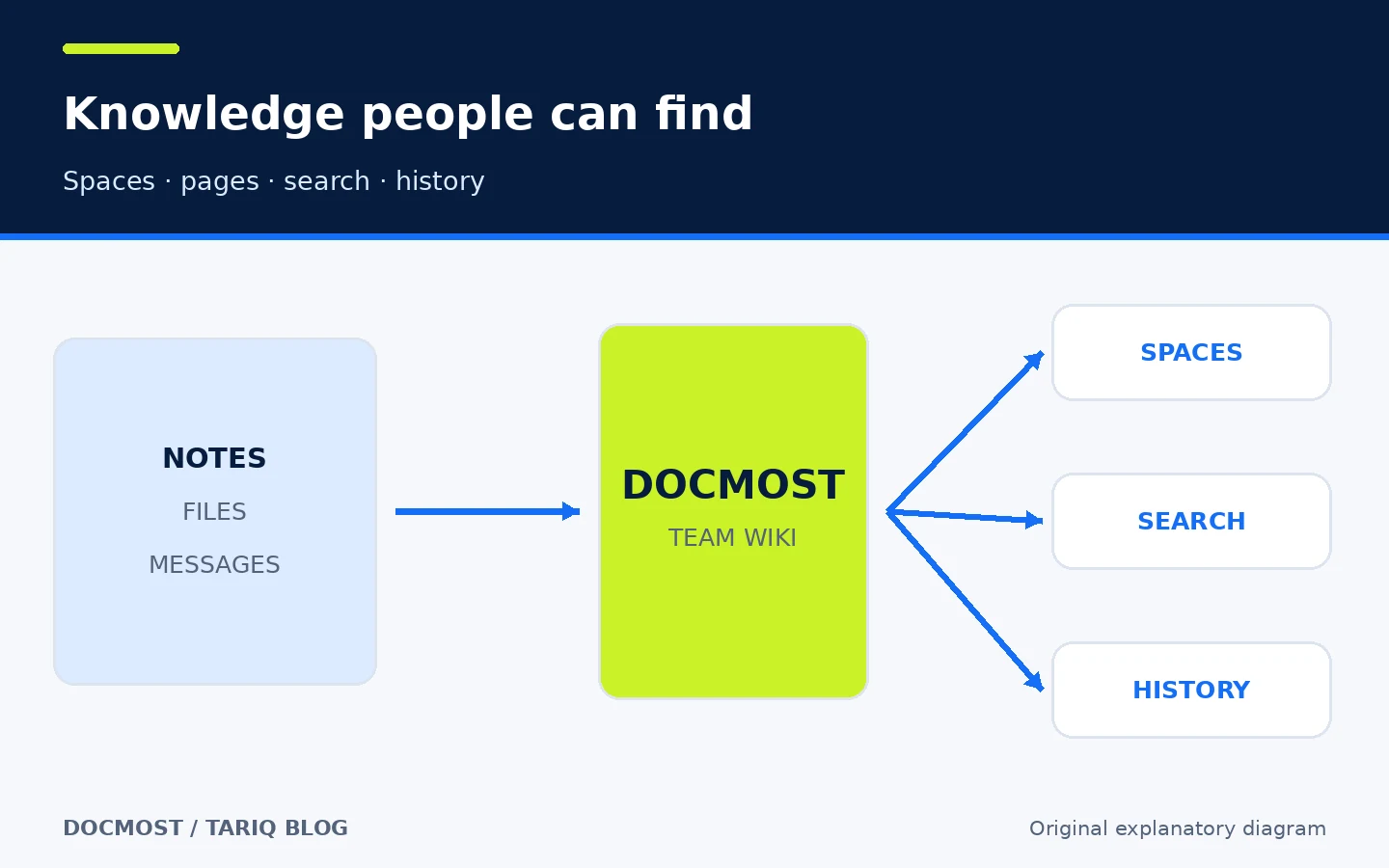
The problem begins when team knowledge is split across a chat, an old file, a private note, and a page nobody knows is still accurate. The issue is not a lack of writing; it is the difficulty of finding a decision, understanding its context, and reviewing what changed. Docmost brings that knowledge into a self-hosted collaborative wiki: pages live in Spaces, multiple people can edit them, search can find them, and earlier versions can be restored. Its practical value is a shared knowledge system with structure, permissions, and history instead of disconnected files that depend on their owners' memory.
🧭 What is Docmost?
Docmost is open-source software for an internal wiki, knowledge base, and project documentation. It runs as a web application on your infrastructure, uses PostgreSQL for data and Redis for jobs and transient state, and stores attachments locally or in S3-compatible or Azure Blob storage. The open edition is licensed under AGPL-3.0; Business and Enterprise editions add commercial features.
Readers work with four basic concepts:
- Workspace: the team's top-level environment.
- Space: an area for a project, department, or purpose, such as Engineering or Operations.
- Page: a knowledge page containing text, tables, diagrams, files, and links.
- History: automatic versions that can be compared and restored.
This is not a local Markdown editor or a Git folder. It is a multi-user web service that needs operations, backups, and security updates. If you only need one README beside code, a Markdown file may be simpler.
🎯 How does it help you?
Docmost suits a small team that repeatedly answers the same questions or needs one place for runbooks, product decisions, and system definitions. Instead of sending a new file after every edit, the team changes the source page, comments on a specific sentence, and returns to page history when it needs to understand or undo a change.
The added value is more than attractive pages. Knowledge can be organized by team, found through search instead of asking a person, and exported instead of being trapped in an unreadable database. The team still needs page owners and review dates; any wiki becomes stale when nobody owns the content.
Good uses include:
- Incident and operations runbooks.
- Architecture documentation and design decisions.
- Employee or contractor onboarding.
- Product specifications and meeting outcomes linked to decisions.
- A private team knowledge base hosted on infrastructure you control.
It is a weaker fit when nobody wants to operate a server, or when the team expects SSO and granular page permissions for free. Those capabilities are commercial in the current Docmost editions.
🌟 Key features
1. Real-time editing, comments, and page history
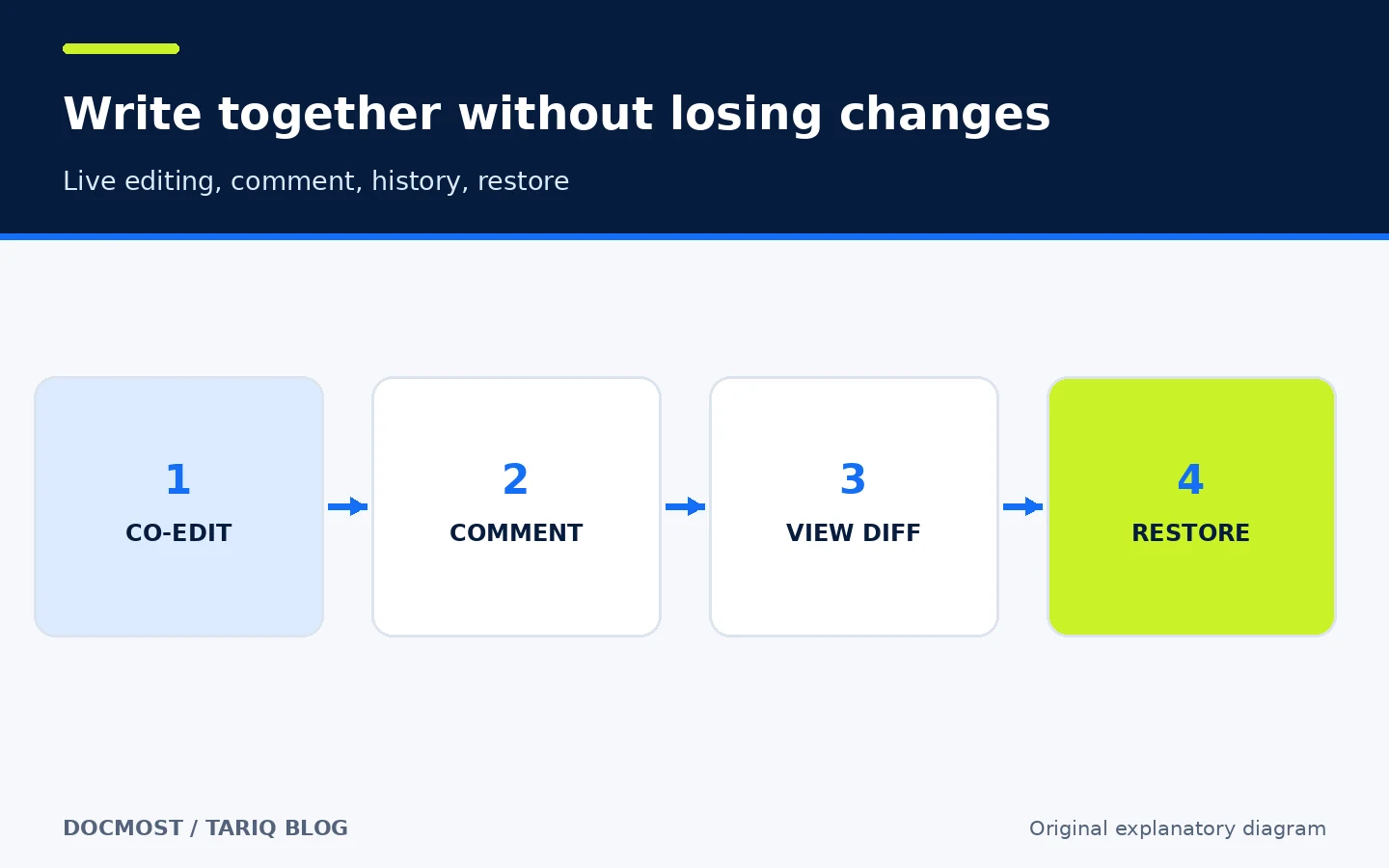
Multiple people can edit the same page in real time without overwriting one another. A reader can comment on selected text, and the team reviews comments from the side panel. Docmost automatically keeps page history: the docs say snapshots are saved every minute during the first five minutes after page creation, then every five minutes during an editing session. A user can inspect a highlighted diff and restore a version.
- Where: Page editor, Comments panel, and Page menu > Page history.
- How: Co-edit with a colleague, select a sentence that needs a decision, add a comment, then inspect history before restoring.
- Illustrative example: An operations procedure is edited incorrectly; the owner compares the current and previous versions and restores the correct text.
- Watch out: Version history is not a server backup and does not prove the content is correct. Advanced comment capabilities such as resolving comments are listed among paid features.
2. Spaces and roles
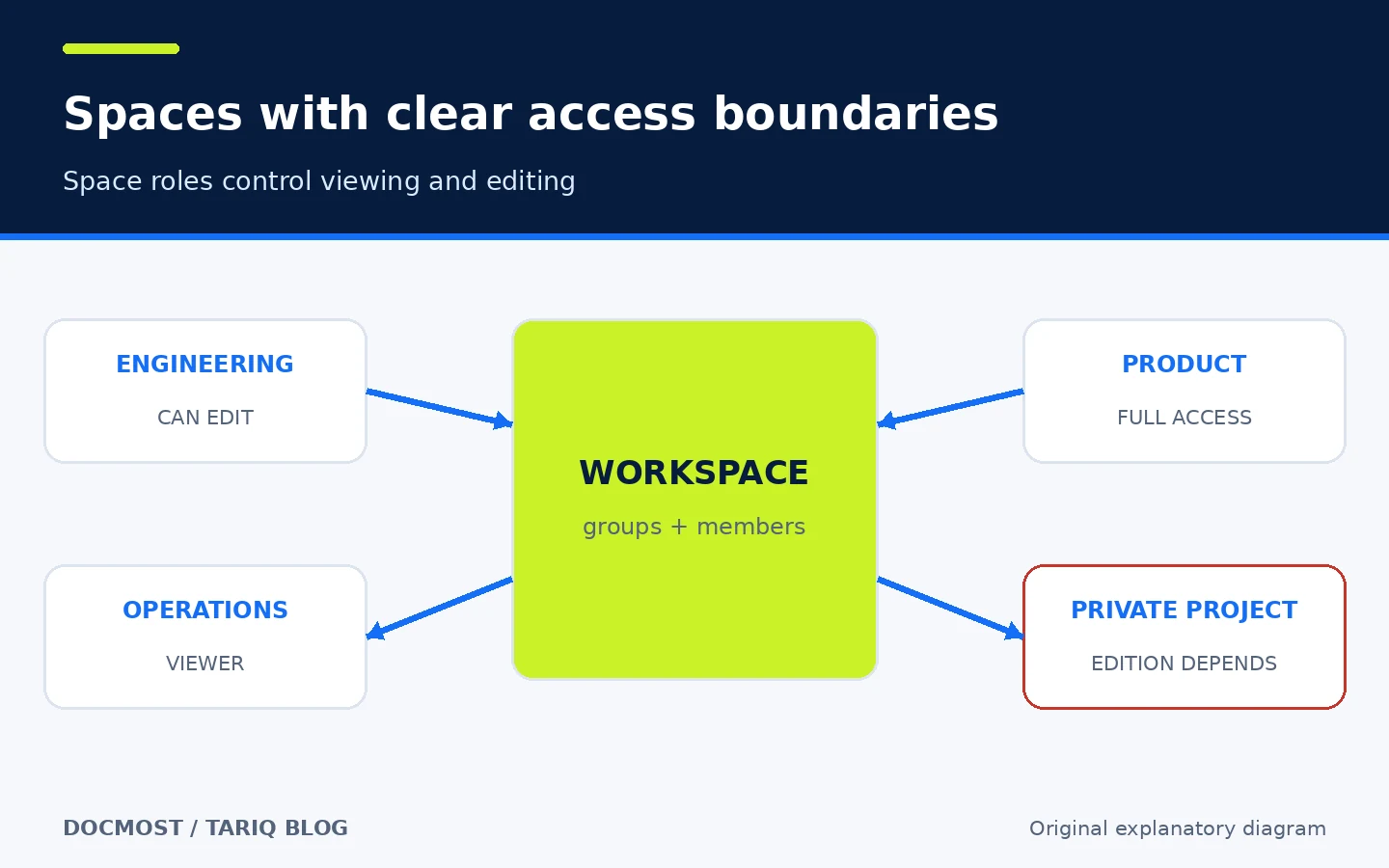
Spaces organize pages by project or team. Members and groups can be assigned Full Access, Can Edit, or Viewer. This prevents a knowledge base from becoming one long list and gives each area understandable boundaries.
- Where: Settings > Spaces, then Space Settings > Members.
- How: Create Engineering and Operations spaces, add the relevant groups, and grant the least role needed.
- Illustrative example: Support staff can read operating runbooks while the operations team edits them.
- Watch out: Granular permissions for an individual page are commercial. In the open edition, design the Space structure carefully instead of assuming page-level ACLs are available.
3. Rich content without separating diagrams from explanations
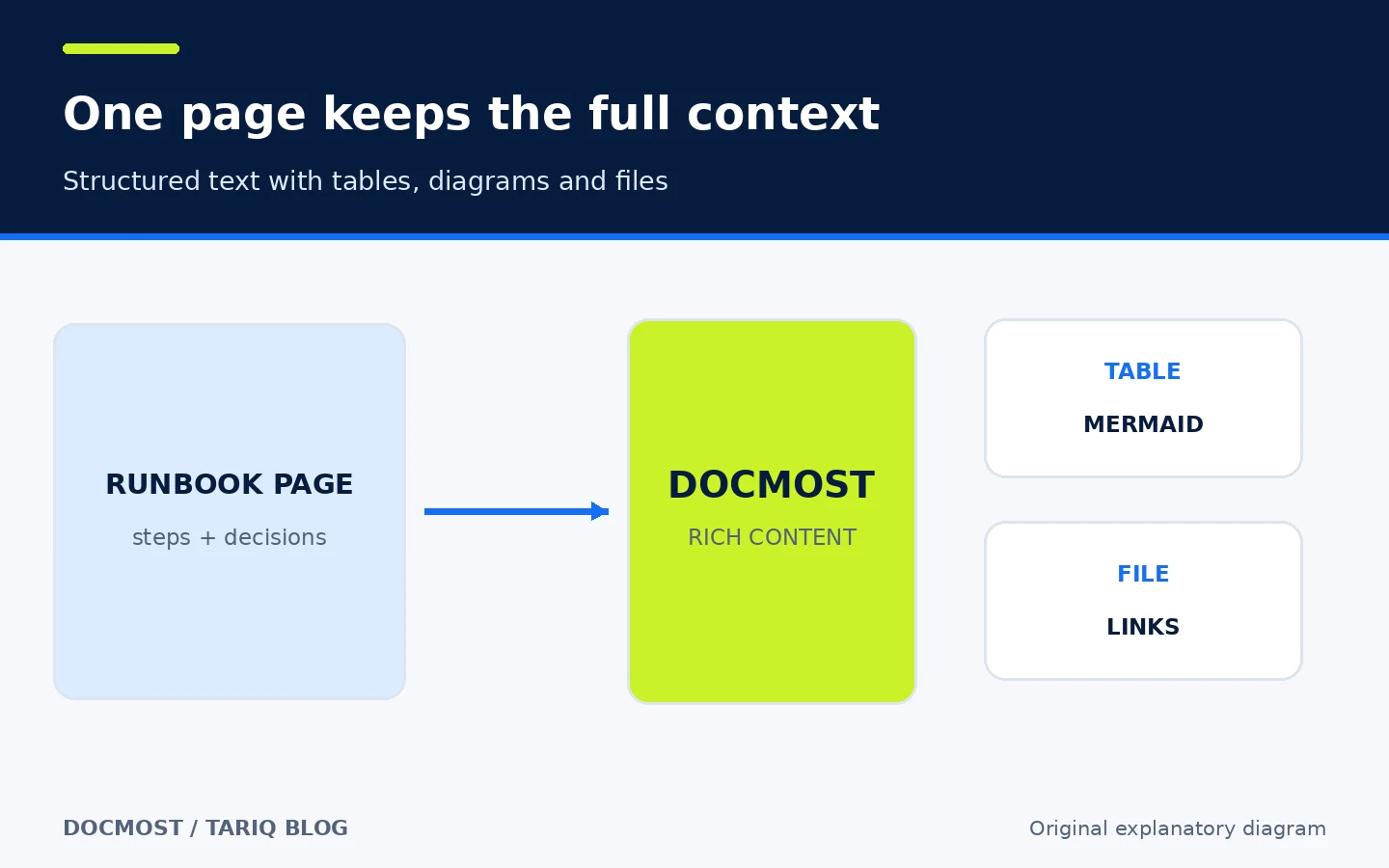
A page can include text, tables, Draw.io, Excalidraw and Mermaid diagrams, equations, attachments, links, and embeds. This helps when a runbook needs a workflow diagram, responsibility table, and reference file in the same context.
- Where: Editor block commands and Markdown shortcuts.
- How: Begin with headings and steps, then add only the table or diagram that explains an important relationship.
- Illustrative example: An Incident Response page contains an escalation flow, service-contact table, and links to dashboards.
- Watch out: Embeds and diagrams increase the attack surface. Keep Docmost patched and avoid turning every page into a dense dashboard that is difficult to print or export.
4. Search, sharing, and export
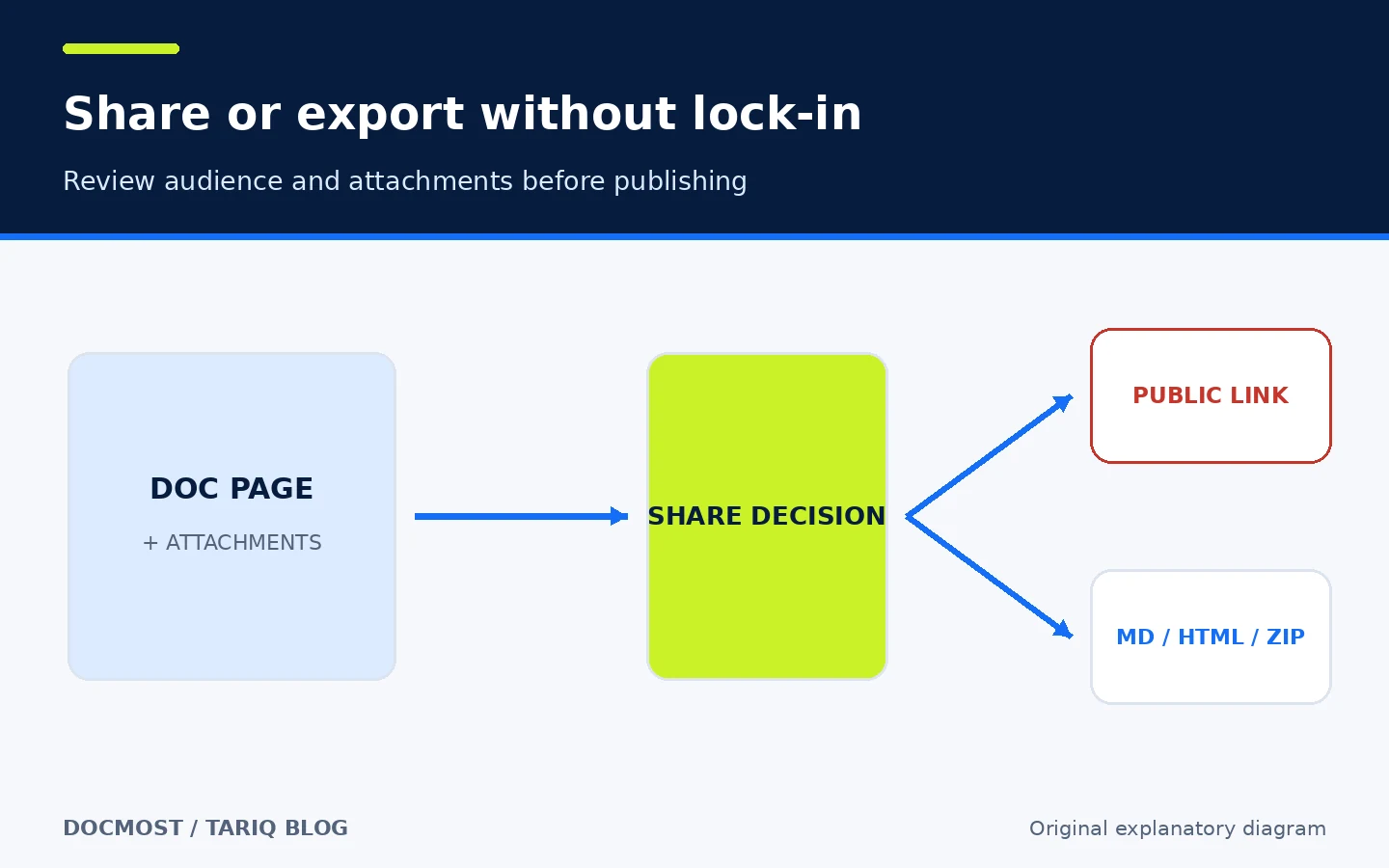
Docmost provides full-text search with filters. A page can be published through a public link or exported as Markdown or HTML. Exports can include subpages and attachments; multi-page exports use a ZIP structure that follows the page hierarchy.
- Where: Global search, Share button, or Page menu > Export.
- How: Search before creating a duplicate page, then export a copy for handoff or external retention.
- Illustrative example: A team hands project documentation to a contractor as an HTML bundle with attachments instead of providing a permanent account.
- Watch out: Anyone who obtains a public link may see its content. Review subpages, attachments, and search-engine indexing. Controls for disabling public sharing vary by edition; verify the active plan before treating them as a security policy.
🪜 Step-by-step workflow
This is an illustrative workflow; Docmost was not installed on the directory server:
- Allocate a domain such as
docs.example.comand prepare Docker and Docker Compose. - Download the official
docker-compose.ymlinto a dedicated directory. - Set
APP_URL, generate anAPP_SECRETof at least 32 random characters, and replace the PostgreSQL password in both locations. - Start the services and open the setup page to create the Workspace owner.
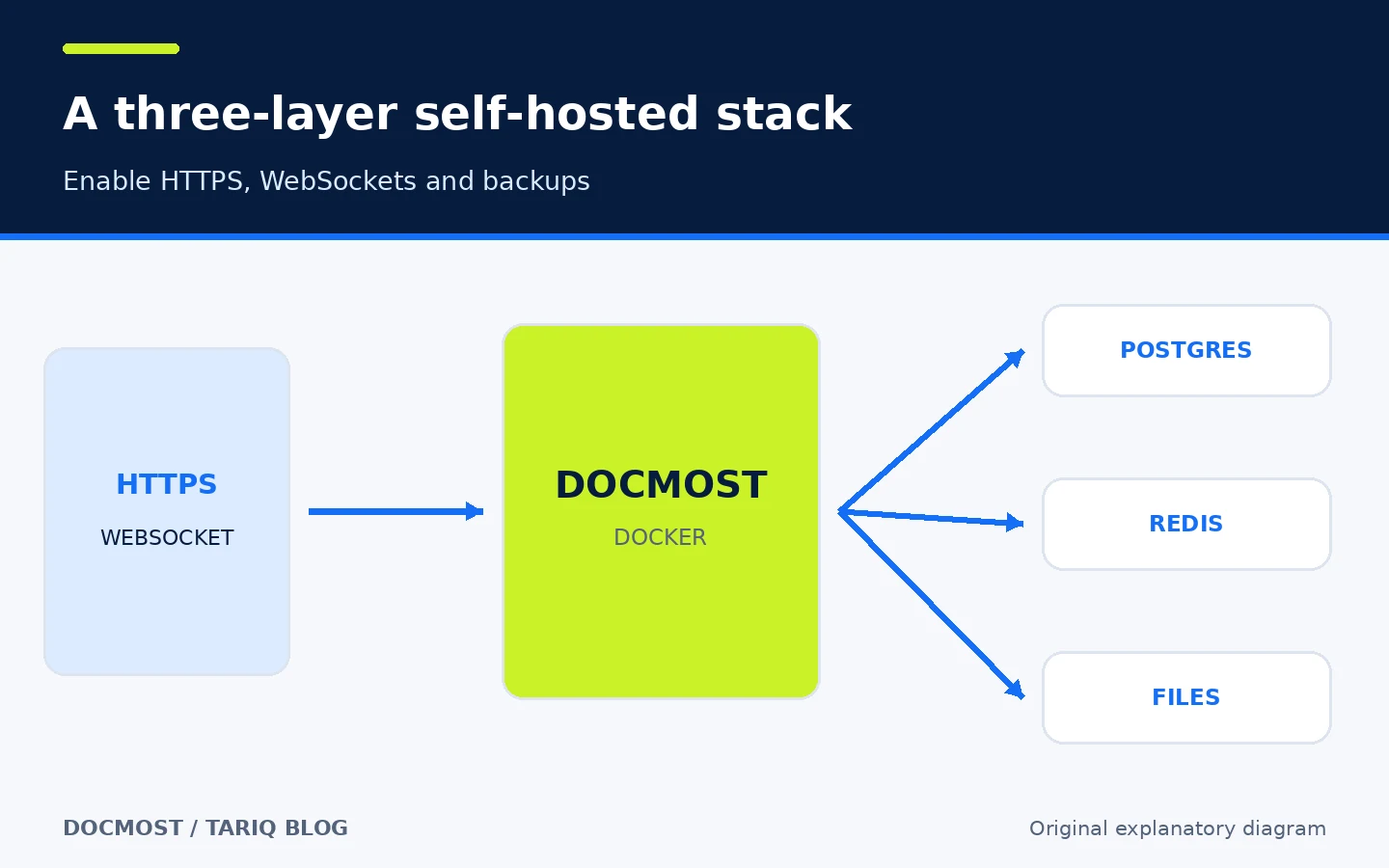
- Put Docmost behind an HTTPS reverse proxy and forward WebSockets; without WebSocket support, the collaborative editor becomes read-only.
- Create only three initial Spaces: Engineering, Operations, and Product, then assign groups and roles.
- Create a small page template: purpose, owner, last reviewed date, steps, risks, and sources.
- Move one runbook manually, test search, comments, and history, then export it to Markdown to verify knowledge can leave the system.
- Back up PostgreSQL, attachments, and configuration, and keep
APP_SECRETsafely outside the server. - Watch Releases and security guidance before upgrades. Back up first and pin a release tag instead of relying on
latestin production.
⚖️ What changes compared with manual work?
| Task | Scattered files and chats | With Docmost |
|---|---|---|
| Find a procedure | Ask its owner or search several systems | Search once across Spaces |
| Collaborate | Conflicting copies and file versions | Real-time editing and text comments |
| Understand changes | Filenames such as final-v3 | Page history, diff, and restore |
| Organize access | Ad-hoc links and folders | Workspace and Space roles; page ACLs are paid |
| Handoff | Manual copy and paste | Markdown or HTML export with attachments |
| Own the data | Depends on an external service | PostgreSQL and files on your infrastructure |
| Operate it | Sometimes no server | You own updates, backups, and HTTPS |
If one person maintains only a few pages, a Markdown repository may be simpler and easier to review through Git. Docmost becomes valuable when several people need live editing, search, roles, and ongoing organization.
⚙️ Important configuration
APP_URL: the correct public URL; it should match the domain users open.APP_SECRET: a core secret of at least 32 characters. It is required after restore to decrypt MFA secrets, integration tokens, and SIEM credentials. Losing or changing it can break restoration of those values.DATABASE_URLandPOSTGRES_PASSWORD: database connection and password; the values must agree in the app and PostgreSQL services.REDIS_URL: the Redis connection.STORAGE_DRIVER: local storage by default, or S3-compatible or Azure Blob storage.- SMTP or Postmark configuration is needed for email invitations and email-related notifications.
DISABLE_TELEMETRY=true: disables anonymous telemetry. According to the docs, Docmost otherwise collects active version and counts of users, pages, Spaces, and Workspaces.
🚀 Installation and first run
The documentation recommends Docker. After downloading the Compose file and replacing default secrets and values, start the services with:
docker compose up -d
Then open http://localhost:3000 or your configured domain. Docmost exposes a health endpoint at /api/health. Do not deploy the example Compose file unchanged on a public server: replace REPLACE_WITH_LONG_SECRET and STRONG_DB_PASSWORD, and put HTTPS and WebSockets in front of the service.
The current Compose example uses Docmost, PostgreSQL 18, Redis 8, and three data volumes. The reviewed sources do not promise a fixed minimum CPU or memory size; test capacity for your user count, attachments, and search workload instead of inventing a requirement.
🔗 Integrations and compatibility
Release v0.97.0 added integrations or link previews for GitHub, GitLab, Jira, Linear, Azure DevOps, and Figma. Docmost supports Markdown and HTML import/export and lists Notion import. Advanced Confluence, DOCX, and PDF import capabilities are part of current paid editions.
It works in a browser, so this card uses the Universal platform. MCP and AI are Business features according to pricing. We did not attach the MCP platform to the card because it is not a free core capability, and because AI use may require a local model or an external model service with separate cost.
💰 Cost and local operation
The Open Source edition is free under AGPL-3.0. You pay for the server, email, storage, and backups. On November 2, 2026, the pricing page listed Business at $6 per seat per month billed annually, with a 10-seat minimum—a displayed minimum of $60 per month before tax or other services. Enterprise pricing is custom.
Business adds capabilities such as SSO, LDAP, MFA, AI, MCP, API keys, granular page permissions, and some import and attachment-search features. The core wiki does not require a paid API. Optional AI capabilities can require a model provider and separate cost.
⚠️ Limitations and when not to use it
- This is not a simple desktop app. It needs a web service, PostgreSQL, Redis, and file storage.
- Real-time collaboration needs correctly proxied WebSockets; otherwise the editor becomes read-only.
- Community does not include every business control. Check the plan table before building access policy around SSO, page permissions, or MFA.
- Export is useful but does not replace database, attachment, and configuration backups.
- A knowledge base does not maintain itself. Assign owners and review dates to important pages.
- The project is still pre-1.0 (
v0.97.0), so behavior can change. Read every release note before upgrading.
🔐 Security, privacy, and permissions
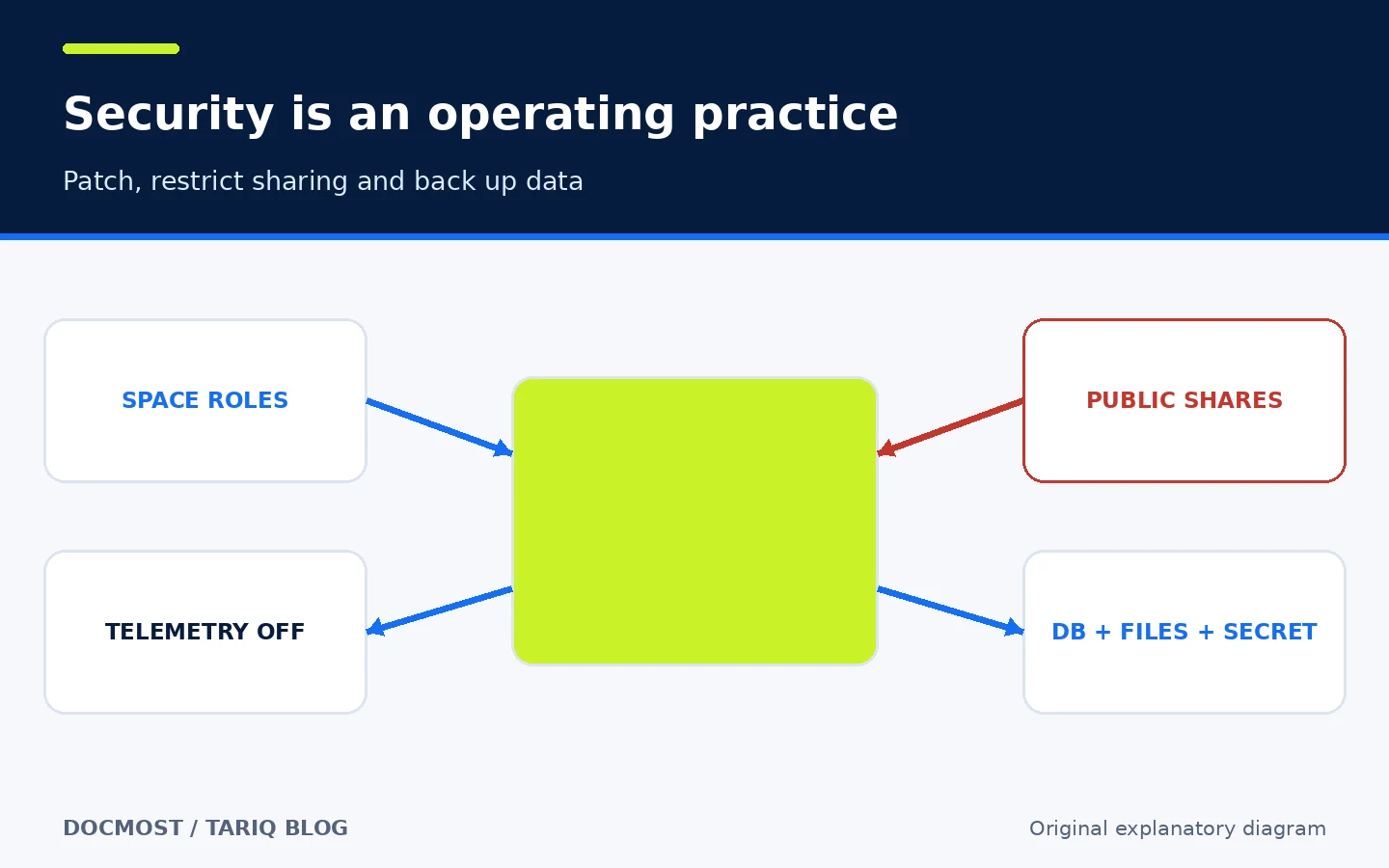
Self-hosting means pages, the database, and attachments remain on infrastructure you operate, but it does not mean no network traffic. Email, external storage, embeds, integrations, and AI features connect to other services according to your configuration. Docmost also sends the documented anonymous telemetry unless DISABLE_TELEMETRY=true is set.
Use these boundaries:
- Use HTTPS and do not expose the app port directly to the internet.
- Give Viewer to people who only need reading access and review public links regularly.
- Back up PostgreSQL, attachments, configuration, and
APP_SECRET; keep an off-server copy. - Never commit storage or SMTP credentials to a public repository.
- Patch promptly. v0.97.0 includes fixes for Node.js vulnerabilities and recommends upgrading, and the project published multiple advisories in 2026. That makes patch management essential; it does not prove any version is permanently safe.
- Test restoration, not only backup creation. The docs recommend restoring the same Docmost and PostgreSQL versions first, then upgrading afterward.
📚 Sources and verification date
Verified on November 2, 2026. Docmost was not installed or executed:
- Official Docmost repository — identity, features, AGPL-3.0, and activity.
- Release v0.97.0 — published October 25, 2026, with integrations and security fixes.
- Official installation guide — Docker Compose, PostgreSQL, Redis,
APP_SECRET, and WebSockets. - Pages guide and Spaces guide — comments, history, sharing, export, and roles.
- Backup and restore — PostgreSQL, attachments, configuration, and the importance of
APP_SECRET. - Environment variables — telemetry and network/embedding boundaries.
- Editions and pricing — Community, Business, Enterprise, and their boundaries.
At inspection time, GitHub showed about 22.2k stars and 1.7k forks. The newest commit on main was November 2, 2026 at 02:45 Riyadh time (821b11e). These are adoption and activity signals, not user ratings.