dsh-context
Active and stableRuns locally ✓No paid APIA dashboard showing what uses DSH session context and how it changes.
dsh plugin --profile web add dsh-contextIdeal use for this tool
For DSH developers diagnosing context growth, tool outputs, and compaction in long sessions. It estimates category composition and does not compact context automatically.
Details and illustrated features
dsh-context adds a DeepSeek Harness dashboard for inspecting what occupies the context window and how it changes across requests. Category figures are estimates based on DSH's own meter; provider-reported actuals appear where available.
🧭 Where to find it
After installation, run dsh web, open a session and select the Context tab. Type /context for an in-chat dialog. Default display options live in Settings → Plugins → Plugin configuration.
🌟 Key features
1. Current context composition
A stacked bar separates system prompt, tool schemas, user messages, injected context, assistant replies, and tool results. Inspect it to identify the dominant category before changing how you work. The category shares are estimates, not billed-token measurements.
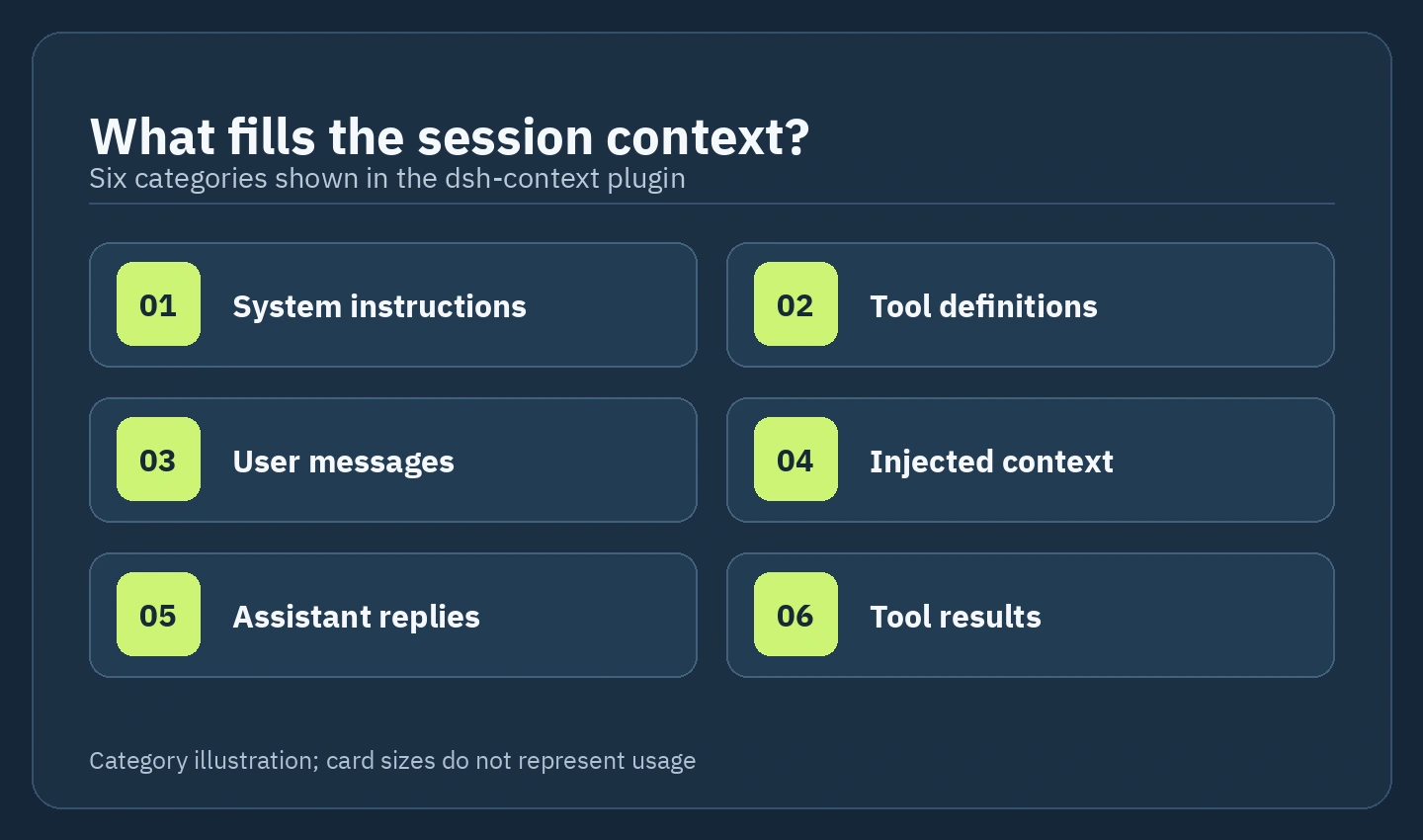
2. Growth trend and compaction events
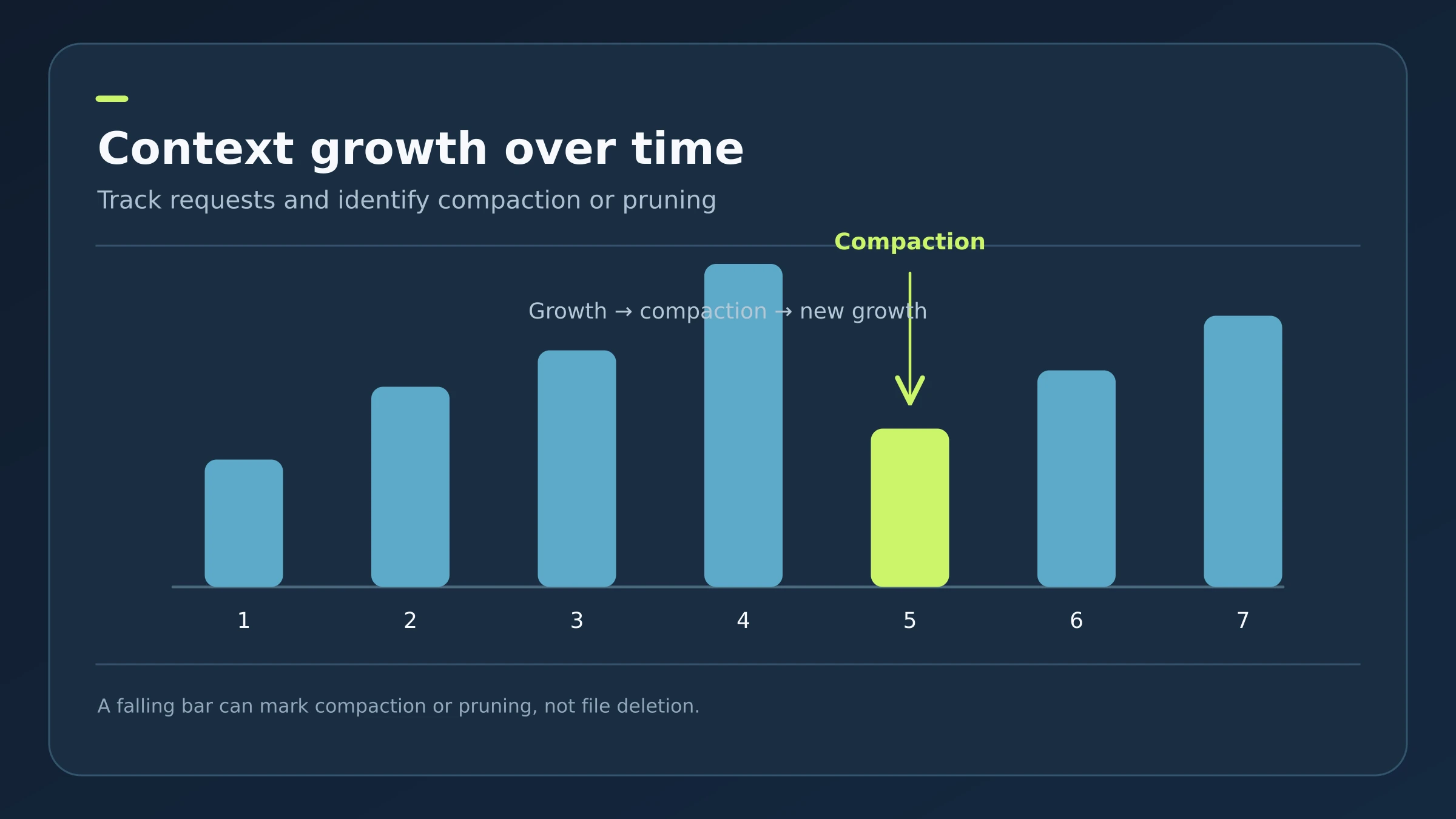
Context Trend plots each model request, or each turn if configured. Total shows cumulative composition; Delta highlights additions and removals. Compaction and prune markers explain drops. Select a bar to inspect the step and provider-reported actuals when available.
3. Context Browser and tool results
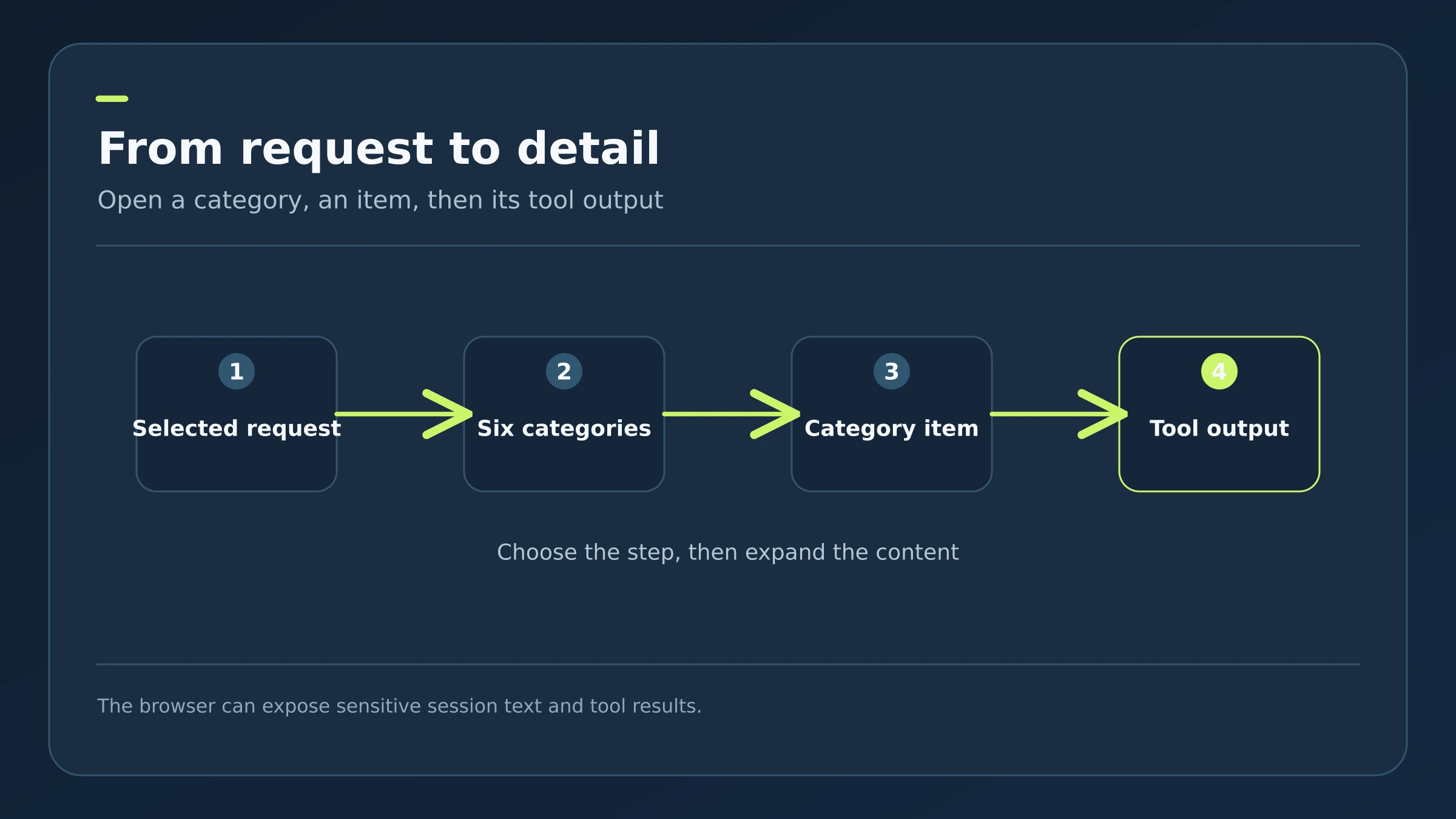
Select a step, expand a category, then inspect the elements assembled for that request, including tool definitions, arguments, and outputs. Tool schemas can be filtered and sorted. Steps reconstructed from before compaction may be approximate. This view can reveal sensitive session content.
4. File activity and agent network
File Activity lists read, written, and searched files with estimated line changes and links to the relevant tool result. Agent Network maps parent and child sessions and their context usage. Separate cards cover request, token, and timing statistics and context events.
🪜 Illustrative workflow
If a long development session slows down, open Context, select the largest increase in Trend, and inspect Tool results in Browser. Check whether a large output drove the growth, then adjust subsequent tool outputs. This is an illustrative workflow, not a test performed on a real project.
⚖️ Compared with manual inspection
| Manually | With the plugin |
|---|---|
| General context meter | Category breakdown and per-request history |
| Search chat for a long result | Open the exact step and tool output |
| Guess why context shrank | Inspect compaction, pruning, and injection events |
🚀 Installation and settings
According to dsh-market, compatibility starts at @deepseek-ai/dsh 0.1.2-rc1. Its installation command is dsh plugin --profile web add dsh-context; run dsh web afterward. The page says no build or restart is needed. Substitute your own profile if it differs from web. Configure Step/Turn granularity, Total/Delta trend mode, and default File Activity sorting in plugin settings.
💰 Cost, compatibility, and privacy
The page identifies an Apache-2.0 license and an English and Simplified Chinese interface. Arabic labels in these diagrams are explanatory, not product localization. The page does not establish separate running costs or every network data path; local installation alone does not prove offline operation or a free model API. The plugin inherits DSH permissions and can show session content and tool outputs. Review third-party code and permissions before installation.
⚠️ Limits
The plugin does not compact context automatically. Estimates can differ from provider-reported usage, and pre-compaction details can sometimes only be reconstructed approximately.
📚 Source and verification
dsh-context on dsh-market — checked 2026-09-23. Statements are attributed to that page; we also checked the GitHub README on 2026-09-23; we did not install the plugin. GitHub showed about 1.5k stars and 46 forks at inspection; these counts change. The three images are original illustrative diagrams, not UI screenshots.