Jujutsu (jj)
Active and stableRuns locally ✓No paid APIOrganize Git changes with rewritable change stacks, an operation log, local undo, and descendant rebasing.
brew install jjIdeal use for this tool
For developers reviewing features as small changes and revisiting earlier steps. Start with a separate practice clone to learn working copies and Bookmarks; delay team adoption until compatibility with required Git tooling is checked.
Details and illustrated features
Changing an early step in a series of commits can trigger another round of history editing and review. Jujutsu, whose command is jj, offers a different way to organize that work with Git repositories: rewritable changes, a repository operation log, and a working copy that belongs to the change model itself. Its potential value becomes clearer when you divide a feature into small steps and revisit an earlier one during review.
🧭 What is it, and where does it fit?
Jujutsu is a command-line version control system. With its Git backend, you can exchange commits with a Git repository and collaborate with teammates who use ordinary Git commands. The team does not need to migrate together for you to try it locally, although you should understand the differences before introducing it into shared work. This follows the official repository and compatibility guide, reviewed on 25 October 2026.
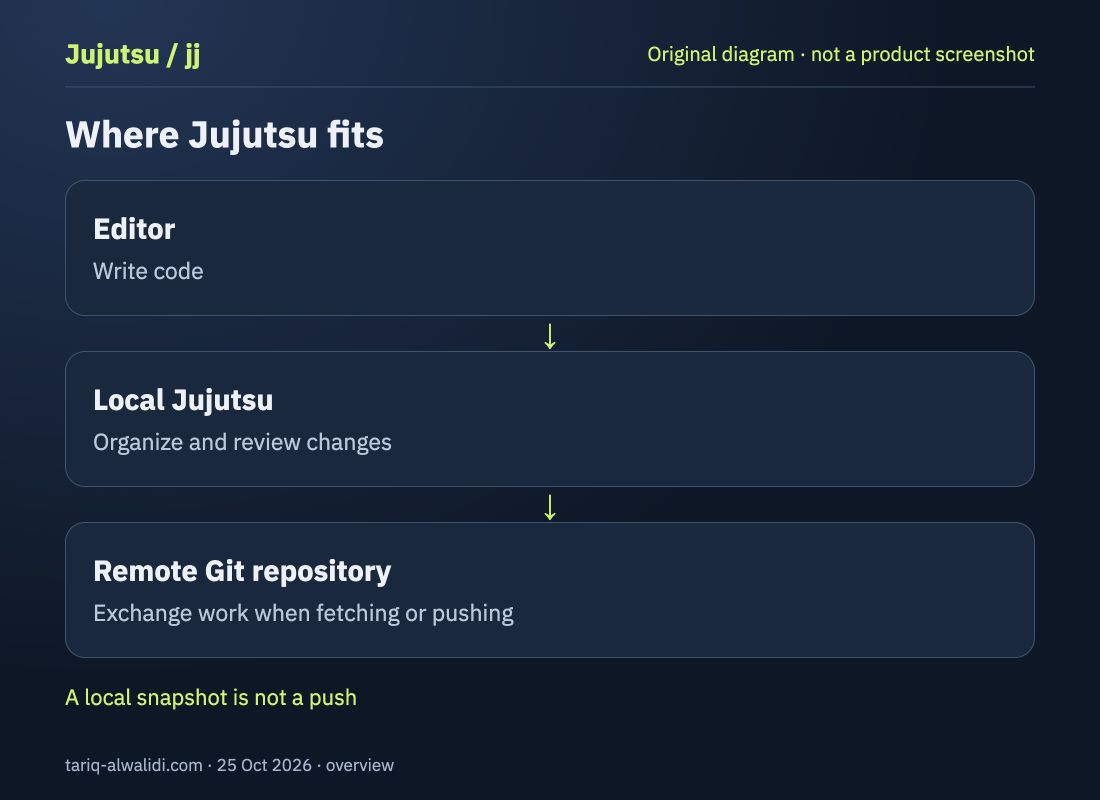
It sits between your editor and the remote repository: write code in the editor, organize changes locally with jj, and interact with the remote through its Git commands. It does not write the code for you or grant a coding assistant new access simply by being installed. An assistant with terminal access could invoke it; that terminal's permissions and repository boundaries still matter.
🧩 Understand the working copy first
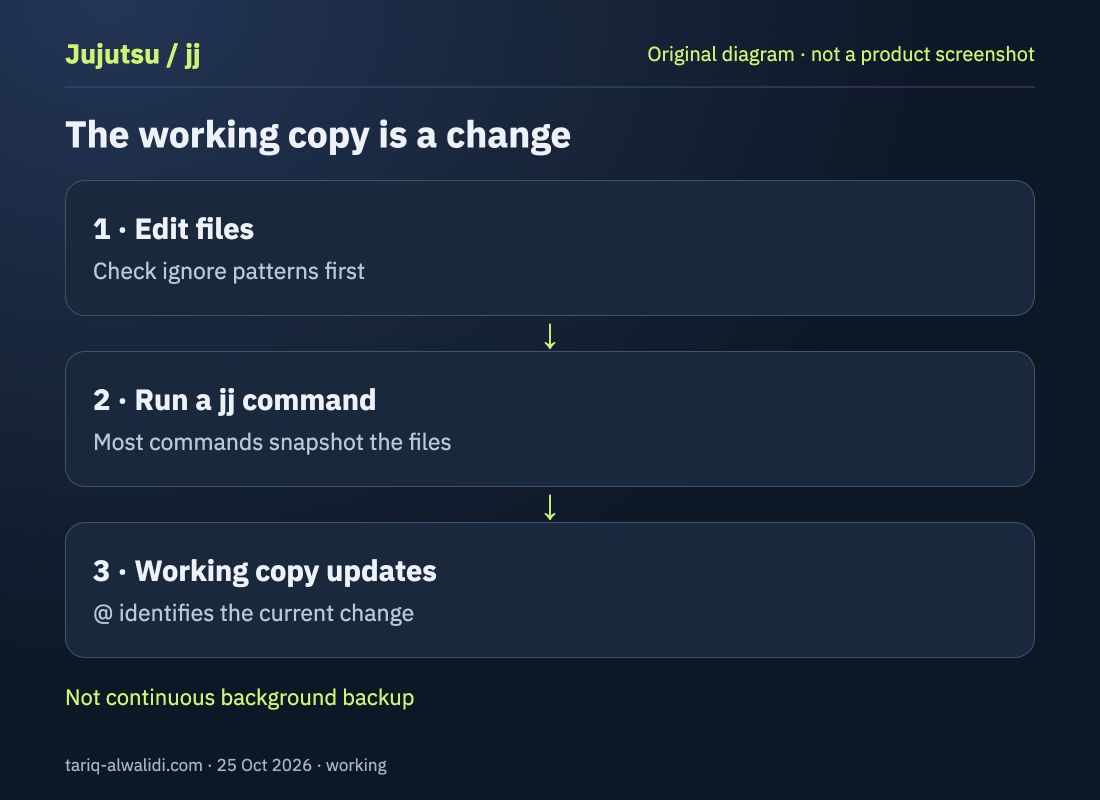
The @ symbol represents the current working-copy change. Most jj commands snapshot files and update that change, including seemingly observational commands such as jj status. A Git commit ID changes when its contents change; a change ID helps follow the same change through rewrites. See working copies and the Git comparison.
The practical consequence: “I have not run commit” does not mean the files have stayed out of local history. Separate three questions: which files exist, what the working copy contains, and what you sent to the server. A local snapshot is not publication, but it deserves review as stored history.
Set ignore patterns for secrets and temporary files before experimenting. New files can be tracked automatically unless excluded. Adding an already tracked file to .gitignore later does not untrack it automatically; the documentation describes jj file untrack for this situation. A folder name alone does not protect .env files or access keys.
🛠️ Install and try a small local workflow
On macOS or Linux with Homebrew, the installation guide documents this command. These are instructional examples: I did not install the tool or run it on your repository to prepare this card.
brew install jj
jj --version
The release notes for v0.46.0, published on 7 October 2026, require Git 2.42.0 or newer. Check your version first. If building from source, also check that release's Rust requirements rather than assuming Git is sufficient.
Configure the local commit identity using appropriate details of your own. Replace these example values:
jj config set --user user.name "Example Name"
jj config set --user user.email "name@example.com"
Start with a separate clone of a public practice repository inside an empty experiments directory. The tutorial and cloning guide document this pattern:
jj git clone https://github.com/octocat/Hello-World
cd Hello-World
jj status
jj log
Read the state and history, edit a practice file, then review the difference with jj diff. The jj describe command opens an editor for the change description; after describing it, jj new creates a new change on top. Keep the first exercise local. Before moving into a busy working repository, make sure you understand what jj log shows.
🔁 What happens when an earlier step changes?
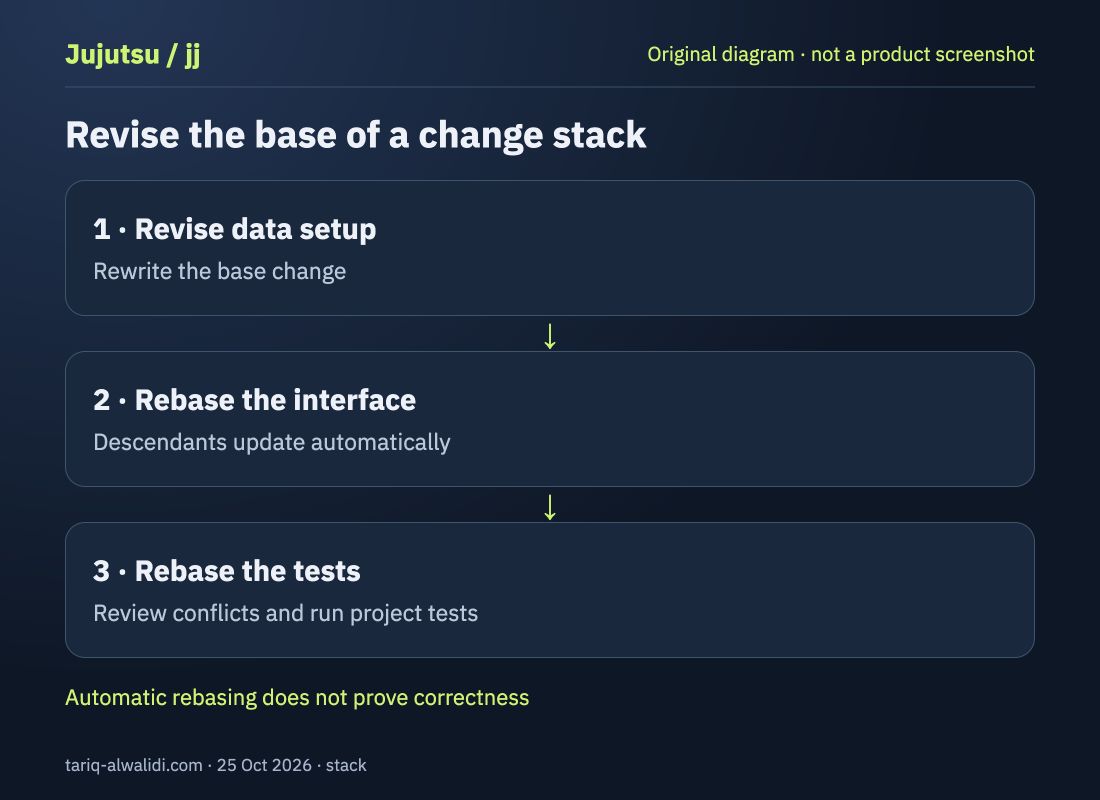
Imagine a feature with three changes: a data setup, an interface, and tests. A reviewer requests a change to the data setup. Jujutsu can automatically rebase descendants when an ancestor is rewritten, reducing the need to rebuild those relationships manually. A conflict may still require your decision; automatic updating does not establish behavioral correctness. See the official repository and conflict guide.
For this example, review the data change first, check that the interface still uses the right shape, and then run the project's tests. Those are suggested review steps, not measured results from a tool trial. Success means being able to explain the final diff to a reviewer, not merely removing a conflict message.
↩️ Use the operation log to understand changes
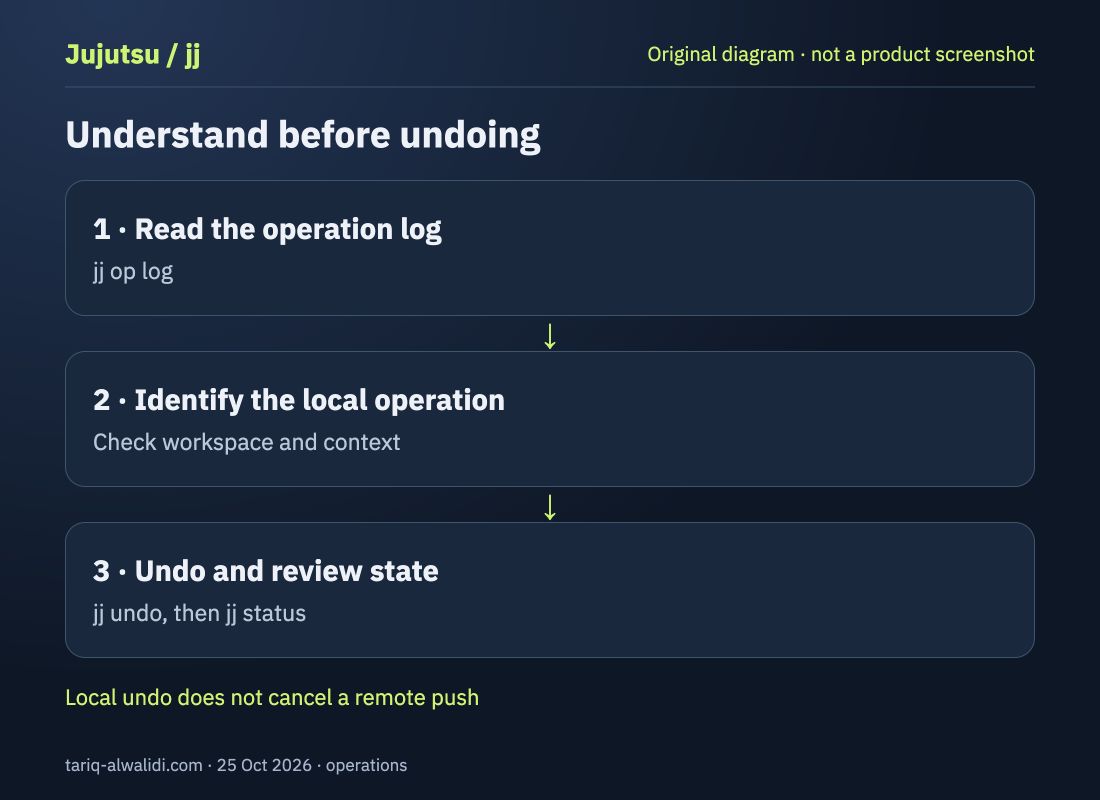
The jj op log command lists repository-changing operations, and jj undo can undo a local operation. This answers a different question from a commit list: you may need to understand what a history-editing command did, rather than just which files changed. See the operation log.
Before undoing, read the intended operation and establish context: what command ran previously, are you in the right workspace, and did you change a remote afterward? Do not treat undo as cancellation of a remote publication or as a backup of every file on the machine. Release v0.46.0 also restricts undoing operations from another workspace by default; leave that boundary in place during a first experiment.
🏷️ How does it reach a team using Git?
Named pointers to changes are called Bookmarks, and they map to Git branches when exchanging work with Git. List them using jj bookmark list. There is no active branch concept that exactly matches a familiar git checkout workflow, so do not translate muscle memory command for command. Read the Bookmarks guide before your first push to a shared branch.
Organizing work and sharing it are separate decisions in our example: review locally, then decide what should be shared. The exercise above contains no push command, and we did not send anything to your repository. It does not suggest rewriting a branch other people depend on. The team still needs an agreement about history review and pushing changes.
⚖️ What do you gain, and when should adoption wait?
| Your need | What jj provides | Your responsibility |
|---|---|---|
| Review a feature in steps | Rewritable changes | Clear boundaries and useful descriptions |
| Revise an earlier step | Descendant rebasing | Resolve conflicts and check behavior |
| Understand a history edit | Operation log and local undo | Identify the operation and review state |
| Work with Git teammates | Git backend and branch exchange | Learn Bookmarks and test team tooling |
Try a small exercise if you routinely review stacks of changes and want to evaluate another way of organizing them. Delay broad adoption if the team cannot invest in the model, or if its tools rely on specific Git behavior you have not checked. “Git compatible” does not promise that every setting, extension, or hook works as expected. Check the project's named requirements against the compatibility guide.
🔐 Cost, permissions, and verification limits
Jujutsu is open source under Apache-2.0. Its local commands do not require an AI model subscription or paid API key. Package installation, cloning, fetching, and pushing use a network as appropriate, and remote operations use Git authentication. Local operation is not a promise that every command is offline.
If a coding assistant has terminal access, ask it to show the diff and intended action before rewriting history or pushing. Keep your required tests in the review process; version control does not automatically test the application. This is suggested usage guidance, not a verified built-in protection feature.
This card reviews official documentation and sources as of 25 October 2026; it is not an acceptance test on a device or project. The illustrations are original explanatory diagrams, not product screenshots. Check documentation matching your installed version when executing commands: latest pages can change after the observation date.
📚 Sources and dates
- Repository and license: project definition, reviewed 25 October 2026.
- Release v0.46.0: published 7 October 2026; reference for the stated requirements.
- Setup and tutorial: starting commands, reviewed 25 October 2026.
- Working copy, conflicts, operation log, Bookmarks, and Git compatibility: concepts and constraints, reviewed on the same date.
Repository, release, installation, working copy, Bookmarks, operation log, and compatibility rechecked 28 October 2026. Latest release remained v0.46.0; GitHub reported 32,270 stars and 1,266 forks. Commands were not executed on a project.