Lychee
Active and stableRuns locally ✓No paid APICheck Markdown and HTML links and fragment targets with repeatable commands before shipping documentation.
brew install lycheeIdeal use for this tool
For documentation authors and small teams checking references locally or in CI. Start with a specific file and interpret findings; it does not establish complete site or login functionality.
Details and illustrated features
Documentation links can decay even when your code does not change: a page moves, a section is renamed, and an old reference remains in a README. Lychee helps turn link review into a repeatable check instead of opening every destination by hand. It is a command-line tool from lycheeverse, not a browser that tests an entire user journey.
🧭 What is Lychee?
It extracts links from inputs such as Markdown and HTML, checks them, and reports results. You can target a file, directory, or web page and choose the scope yourself. Its practical value is making documentation review part of delivering a change rather than relying on someone remembering every link. This follows the official repository, reviewed 28 October 2026.
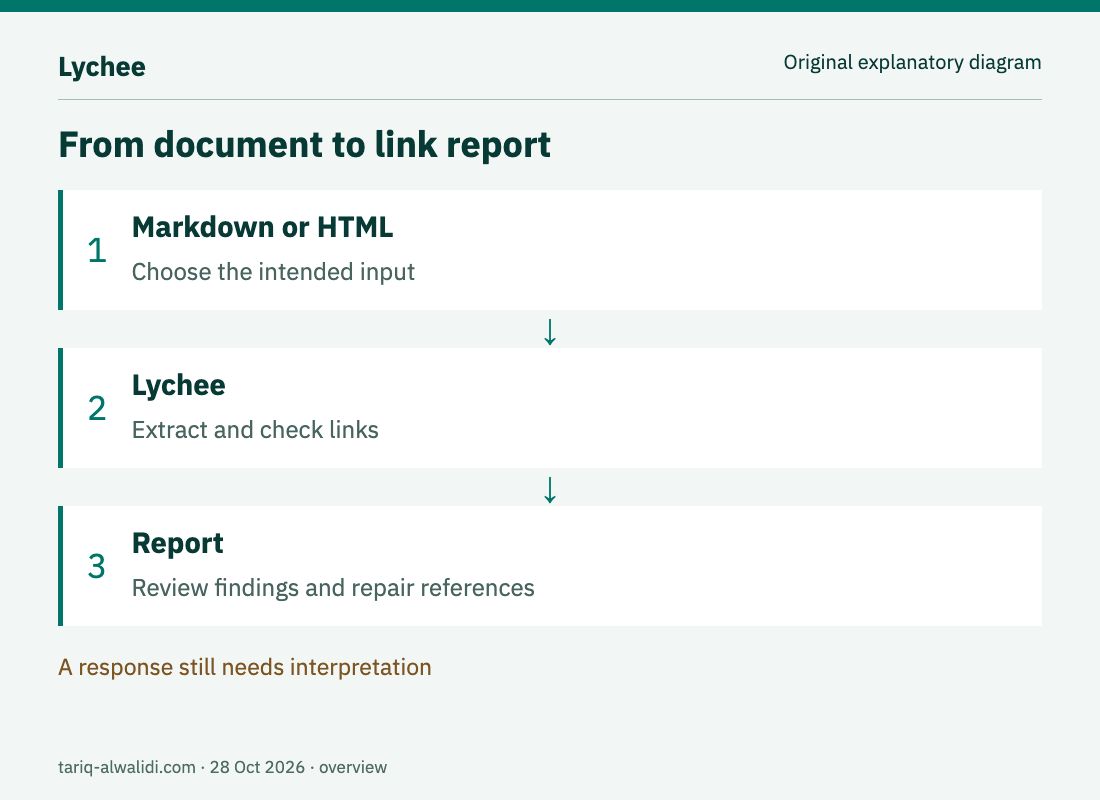
An explanatory diagram, not a product screenshot or an actual scan result.
🌟 Three useful capabilities
1. Start with a known file
Run lychee README.md against a specific file. If you changed an installation guide, start there and examine the reported links before expanding the scope. Multiple input files are also supported; see getting started.
For an illustrative example, imagine your team moving an installation page to a new path. A successful site build does not establish that the README reference changed too. Find the old reference, correct its source, and repeat the same check. This is a suggested workflow; we did not scan a website or repository to prepare this card.
2. Check the destination section
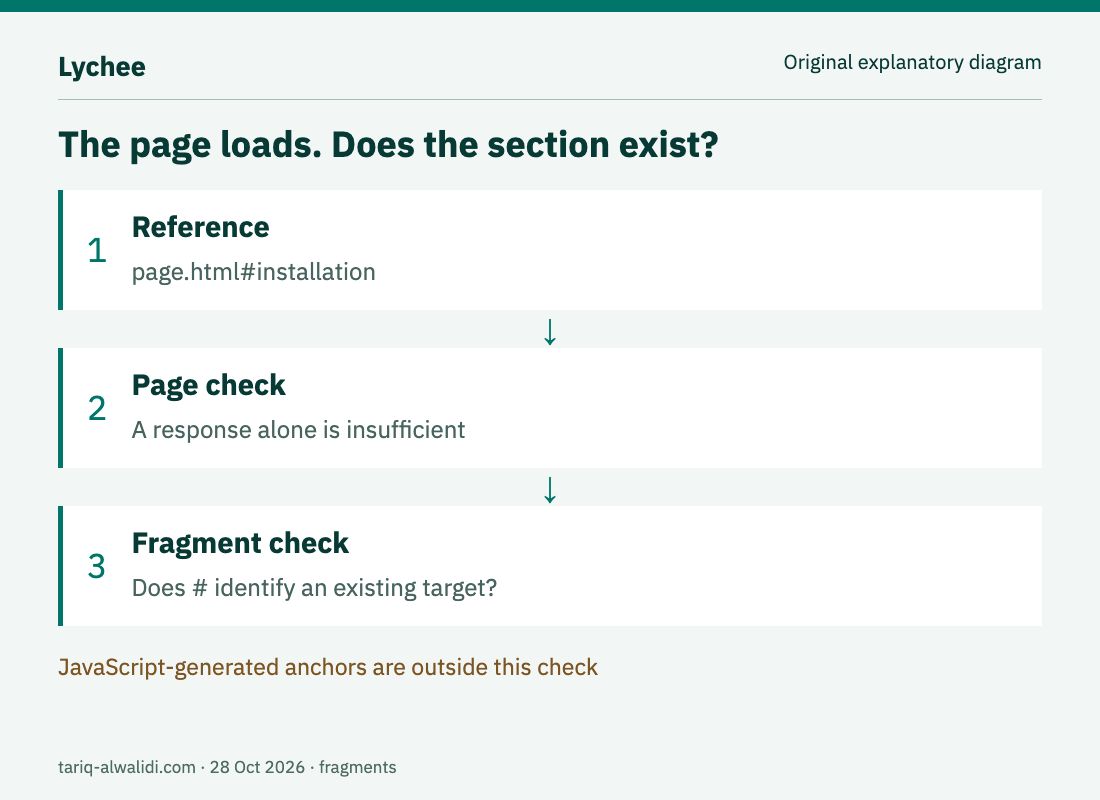
A page can load successfully while #installation points to a section that no longer exists. Enable fragment checking with --include-fragments, as documented in the anchor guide. This is useful for a long guide's contents list or a support link to a specific step.
There are limits: JavaScript-generated anchors cannot be checked this way, and Markdown processors may generate different identifiers. If a result is surprising, open the rendered page and inspect the actual heading target. Do not change a reference to an unrelated section simply to silence a warning.
3. Control exceptions and repeated requests
Use --exclude for link exclusions or --exclude-all-private for private destinations. Persistent exceptions can live in .lycheeignore, with an explanation for each deliberate exclusion. Separate a private reference the checker cannot access from a public reference that needs repair. See exclusions.
Repeated checks can use --cache, which stores results in .lycheecache and reduces requests. That also means some answers may be cached. After repairing a link, consider the cached result's age or check without relying on that stored answer. See caching.
🪜 A practical first workflow
This example is instructional and was not executed here. Imagine maintaining a small product guide after updating its setup section:
- Read the links you added and remove accidental access tokens or private references before checking.
- Install using a suitable method, then inspect the installed version and help.
- Check just the changed file, excluding private destinations if public links are your scope.
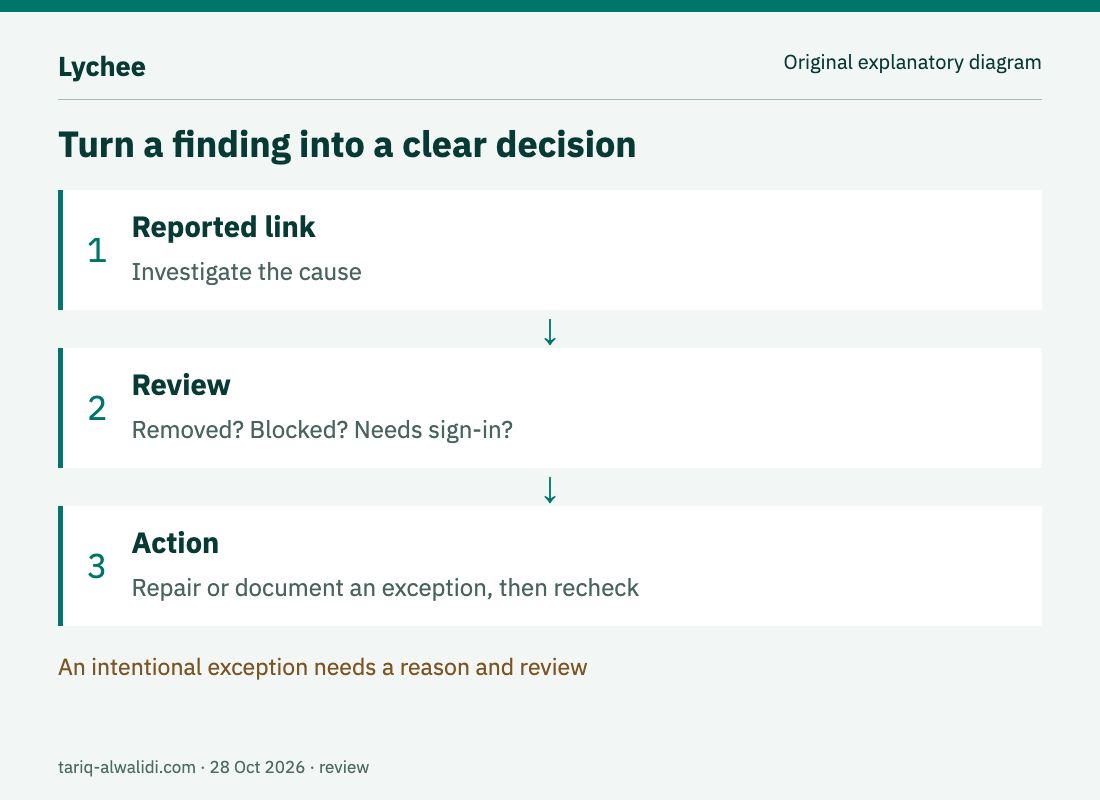
- Investigate each finding: was the page removed, did the server block automation, or is authentication required?
- Correct the intended reference, check again, and review the diff before saving it in the repository.
brew install lychee
lychee --version
lychee --help
lychee --exclude-all-private --include-fragments README.md
Homebrew installation is documented in the starting guide; options are documented in the CLI reference. We did not install anything on your computer. For Linux or Windows, consult the supported package managers in the same official guide rather than assuming this command fits every machine.
⚖️ What changes compared with manual review?
| Job | By hand | With a repeatable link check |
|---|---|---|
| Review a README | Open destinations individually | Run the same command against the file |
| Check a section reference | Remember to try its landing point | Enable fragments and review findings |
| Handle automation blocking | Notice during browsing | Diagnose the finding rather than assume deletion |
| Maintain an intentional exception | Keep it in someone's memory | Record a reviewable rule |
This compares workflows, not measured time savings or guaranteed correctness. Human review still determines whether the destination supports the intended meaning: a replacement page can return success and still be the wrong reference.
⚙️ Configuration and project integration
Lychee supports lychee.toml. The configuration guide documents timeouts, concurrency, and retries, avoiding long repeated command lines. Choose values appropriate to your workload and keep TLS verification enabled. Do not disable certificate checks merely to suppress an error that needs investigation.
After a local check is understood, move the command into CI under your repository's rules. Start with a small, interpretable result before making failures block merges. A GitHub integration is not required to benefit from the local CLI. For machine-readable reports, check the output format options in your version's command reference.
💰 Cost, compatibility, and privacy
The project is open source under MIT OR Apache-2.0. The latest release observed was lychee-v0.24.2; binaries are available for Linux, macOS, and Windows. Local use requires no AI subscription or paid API. Remote checks need a network, and destination services may impose request limits.
Local input does not make the entire operation offline: checking an external URL contacts its destination. Avoid URLs containing secret query parameters, and keep cookie files or credentials out of the repository. A GitHub token is optional for rate limits; do not grant it more access than needed. Review the scope of untrusted input before running a link checker with broad network access.
⚠️ Limits and verification boundary
Lychee does not automatically repair references or establish content quality, successful login, or working forms. Timeouts and rate limits need to be distinguished from deletion. Checking one page does not establish coverage of every page on the site. Pair link checks with editorial review and browser testing when your goal is full site acceptance.
This is a documentation review dated 28 October 2026, not a measured execution trial. The original diagrams illustrate concepts and contain no invented success statistics. At observation, GitHub reported 4,056 stars and 240 forks, with the latest push on 26 October. These are observations rather than quality ratings.
📚 Sources
- Repository and licensing, releases.
- Getting started, CLI reference.
- Configuration, exclusions, anchors, caching.
Sources reviewed 28 October 2026. Release requirements and remote destinations can change afterward.