MarkItDown
ExperimentalRuns locally ✓No paid APIConvert PDF, Word, Excel, and slides to reviewable Markdown for search and AI workflows.
pip install 'markitdown[all]'Ideal use for this tool
Best for a developer or analyst extracting text from several document formats before search or supplying selected passages to an AI agent. It provides a repeatable CLI command and Python library, while requiring review against the original. It is not intended for layout-perfect document publishing.
Details and illustrated features
When a project arrives as a PDF report, an Excel workbook, and a PowerPoint deck, preparing searchable text for a coding agent or an analysis pipeline can mean repeating the same copy and paste work. MarkItDown converts those files to Markdown while attempting to preserve headings, lists, tables, and links. You can inspect the output before sharing it with any model. Conversion does not summarize a document or guarantee perfect extraction.
🧭 What is MarkItDown?
MarkItDown is an open-source Python utility from Microsoft for converting multiple file formats into Markdown intended for text analysis. It works from the command line or as a Python library. Its documented inputs include PDF, Word, PowerPoint, Excel, HTML, CSV, JSON, XML, EPUB, and more. Some formats need optional installation extras. The aim is to extract content and structure for analysis, not to reproduce the visual layout of the original document with publishing quality.
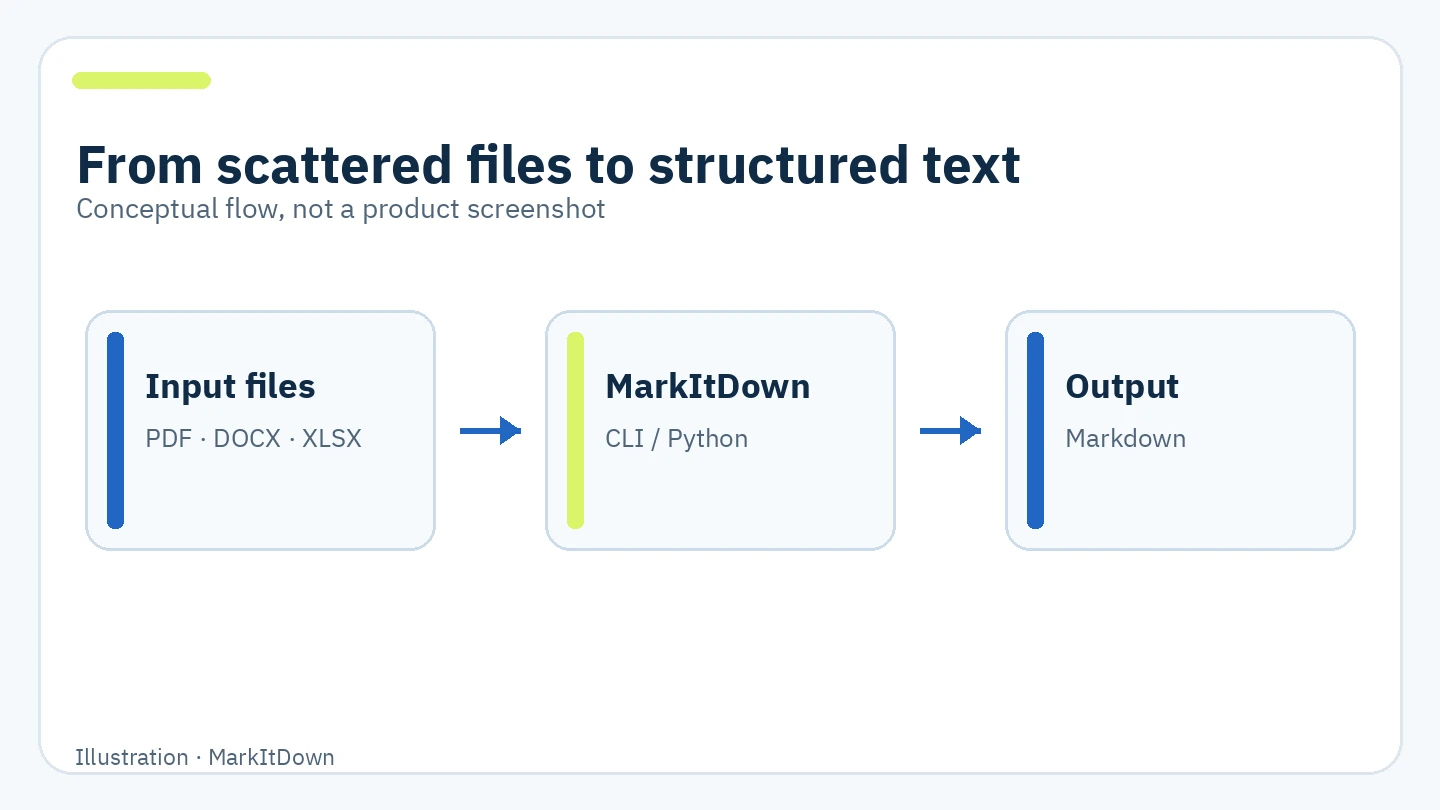
Original illustration of the conversion flow, not a screenshot of the product.
🎯 When does it help?
It suits a developer or analyst with many files who needs searchable text or structured input for human review or an AI application. For example, before asking an agent about decisions in a slide deck and Word minutes, convert both files, inspect the extracted text, and provide only the relevant sections. Extraction then becomes a repeatable command or script, while you retain control over what is shared.
If you need a publication copy that preserves page layout, MarkItDown alone is the wrong tool. If a PDF consists of scanned images, inspect the output; some OCR cases need an additional plugin or service.
🌟 Features and workflow
1. Multiple formats with optional dependencies
You can install support only for the formats you use. The project documents extras such as pdf, docx, pptx, and xlsx, as well as all. This keeps a focused environment smaller than installing every converter.
- Where: the official
pipinstallation options. - How: install
markitdown[pdf,docx,pptx]when those are your project inputs. - Illustrative example: make PDF reports, Word minutes, and PowerPoint decks a repeatable ingestion step before indexing them.
- Limit: support for a format does not guarantee that every table or embedded image is extracted perfectly; inspect the output.
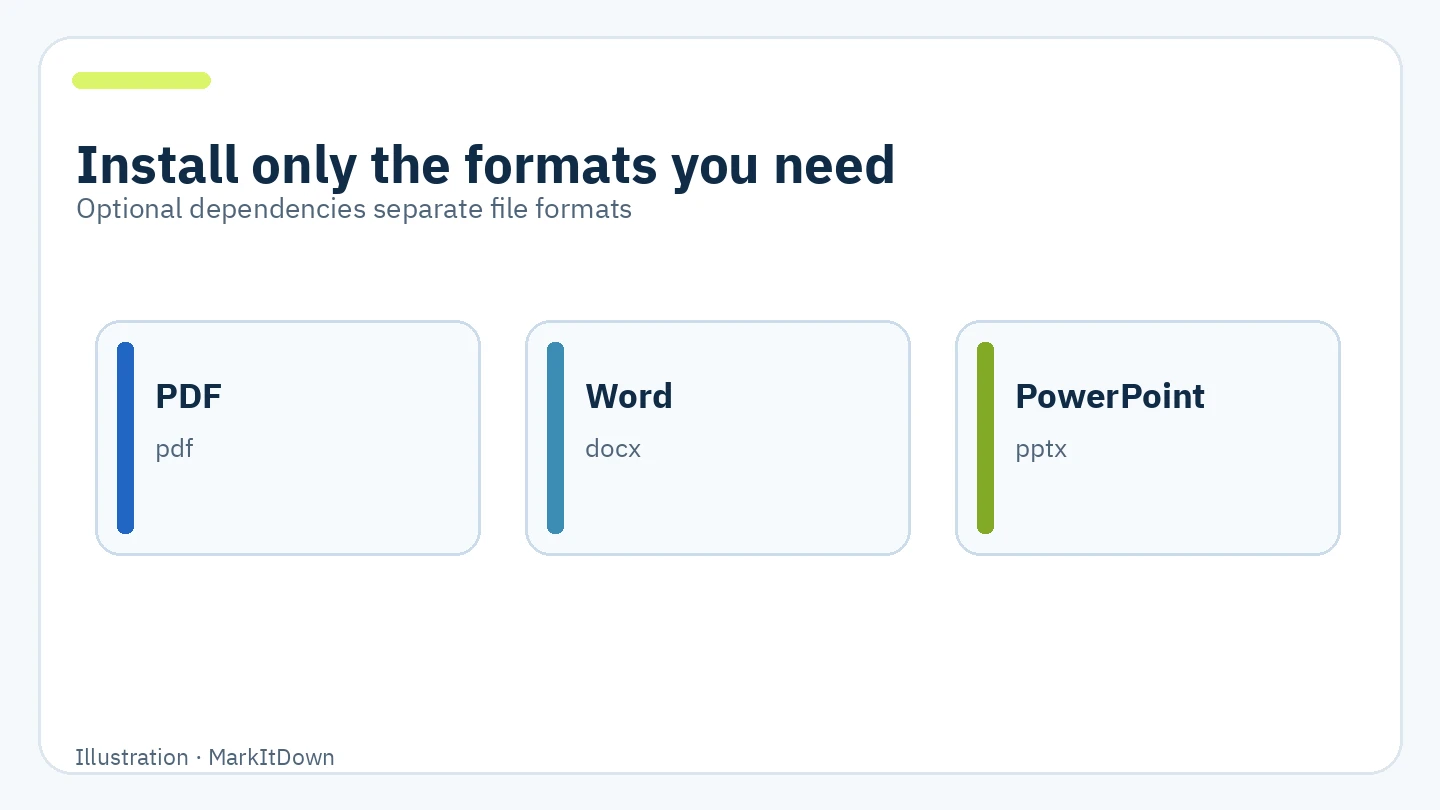
Illustration of documented dependency groups. Format labels do not imply guaranteed extraction quality.
2. A quick command or a Python library
For a single file, run markitdown file.pdf -o file.md. The -o option writes to a named output file. In a Python program, create MarkItDown and call convert(). If your application should only read local files, the security guidance recommends the narrower convert_local() method. The two interfaces let you try a conversion manually and then add the verified step to an application.
- Where: the CLI and Python API sections of the README.
- How: start with one file, inspect the heading and table order in the Markdown, then automate.
- Illustrative example: a script converts specified project files into a text folder for team search. This example was not run.
- Limit:
convert()can accept local files and remote resources. Do not pass untrusted user input directly to it.
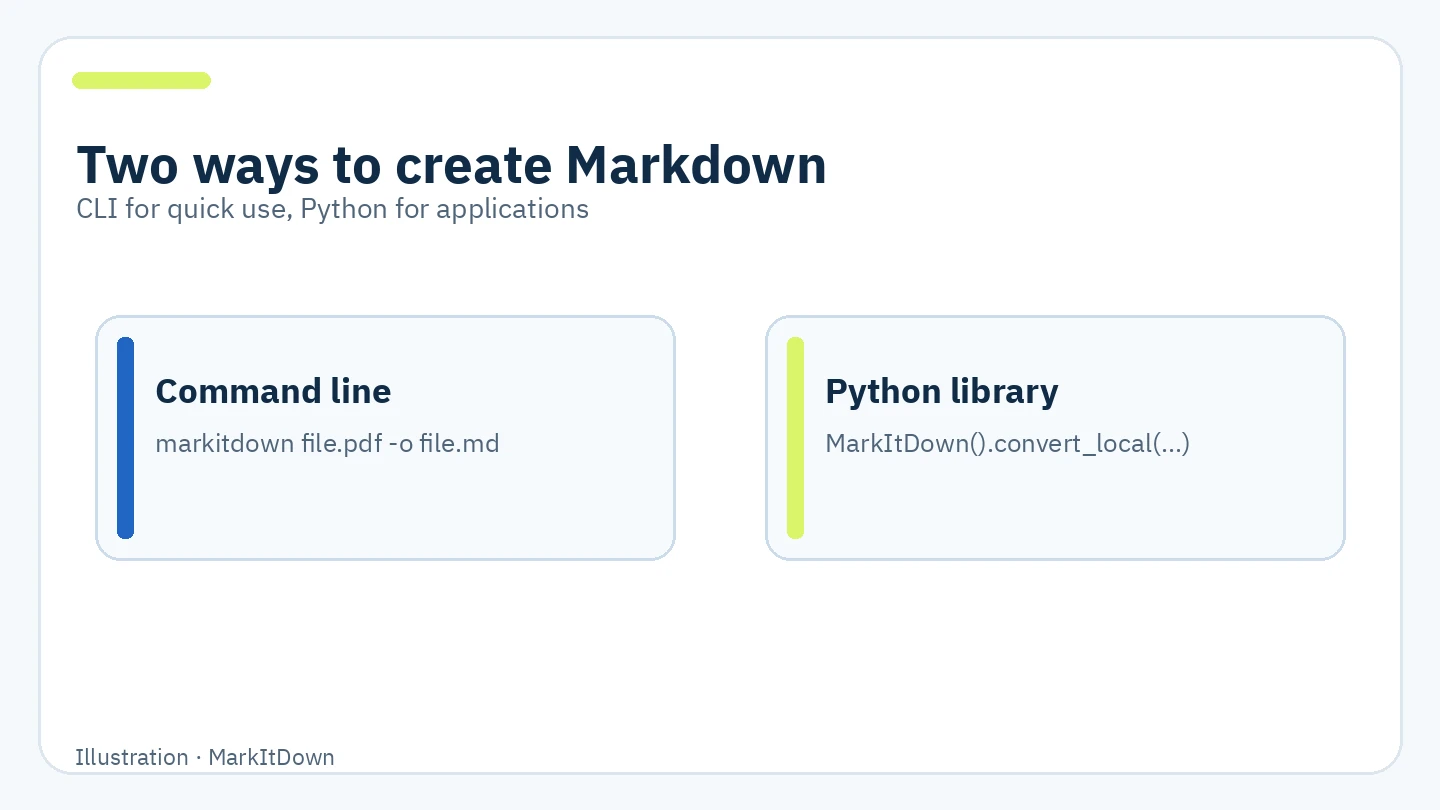
Illustration of the two interfaces, not a test result.
3. OCR plugins and cloud options when needed
Built-in converters extract what they can locally, but scanned pages or embedded images may need vision processing. Microsoft documents the markitdown-ocr plugin, which uses a vision-model client when you supply one, plus Azure Document Intelligence and Azure Content Understanding for more complex documents. Plugins are disabled by default. Cloud processing may send file content to the provider and incur separate charges.
- Where: the Plugins and Azure sections of the README.
- How: try local conversion first; use another option only when required content is missing and after reviewing data handling and cost.
- Limit: the documented OCR plugin skips OCR without an LLM client. Installing the plugin alone does not ensure scanned pages are read.
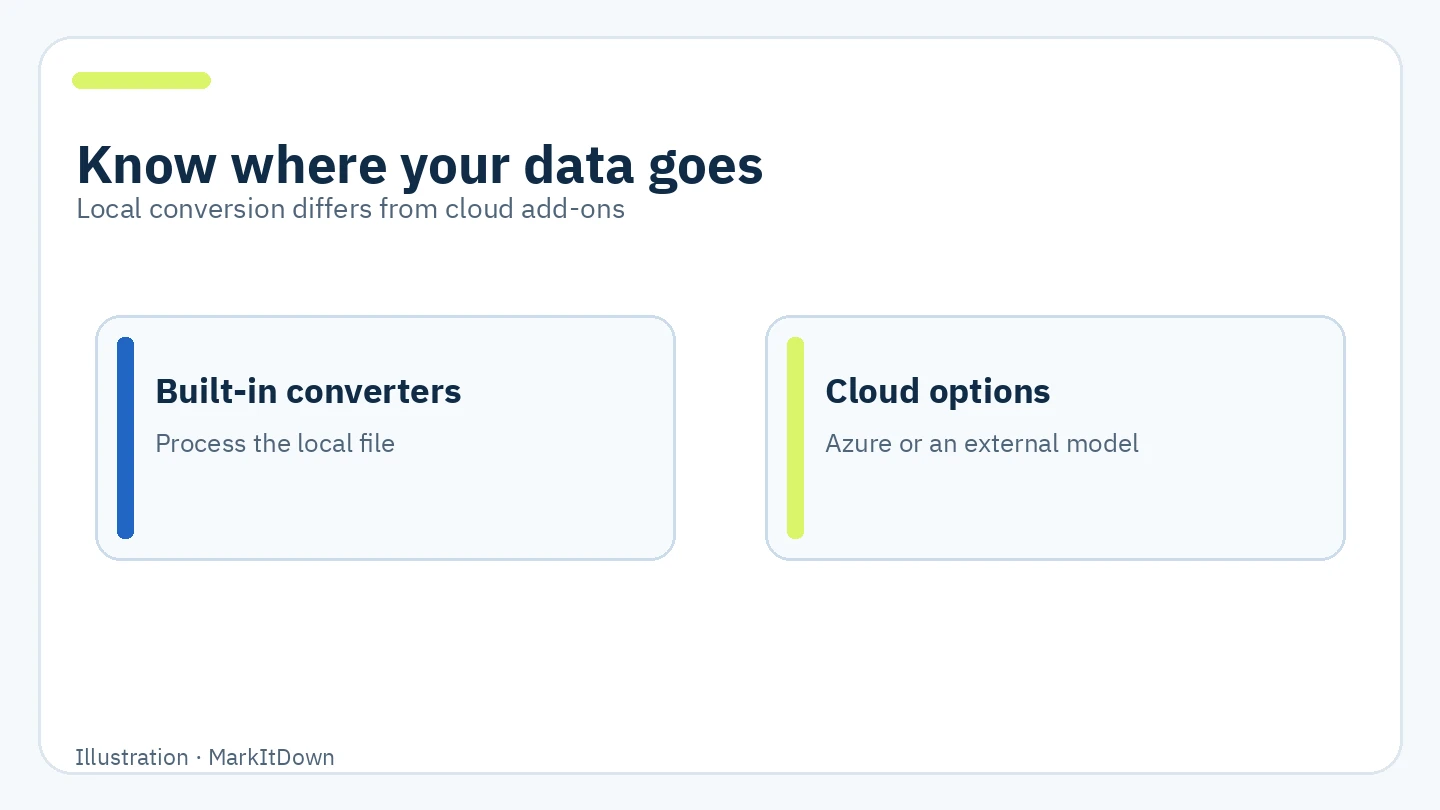
Illustration of possible data paths, not a promise that every setup works offline.
🪜 Step-by-step example
Illustrative example, not tested here: You have a project report PDF that you want to discuss with an agent.
- Create an isolated Python environment and check that the version falls in the documented 3.10–3.14 range. Prefer a version with current security support in your environment.
- Install the PDF extra or
all, depending on the inputs you need. - Run
markitdown report.pdf -o report.md. - Open
report.mdand compare key headings, tables, numbers, and pages with the original. Correct any extraction mistakes. - Give the agent only the needed section, explaining that the source was a PDF and that extraction may omit visual or scanned content.
⚖️ Compared with manual work
| Manual workflow | With MarkItDown |
|---|---|
| Copy text from each file separately | Repeat a conversion command for each file |
| Headings may disappear during paste | It attempts to represent headings, lists, and tables as Markdown |
| Extraction is hard to include in an application | CLI and Python library are available |
| Review the original after copying | Reviewing the original remains necessary, especially for tables and scans |
This describes workflow differences, not measured time savings or extraction accuracy.
⚙️ Installation and configuration
The documentation recommends a Python virtual environment to avoid dependency conflicts. The official installation command for all extras is:
pip install 'markitdown[all]'
For selected formats:
pip install 'markitdown[pdf,docx,pptx]'
markitdown report.pdf -o report.md
Review third-party plugins before enabling them. Plugins are disabled by default; markitdown --list-plugins lists installed ones, and --use-plugins enables them for a command. Cloud options need an endpoint or model client and appropriate credentials, and may be billable. Keep API keys out of published commands and the documents being converted.
🔗 Compatibility and cost
MarkItDown is a Python package and command-line tool that runs wherever a compatible Python version and dependencies are available. The README documents Python 3.10–3.14. PyPI classifies the project as Beta, although it continues to receive releases. The repository does not provide an official web UI or desktop application. Its license is MIT. The built-in conversion does not require a MarkItDown subscription or paid API. Azure services and external vision models have their own costs and terms; they are separate from the core utility.
⚠️ Limits, security, and privacy
- Output targets text analysis. Do not expect exact page layout or every visual element.
- Check scanned PDFs, images, and complex tables against the originals before relying on them for decisions or AI input.
- The program performs I/O with the current process's file and network privileges. The project warns against passing user-controlled paths or URLs without validation and restrictions.
- For local-only application input, choose
convert_local()orconvert_stream()as appropriate instead of the broadconvert()method. - The built-in converters are described as offline in the project's comparison, but YouTube URLs, Azure options, or an external model client change the data path. Assess each configuration separately.
- Markdown output does not replace the source document when proof or precise design matters.
📚 Sources and verification date
Checked 6 October 2026 against the original repository and README, v0.1.8 release, license, and PyPI package page. Stable v0.1.8 was released on 21 September 2026. GitHub showed approximately 188.6K stars and 14K forks at inspection time. These changing popularity counts are not quality ratings. I did not install the package, run the example against real files, or experimentally verify Arabic extraction or OCR quality.