Miller
Active and stableRuns locally ✓No paid APIMiller cleans, converts, and analyzes CSV, TSV, and JSON locally from the terminal with named fields and repeatable pipelines.
brew install millerIdeal use for this tool
Ideal for developers, data analysts, and operators who need to clean a CSV export, inspect JSON Lines, or summarize a large file from the terminal without starting a Python project. Use it for quick, repeatable file processing; concurrent transactions and advanced visual analysis still call for a database or complementary analytics tool.
Details and illustrated features
CSV exports arrive from a store, form, or accounting system, and you lose time counting columns, writing a one-off script for every cleanup, or opening a file that is too large for a spreadsheet. Miller puts those jobs in one command-line tool that understands named fields and structured formats. It can read a file, filter records, select fields, compute values, sort or summarize the result, and output CSV, TSV, or JSON without turning a small task into a software project.
🧭 What is Miller and how does it work?
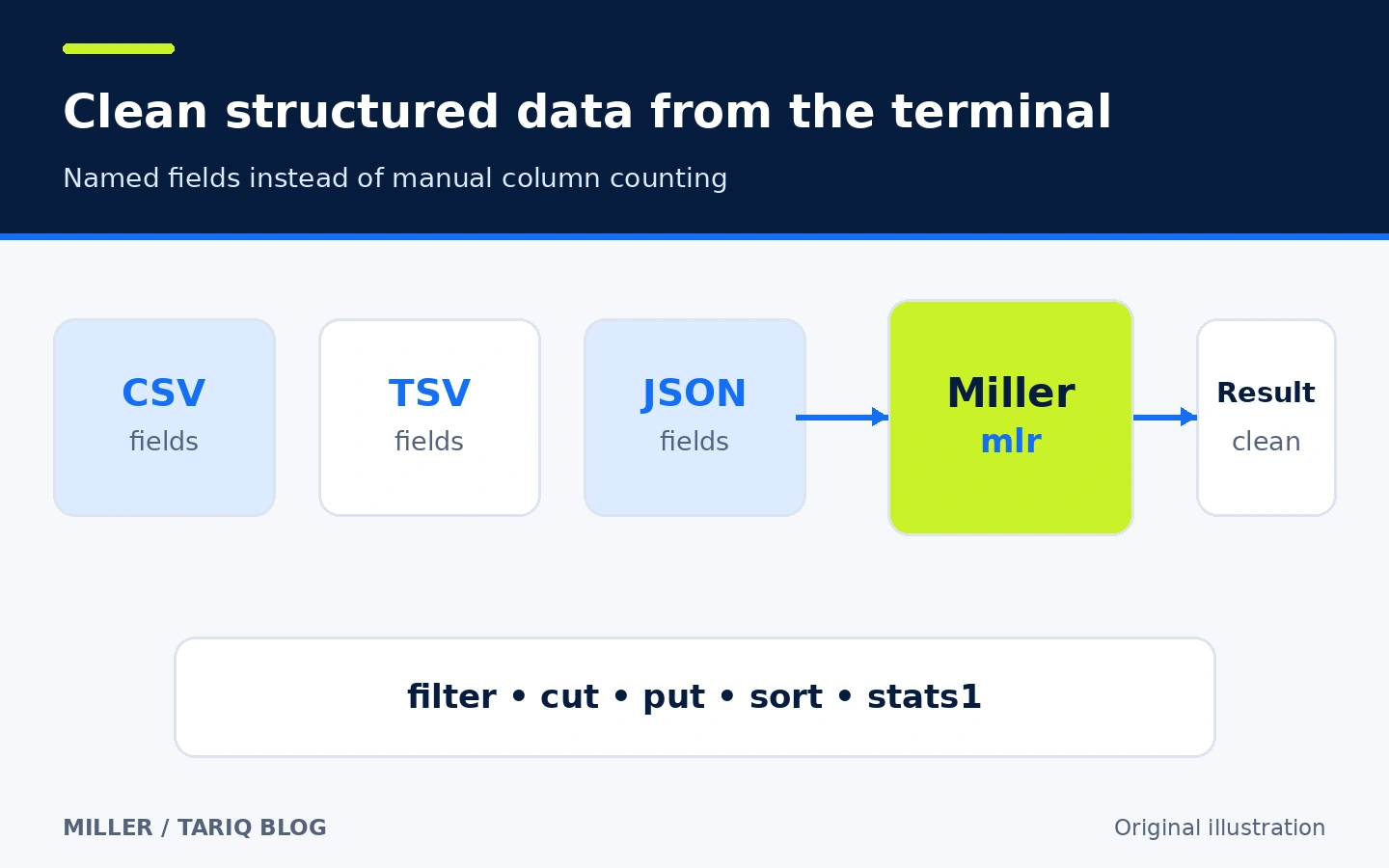
Miller is an open-source command-line tool invoked as mlr. The project describes it as being like awk, sed, cut, join, and sort, but for records with named fields rather than only positional columns. You can refer to $amount or select customer,amount, while Miller remains aware of CSV headers and JSON structure.
It reads formats including CSV, TSV, JSON, JSON Lines, and tabular formats, and converts between them. The project is a standalone Go binary with no runtime dependencies. The version verified here is v6.22.0, published on September 25, 2026, with release packages for Linux, macOS, Windows, and multiple architectures.
🎯 When is it useful, and what does it add?
Use Miller when data lives in structured text files and you need a clean answer or output quickly: prepare a sales export for database import, inspect a JSON Lines log, normalize CSV files, or summarize a field by group. It suits developers, data analysts, operators, and small teams that want a local tool whose commands can move into scripts or CI.
Its added value is combining three layers that often get split across tools: format parsing, named-field transformations, and multi-step pipelines. You do not need to launch a Python notebook or import a file into a spreadsheet just to drop columns, filter values, or show the largest records.
Do not automatically replace a database with Miller when you need concurrent transactions, persistent indexes, or many shared queries. It also does not replace pandas or R for advanced statistics and visualization. It is strongest for quick and repeatable processing around files, not as a complete data platform.
🌟 Features and how to use them
1. Work with fields by name
In positional tools, adding a column can change every later index. Miller reads the header and makes names part of the command: cut -f customer,amount keeps the requested fields, while filter '$status == "paid"' selects matching records. Its DSL powers put and filter, with built-in functions and support for records whose field sets differ.
The practical benefit is a command that remains readable when you revisit it or share it. Field names, values, and case still need to match the real data. A syntactically valid filter can return nothing when it guessed a value that does not exist.
2. Chain work with then
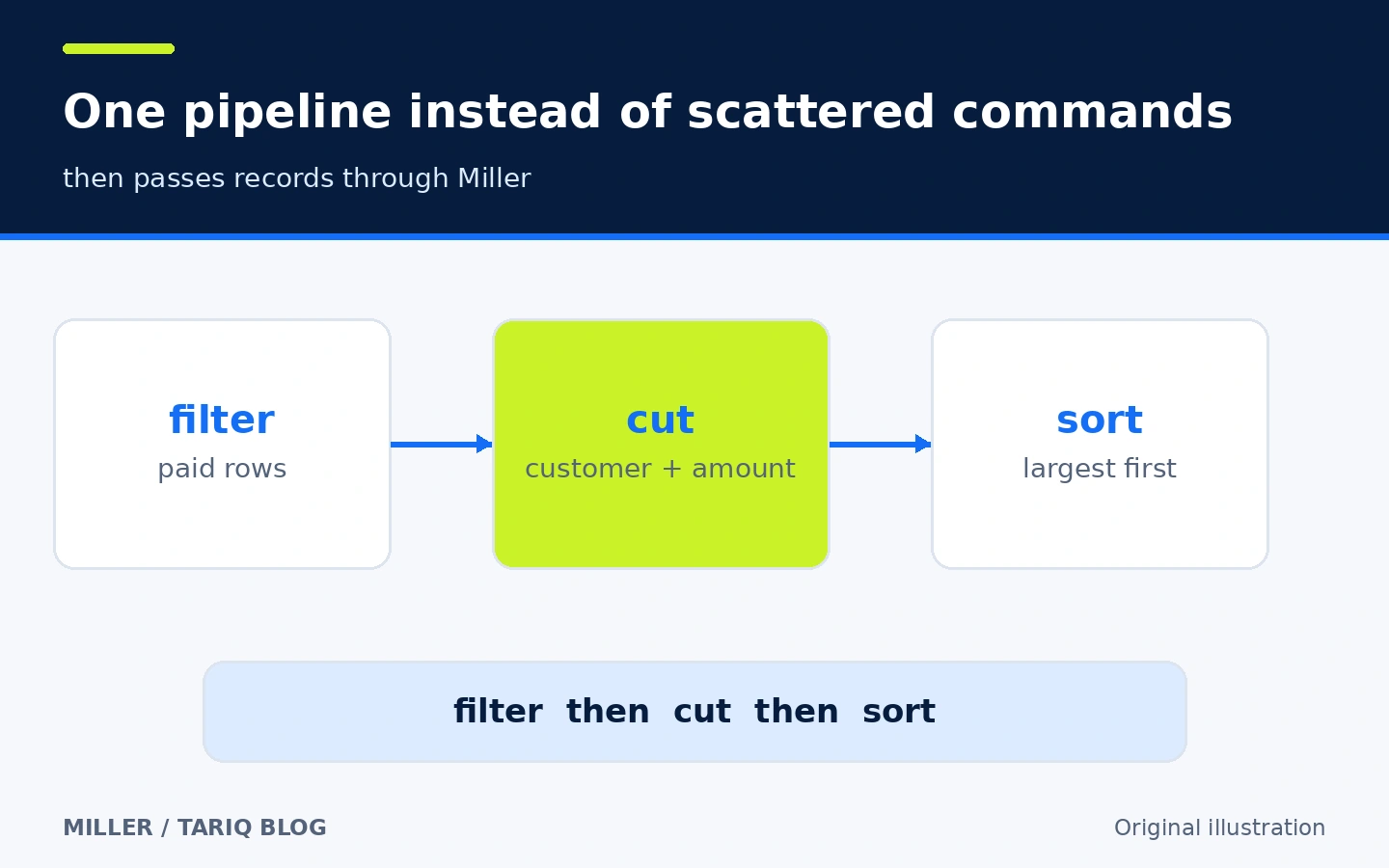
Instead of running one command, saving an intermediate file, and starting another, you can chain Miller verbs internally: filter, select fields, then sort. then passes records to the next stage inside one invocation and avoids repeating input and output format flags.
Unix pipes remain available. Prefer then when every stage is a Miller verb, and use a pipe when another program belongs in the flow. Keep chains readable; when a command becomes a long program, move DSL logic to a file and test it rather than pasting an enormous shell line.
3. Convert formats without ignoring structure
Miller can read CSV and emit JSON, JSON Lines, or a human-readable table, and vice versa. --icsv chooses CSV input; --ojson or --opprint chooses the output. It understands headers, so format-aware operations do not treat a CSV header as an ordinary record, and mlr cat does not repeat compatible headers when given multiple CSV files.
Conversion does not fix semantic problems automatically. Date conventions, number separators, encodings, and inconsistent field names still need explicit rules. Test a small sample and check record and field counts before trusting the result.
4. Benefit from streaming, with the exceptions in view
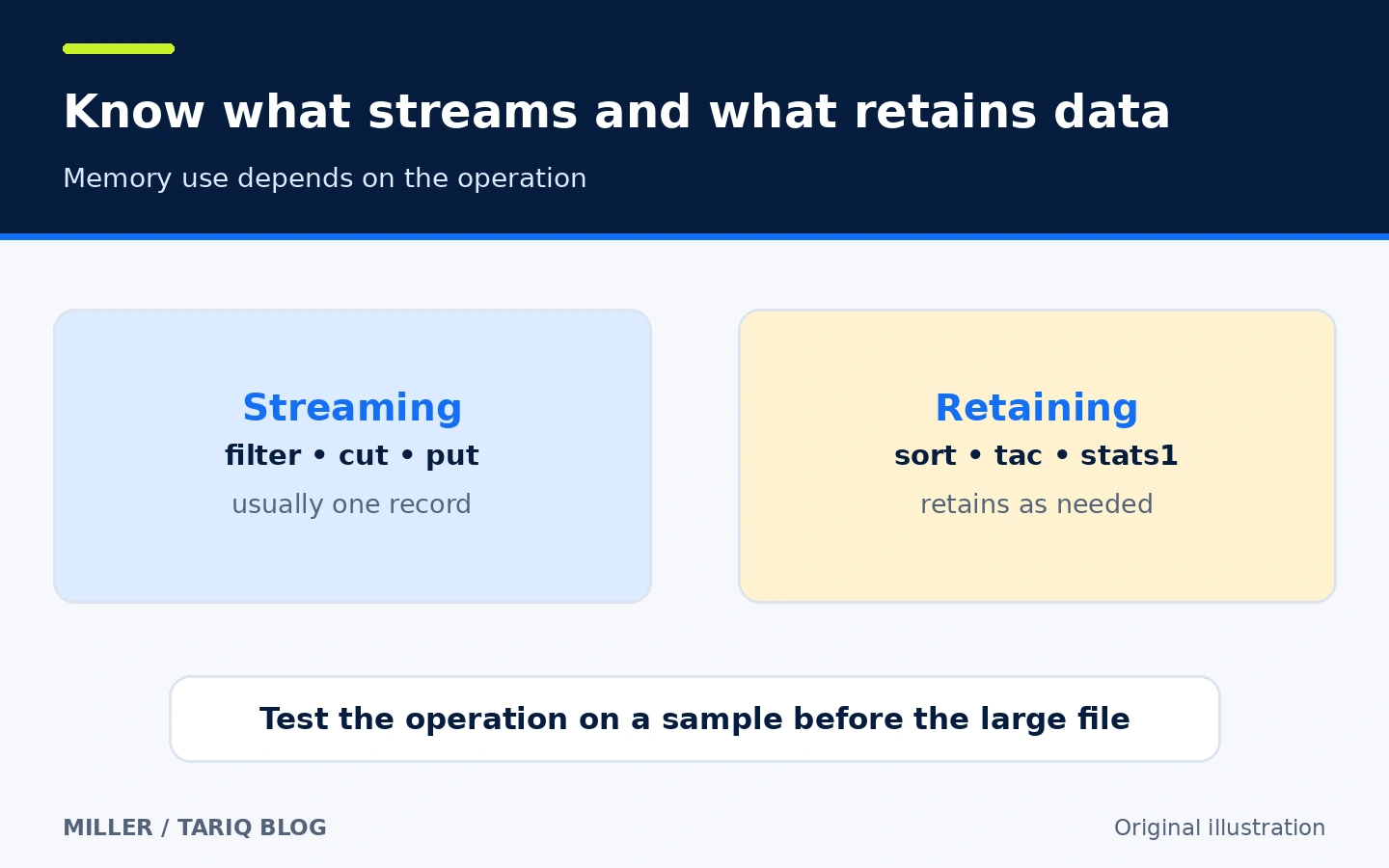
The project says most operations need only one record in memory at a time, allowing files larger than available RAM when the operation can stream. Verbs such as filter and cut fit that model. Operations including sort, tac, and stats1 retain as much data as they need, so memory use can grow with the file or number of groups.
Do not reduce this to “Miller uses no memory.” Behavior depends on the verb. Try a representative sample and observe operations that sort or aggregate before running them on a very large file. A database or partitioning step may be better once machine limits dominate the job.
5. Give an agent a less guessy way to use Miller
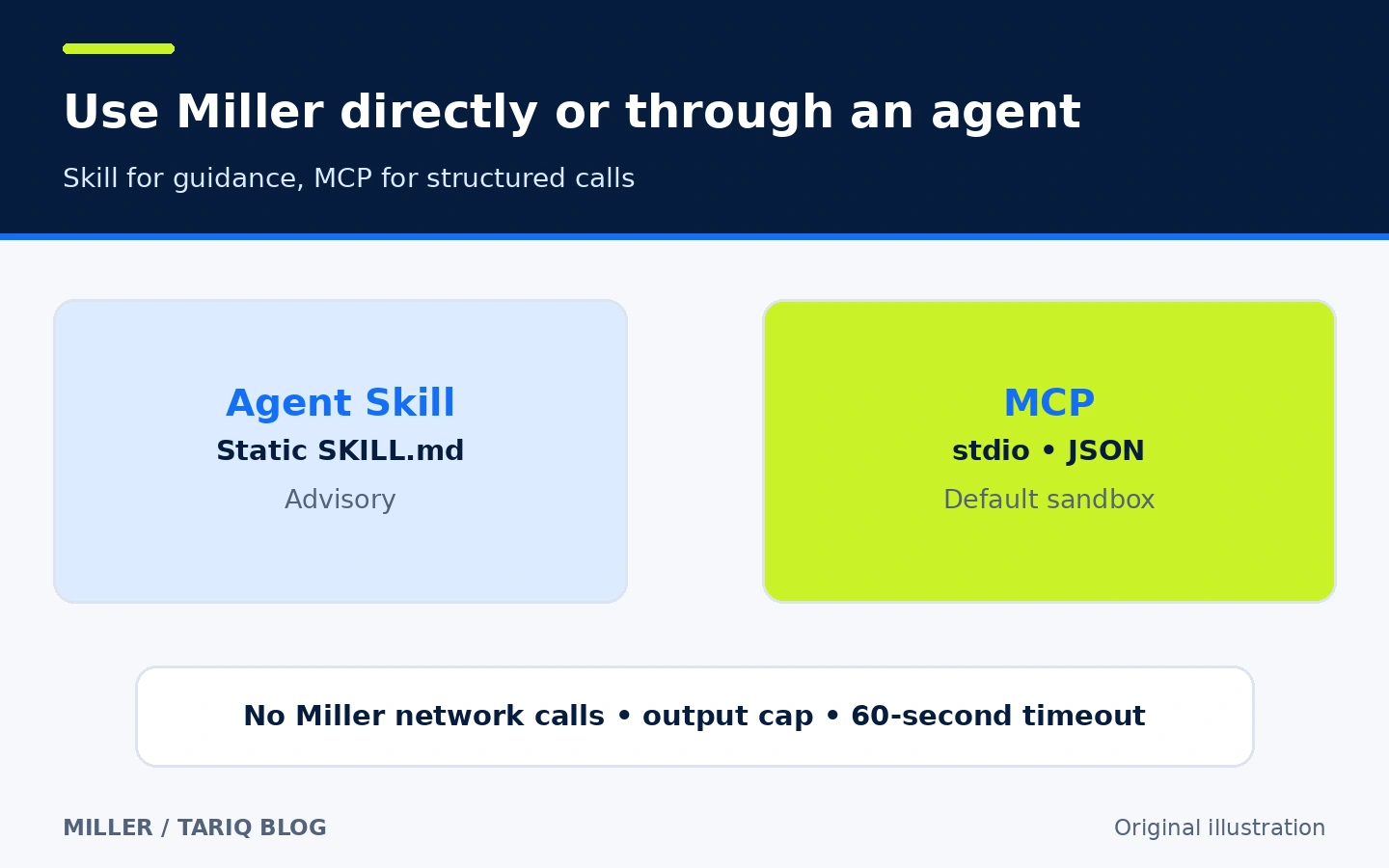
Since version 6.20, Miller has shipped two optional agent integrations: an Agent Skill file and a built-in MCP server. The skill teaches an agent a discover, constrain, validate, then run loop, prompting it to inspect field names and values before composing a command. Install it for Claude Code with:
mlr skill install ~/.claude/skills/miller
For Codex or Gemini:
mlr skill install ~/.agents/skills/miller
The skill is static advisory text: it does not enforce a sandbox, timeout, or output cap. mlr mcp instead exposes structured tools to list capabilities, match intent to features, validate DSL, describe data, and run a command. It uses stdio as a child process and opens no network port. Agent-started commands run by default with MLR_NO_SHELL=1, disabling system, exec, and --prepipe, with a 60-second default timeout and a 1,048,576-byte default output cap.
The MCP server can still write files when asked through tee, split, or DSL output redirection. The sandbox blocks external-command execution; it does not make the workspace read-only. --allow-shell re-enables external commands, so do not add it merely to bypass an error. Register Miller in Codex, for example, with:
codex mcp add miller -- mlr mcp
🪜 Practical example: rank paid orders
Assume orders.csv contains status, customer, and amount. You want only paid orders, only the customer and amount fields, then the largest amount first:
mlr --icsv --opprint filter '$status == "paid"' then cut -o -f customer,amount then sort -nr amount orders.csv
Step by step:
--icsvreads CSV, while--opprintproduces a readable table.filterkeeps records whosestatusispaid.cut -okeeps and orders the two named fields as written.sort -nr amountsortsamountnumerically in descending order.
The single quotes around the filter expression matter in common shells so the shell does not expand $status. This is a documented illustrative command; it was not run against a real orders file here. First confirm the field names and actual values in your own data. To produce JSON, replace the output flag with --ojson and redirect the reviewed output to a new file.
⚖️ What does it add compared with manual work?
| Job | Manual or generic tools | With Miller |
|---|---|---|
| Select a column | Count its position or open a sheet | Use the field name |
| Combine operations | Intermediate files or repeated pipes | One then chain |
| CSV to JSON | Script or import and export | Input and output flags |
| Large file | A tool may load it all | Streaming verbs process record by record |
| Agent use | The agent may guess flags and values | Skill or MCP helps discover and validate |
This compares workflows; it is not a benchmark or a promise of a specific speed. Performance and memory depend on the verb, record size, group cardinality, and machine.
🚀 Installation and first run
On macOS with Homebrew:
brew install miller
For Linux, the official README lists apt-get install miller, yum install miller, and snap install miller depending on the distribution. For Windows it lists winget install Miller.Miller, Chocolatey, and Scoop. Distribution repositories may package a version older than the latest release. Run mlr --version after installation and compare it with the releases page if you need the agent integrations introduced in 6.20.
Begin with a command that does not overwrite the source, such as mlr --icsv --opprint head -n 5 file.csv. Keep the original and write to a new output file only after reviewing the result. Installation was not executed on a physical machine during this review.
🔐 Cost, privacy, and permissions
Miller is free and open source under the BSD-2-Clause license. It needs no account or paid API key. Normal processing is local, and the AI-support documentation says the built-in components make no network calls. The host agent may still send context to its model provider under its own settings; installing Miller locally does not make a Claude or Codex session local.
Miller inherits the permissions of its process: it can read files available to that environment and can write outputs when requested. Its DSL can run external commands in normal mode. Use --no-shell or MLR_NO_SHELL=true for untrusted commands, while remembering that this gate does not block file writes. Do not give secrets to an agent simply because the MCP transport uses stdio.
⚠️ Limits to know
- Miller is a terminal tool; it does not provide a visual spreadsheet editor.
- Its DSL is powerful but requires learning syntax and shell quoting.
sort,stats1, and some other verbs are not fully streaming and may retain more data.- Mismatched field names or letter case can produce an empty result without a syntax error.
- Package-manager versions can lag behind the official release.
- The skill is advisory, and MCP does not make files read-only; review agent-run commands.
📚 Sources and verification date
Verified on October 22, 2026 using the original repository, official documentation, ten-minute guide, installation guide, Miller and AI, MCP server guide, v6.22.0 release, and license.
At verification time, GitHub showed 10,049 stars and 248 forks, and the default branch had last been pushed on October 21, 2026. Stars and forks are changing popularity signals, not quality or security ratings. I did not test installation, benchmark performance, or run the example on production data.