SOPS
Active and stableRuns locally ✓No paid APIEncrypt secret-file values while keeping their structure reviewable in Git, locally with age or through KMS.
brew install sopsIdeal use for this tool
Ideal for a developer or small platform team that wants encrypted configuration beside code with readable Git diffs. Use it for YAML, JSON, ENV and INI files and tightly scoped CI or runtime access. It is not a replacement for dynamic secret issuance or source-system credential rotation.
Details and illustrated features
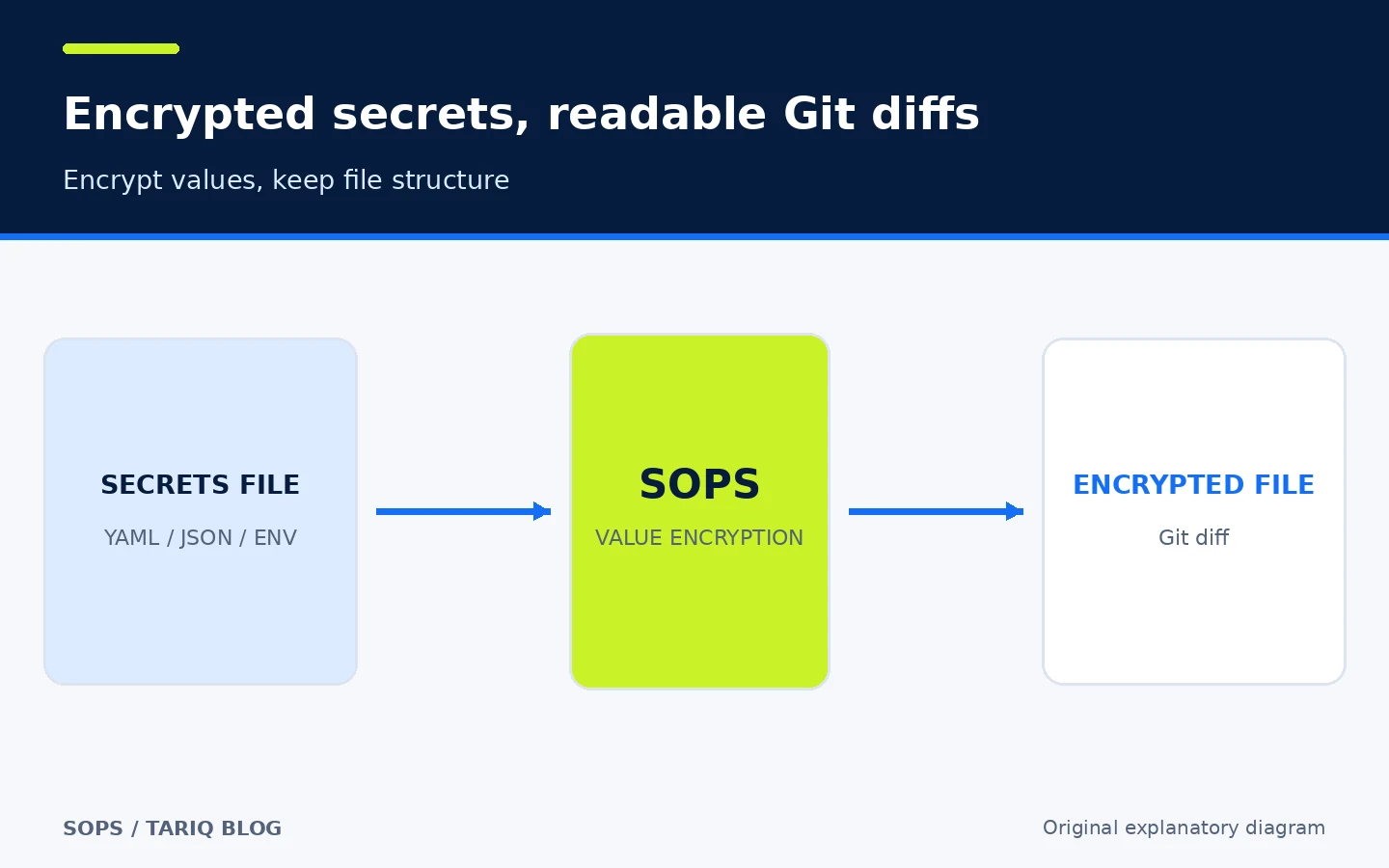
When API keys and database passwords must live beside project configuration, a small team often has to choose between a dangerous plaintext file and a separate secrets platform that may be too heavy. SOPS solves a narrower problem: it encrypts the values in YAML, JSON, ENV and INI files while keeping the structure readable in Git, then decrypts them only for someone holding the right age identity or KMS permission.
🧭 What SOPS is and how you use it
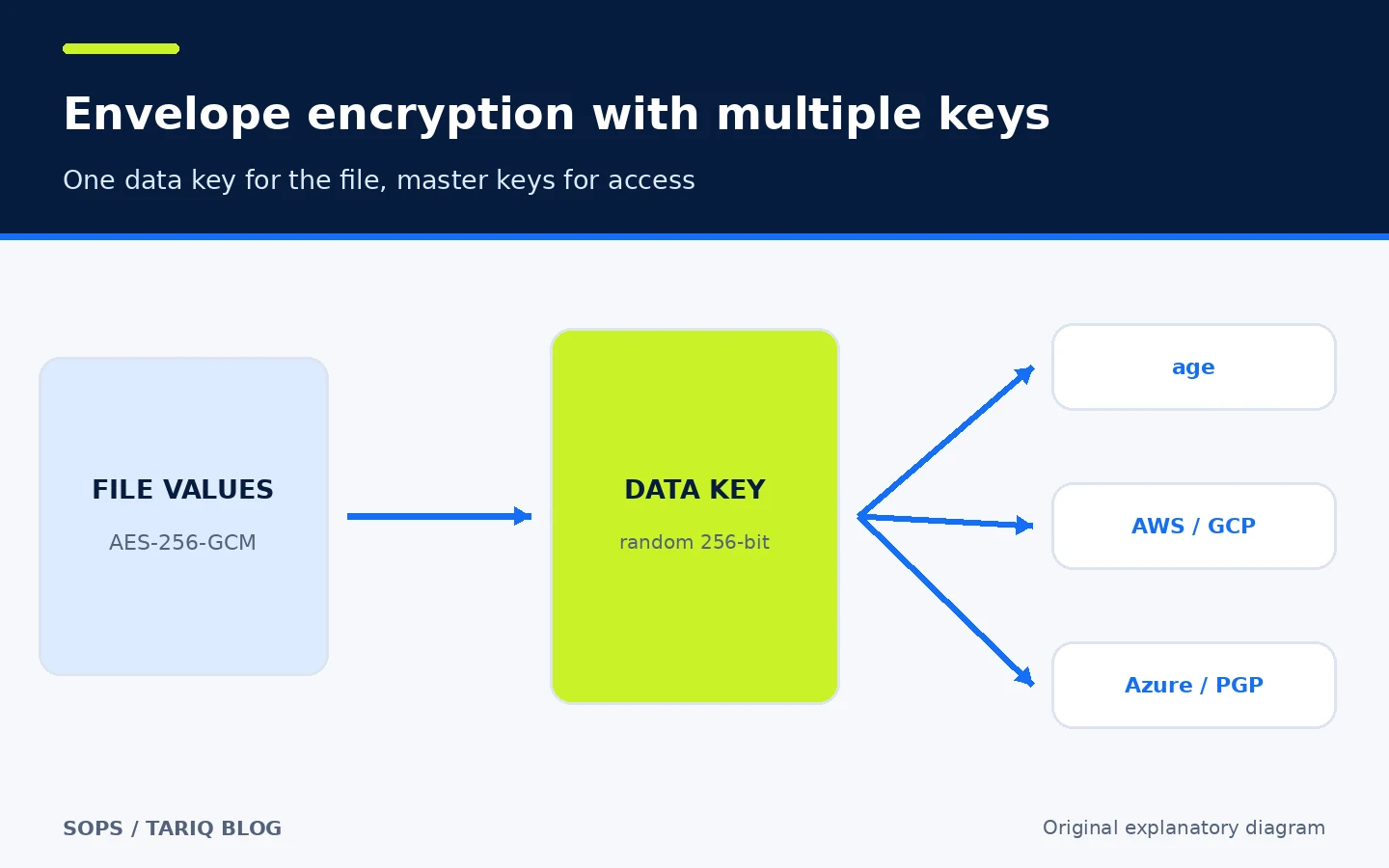
SOPS is an open-source encrypted-file editor and CLI. It began at Mozilla and is now a CNCF Sandbox project maintained by the getsops community. It does not host your secrets in a new service. It reads the file locally, creates a random data key, encrypts the values, then wraps that data key with one or more age, PGP, AWS KMS, GCP KMS, Azure Key Vault or HuaweiCloud KMS identities. Vault Transit is also documented.
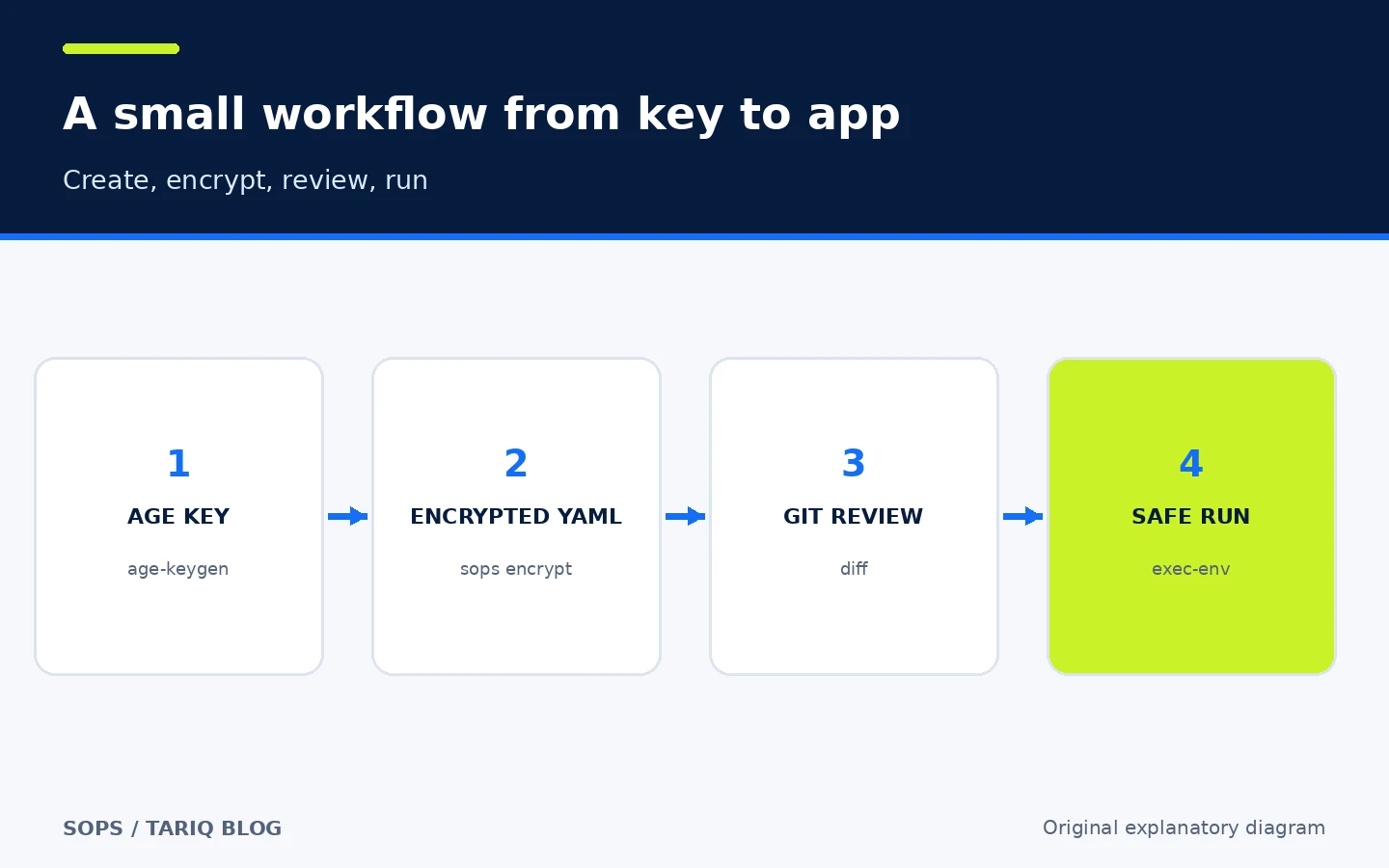
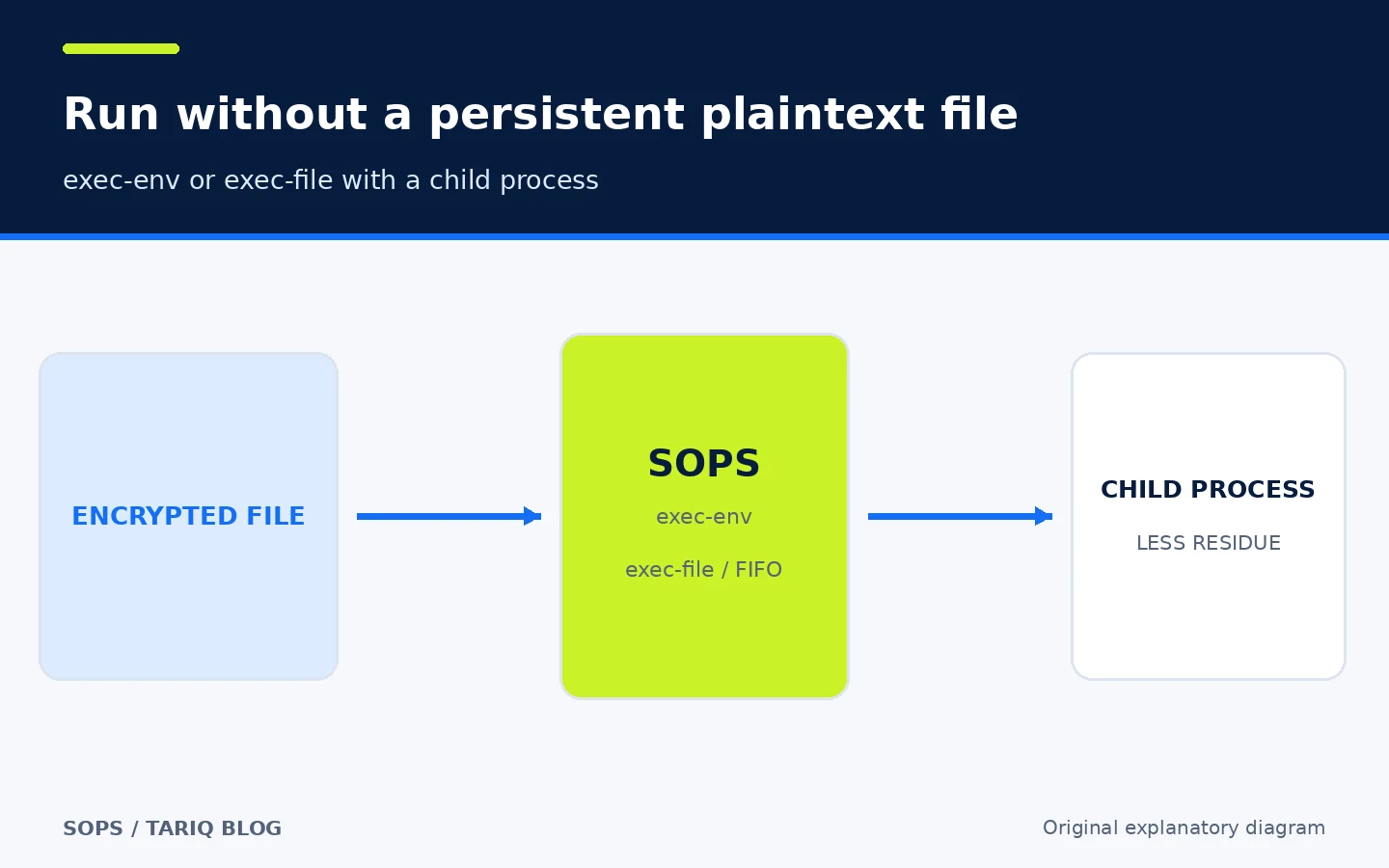
A typical workflow keeps secrets.sops.yaml in the repository and keeps the private identity or cloud KMS permission outside it. An authorized developer edits the file with sops secrets.sops.yaml. CI or an application consumes decrypted values with exec-env or exec-file, minimizing the need for a persistent plaintext copy.
This is not a dynamic secret vault or credential lifecycle manager. SOPS does not create a database password, rotate it at the provider, or replace IAM and key backup. It is a file-encryption layer designed to work well with Git.
🎯 Best use and added value
SOPS fits an individual developer or small platform team that wants environment configuration next to code without exposing sensitive values. It is useful for Kubernetes or Terraform configuration, a small application's settings, CI secrets, and development, staging and production values when understandable Git diffs matter.
Its main value is that a reviewer can see that database_password changed without seeing the password. Teams can add multiple recipients and separate development from production with .sops.yaml rules. The age path also works locally without a cloud account or paid API.
Do not pick it when you need short-lived credentials issued on demand, centralized per-access auditing, or automatic rotation at the source system. Those needs call for Vault, a cloud secret manager or a similar service; SOPS may still be one layer in that larger workflow.
🔐 How envelope encryption works
SOPS creates a random 256-bit data key for each file. Values in the data tree are encrypted with AES-256-GCM, and the data key is encrypted with every master key recorded in the file. This lets you change recipients without redesigning the file format.
Field names and structure remain clear in structured files, which makes Git diffs useful. Never put a secret in a key name or plaintext comment. A MAC protects the tree from tampering. Advanced settings can encrypt only part of a document, but partial encryption creates more room for mistakes; encrypt all values unless a reviewed requirement says otherwise.
By default, any one valid master key can recover the data key. If multiple parties must approve access, configure key groups and a Shamir Secret Sharing threshold. Merely adding several keys does not require all of them.
🧩 .sops.yaml rules and environment separation
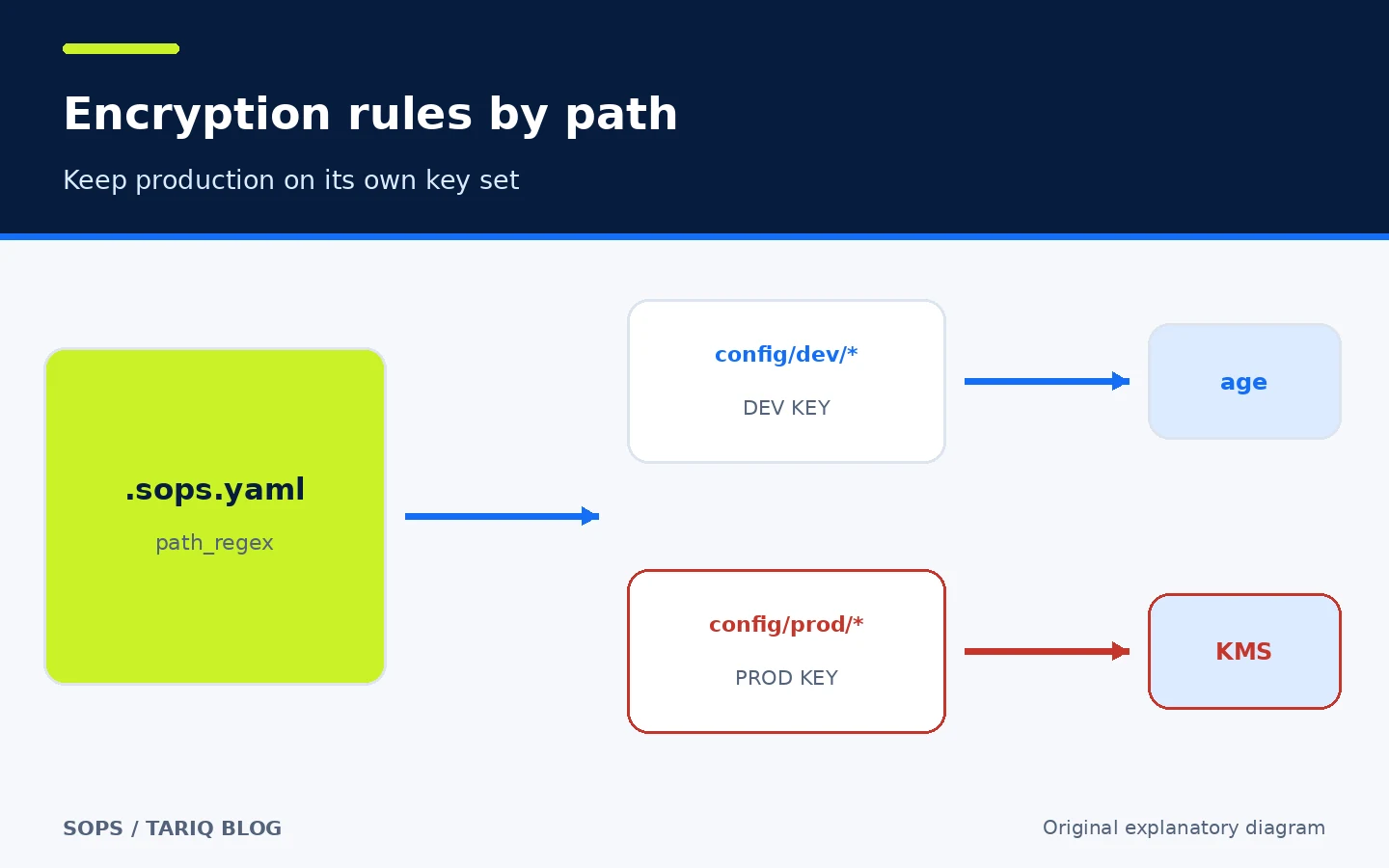
SOPS searches for a file named exactly .sops.yaml in the current directory and then parent directories. Its creation_rules can match paths with path_regex and choose the age recipient or KMS key for each class of file.
creation_rules:
  - path_regex: config/dev/.*
    age: age1example_dev_recipient
  - path_regex: config/prod/.*
    kms: arn:aws:kms:REGION:ACCOUNT:key/KEY_ID
Keep the rules file at the repository root and review it as access policy. Test file creation for every path: an overly broad first rule can capture a file intended for the production key. Public key identifiers and SOPS metadata are visible; secrecy belongs in the private key or inside the KMS boundary.
🪜 A practical local example with age
Start in a test project with fake values:
- Install SOPS and install age with your system package manager.
- Create an identity with
age-keygen -o age-key.txt. - Copy the public recipient beginning with
age1into.sops.yaml. - Store the private identity in the documented SOPS location or set
SOPS_AGE_KEY_FILEin a protected session. - Create
secrets.yamlusing dummy values. - Run
sops encrypt --in-place secrets.yaml. - Inspect the file: values should be encrypted and only field names remain clear.
- Run
sops decrypt secrets.yamlas a check, then remove any plaintext output immediately. - Rename it to
secrets.sops.yaml, add it to Git, and block plaintext secret filenames. - Test consumption with
sops exec-env secrets.sops.yaml 'your-command'.
brew install sops
sops --version
sops encrypt --in-place secrets.yaml
sops exec-env secrets.yaml 'your-command'
The Homebrew command is documented for macOS and Linux. The official release page provides binaries for Windows, Linux and macOS. We did not execute this example on the site server; do not use production values until you have tested recovery and key backup.
⚙️ Passing secrets to the application
exec-env decrypts values into environment variables for a child process. exec-file creates a FIFO by default on Unix and substitutes its path for {} in the command. This reduces plaintext persistence on disk but does not make a secret invisible: the child can print it, and environment variables may be observable through process inspection depending on the OS and permissions.
On Windows, or when a FIFO does not suit the application, --no-fifo uses a temporary file and cleans it up when the process ends. Test crash behavior and never pass an untrusted command into the shell. The --user option can drop privileges before starting the child on supported systems.
🔄 Key management and rotation
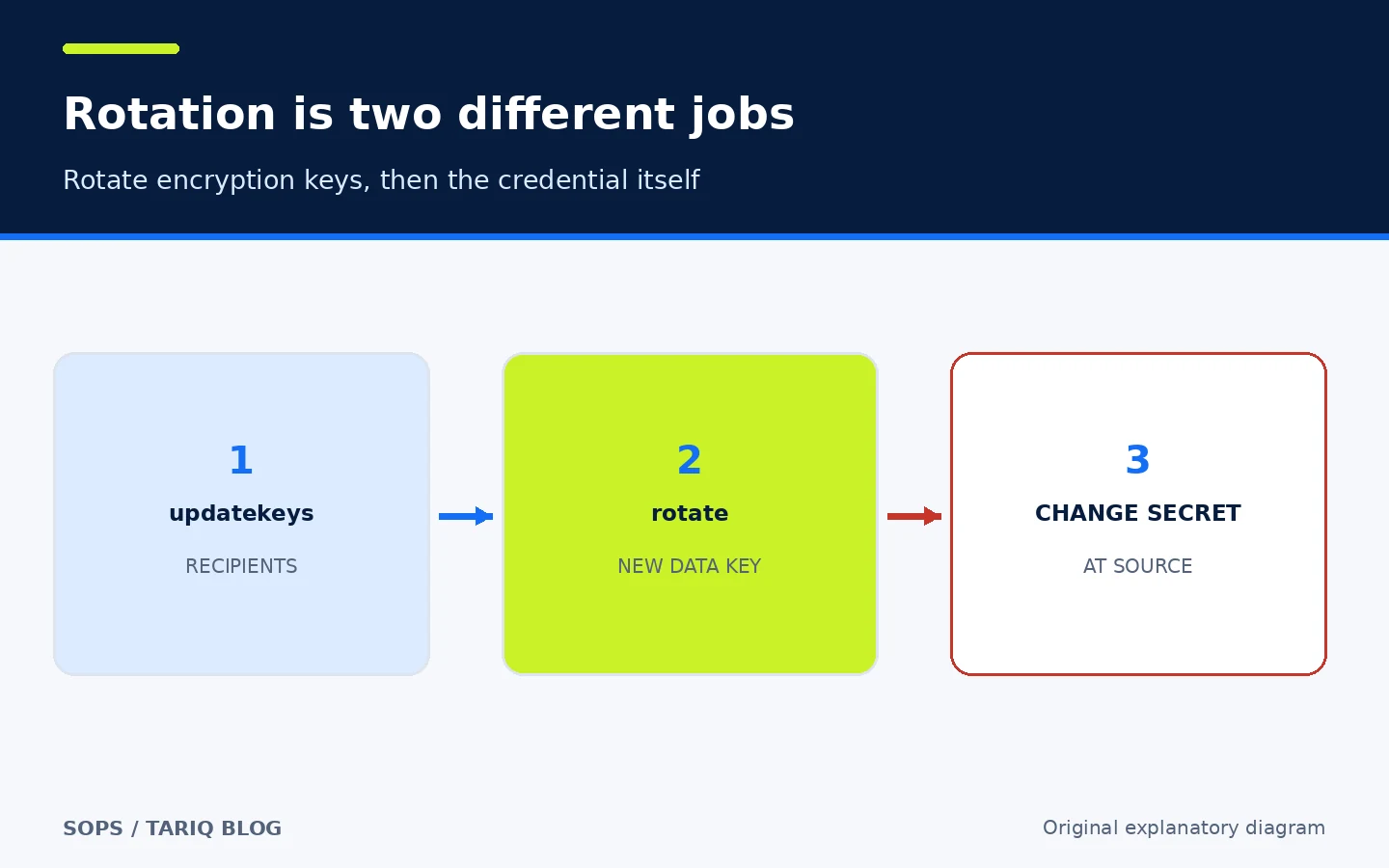
The documentation recommends updatekeys to synchronize a file with .sops.yaml. When removing a compromised key, order matters:
sops updatekeys secret.sops.yaml
sops rotate --in-place secret.sops.yaml
First remove the identity from the rules and update recipients. Next rotate the file's data key and commit the change. Only then rotate the real passwords and API keys in their source systems. Rotating the data key does not change a database password, and publishing a new encrypted file does not invalidate an older copy that a former key holder can decrypt.
Test recovery before disabling the last usable key. Keep an encrypted backup of the age identity or a documented break-glass route. For cloud KMS, review deletion, disablement, audit and pricing policies at the provider.
⚖️ Compared with manual work
| Task | Plain file or manual encryption | With SOPS |
|---|---|---|
| Review a configuration change | The secret may appear, or one opaque blob changes | Field names and structure remain reviewable |
| Share access | Copy a password or file key manually | Add an age recipient or KMS permission |
| Separate environments | Human instructions and separate folders | Reviewable path_regex rules |
| Run the application | Decrypt a file and remember to delete it | exec-env or exec-file |
| Rotate encryption access | Error-prone manual re-encryption | updatekeys followed by rotate |
| Dynamic secrets and source rotation | Not provided | Not provided; use another secrets system |
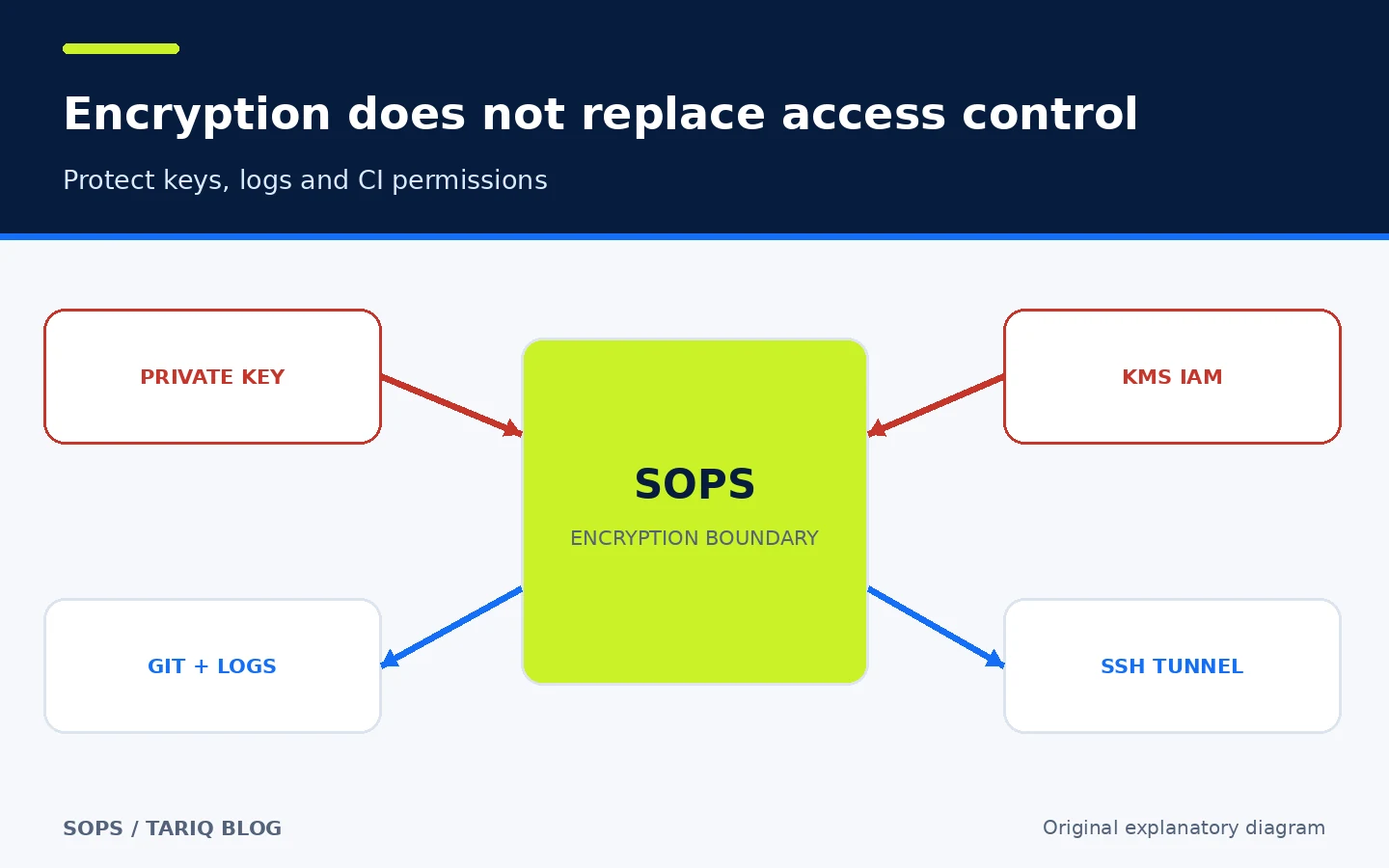
SOPS reduces manual handling but does not remove operational responsibility. Its protection depends on keeping private keys outside the repository, avoiding log leaks, and reviewing CI trust boundaries.
💻 Compatibility, version and cost
The newest stable release verified here is 3.13.3, published 23 July 2026. The release page provides Windows, Linux and macOS binaries and container images for amd64 and arm64, with documented signatures and provenance. Building the development branch from source requires Go 1.25 or later according to the installation page; the downloaded binary does not require Go at runtime.
The repository uses the MPL-2.0 license. SOPS and age can run locally at no charge and without a paid API. AWS, GCP, Azure, HuaweiCloud KMS or Vault can require network access, an account, permissions and provider fees. At inspection time GitHub showed approximately 23.6k stars and 1.1k forks; the latest visible commit on main was dated 27 October 2026. These are time-stamped activity signals, not a quality score.
🛡️ Privacy, permissions and security
With age or PGP, SOPS runs locally and does not send the file to a SOPS service. With KMS, data-key wrap and unwrap calls go to the provider through its SDK and credentials. Give CI the smallest useful permission, separate production from development keys, and consider KMS conditions or encryption context where the design supports them.
Watch for these boundaries:
- Printing
sops decryptinto the terminal or redirecting it into a workspace file. - Storing the private age identity or cloud credential beside the encrypted document.
- Treating field names as secret; they remain visible.
- Letting an untrusted pull request run in a job that can decrypt production secrets.
- Connecting directly to a remote key service. The documentation says that connection has no built-in authentication or encryption; use SSH or another secure channel.
- Assuming file encryption removes an earlier plaintext commit from Git history. Treat that as an incident and rotate the credential.
- Assuming multiple keys require multiple approvals. Configure key groups and a Shamir threshold explicitly.
⚠️ Limits and when not to use it
- It does not host secrets centrally or issue them on demand.
- It does not rotate a password or API key at the source system.
- Security depends on the age, PGP or KMS identity; losing the last identity can mean losing access.
- Binary files are supported, but Git diffs are not as informative as YAML or JSON.
- Partial encryption and
mac_only_encryptedare advanced options that can weaken expectations if misconfigured. - Shell environments, logs and child processes can expose plaintext after decryption.
- An authorized editor can always copy the decrypted value.
- We did not install SOPS, run the example or perform an independent security audit.
🔎 Why it was selected today
We compared SOPS in security and privacy with Lightpanda Browser in browser automation. Lightpanda is promising, lightweight and open source, but currently leans on nightly builds and a newer product path. SOPS offers a clearer, mature value for an individual or small team and follows a different domain from the preceding Docmost card. We also reviewed claudeskills.info and dshmarket.com, but did not select a DSH tool because this run prioritizes tools outside DSH.
📚 Sources and verification date
Verified on 3 November 2026 from primary sources:
- Official SOPS repository — license, activity, stars and forks.
- Official documentation — formats, key providers and project background.
- Release 3.13.3 — version, date, assets and signing.
- Installation and Homebrew formula — install paths and command.
- Configuration reference —
.sops.yaml, rules and partial encryption. - age identities and key groups — recipients and Shamir threshold.
- Key management —
updatekeys,rotate, and compromise-response order. - Advanced usage —
exec-env,exec-file, and key service.