Superpowers
Active and stableRuns locally ✓No paid APISuperpowers guides coding agents from clarifying your request to planning, testing, and review, so you can inspect what changed and why.
/plugin install superpowers@claude-plugins-officialIdeal use for this tool
Best for a developer or project owner working on a substantial feature or a difficult bug. It helps clarify requirements, approve a plan, and inspect tests and file changes. Its value is a visible path from decision to verification. A small text edit may not need the full workflow.
Details and illustrated features
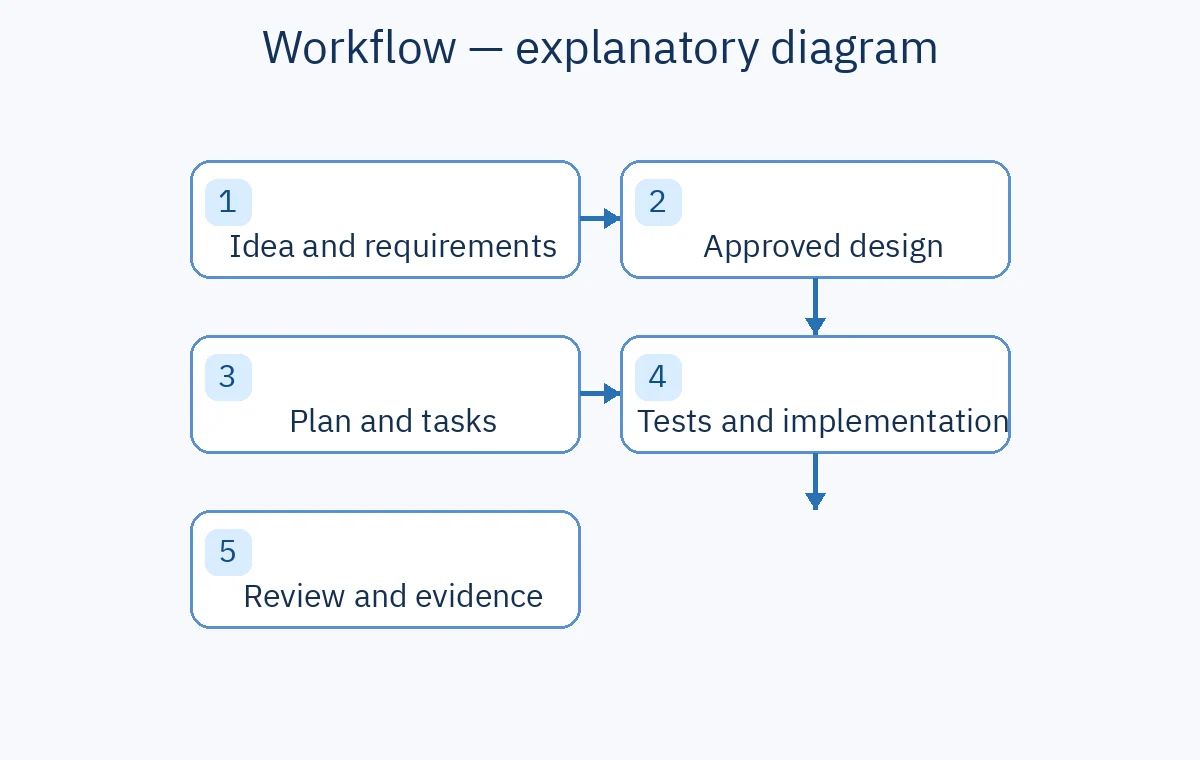
You ask a coding agent to add a feature, and it starts editing before you have agreed on what the feature should do. Superpowers helps organize that work. It is a set of agent skills and a software development workflow by Jesse Vincent and contributors: clarify the idea, approve a design, plan, implement, test, and review. Its added value is a visible sequence of decisions and checks. It does not guarantee correct code.
🧭 What is Superpowers and how does it work?
After installation in a supported coding agent, relevant skills guide the task. brainstorming clarifies your request and presents a design for approval. writing-plans turns the approved design into small, verifiable tasks. executing-plans can implement in the current session, while subagent-driven-development can assign tasks to separate agents with reviews. Testing and verification skills guide the rest of the work.
🎯 How does it help you?
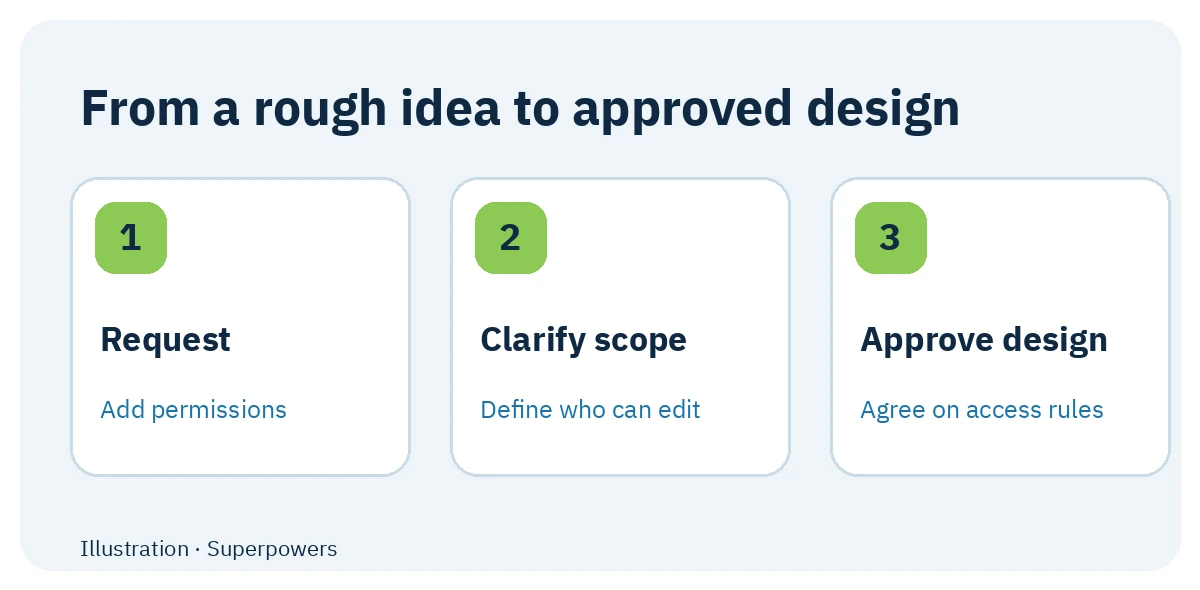
Suppose you ask for project permissions. “Add permissions” leaves important questions open: Can an owner see every task? Can a member edit someone else's work? Superpowers guides the agent to ask these questions, get agreement on access rules, turn them into steps, and test the result. You can inspect what was agreed, what changed, and the evidence of completion. You still make key product decisions and review the outcome.
🌟 Features and how to use them
1. Turn a vague request into an approved design
Problem: an agent can build technically valid behavior that misses your needs. How: brainstorming asks about goals and constraints and presents design sections before coding. For permissions, specify roles, view and edit rules, and exceptions. Value: correct the direction while the change is still a design. Limit: you need to answer product questions the repository cannot settle.
2. Give each change a small, checkable plan
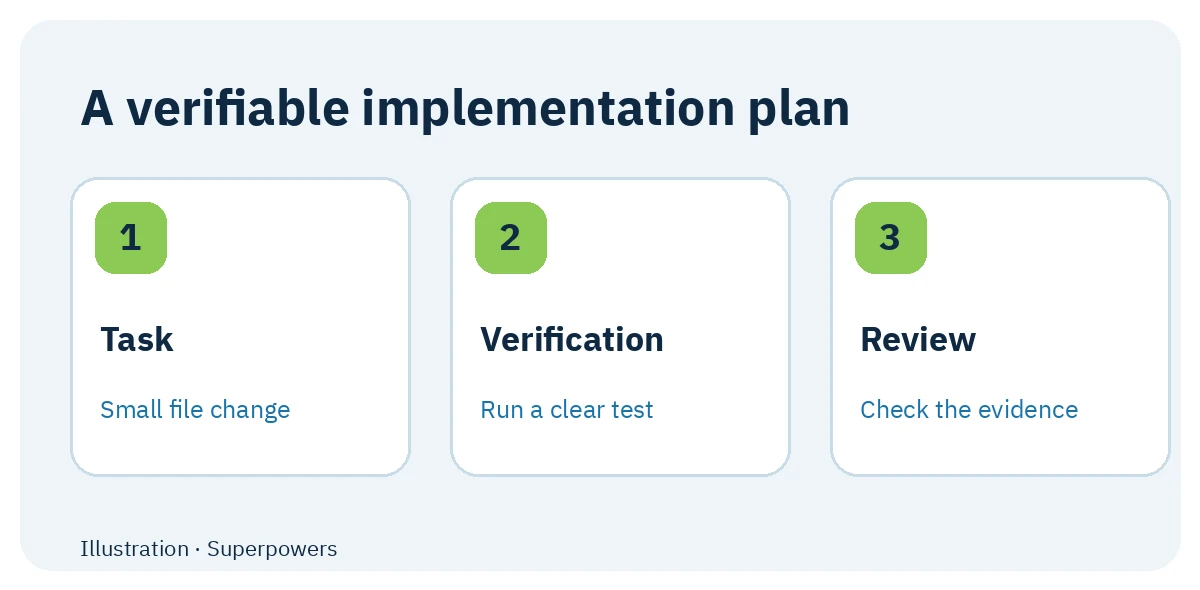
After approval, writing-plans breaks work into tasks that identify files and verification steps. Ask whether the plan names permission files and access tests. executing-plans works in the current session; subagent-driven-development assigns tasks to separate agents with a review per task. Value: you can see what is done and what remains. Limit: extra agents can increase model use and may be excessive for a tiny edit.
3. Test behavior and diagnose failures
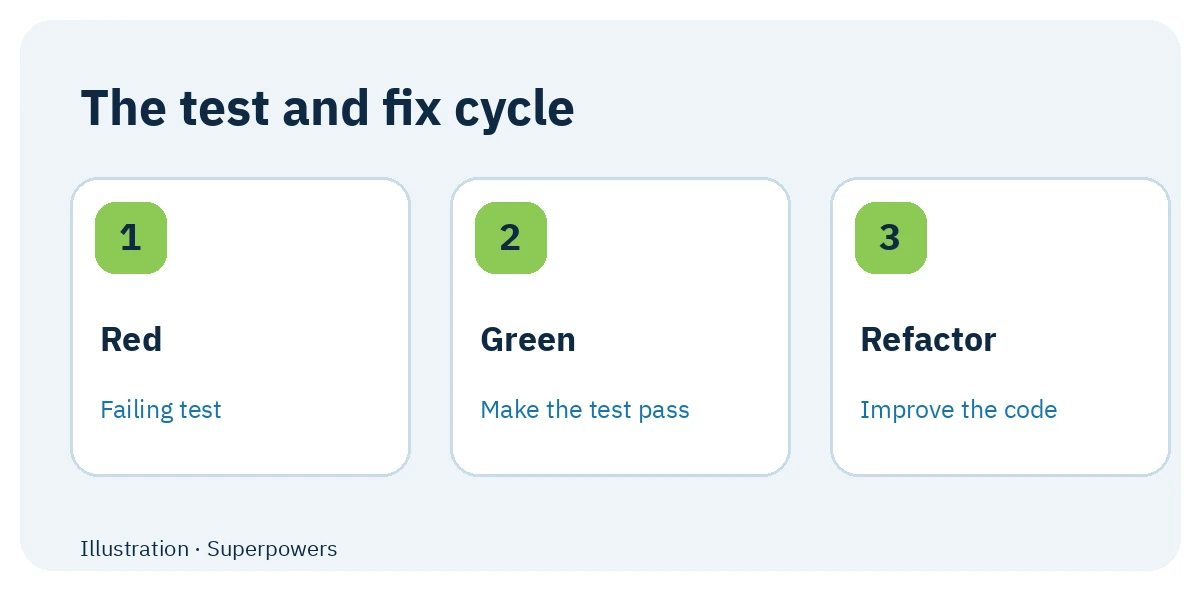
test-driven-development guides the agent to write a test that fails for the desired behavior, make the smallest change to pass it, then clean up while tests remain green. For permissions, test that one member cannot edit another member's task. systematic-debugging investigates causes when work stalls, and verification-before-completion asks for evidence before claiming completion. Value: “fixed” has a checkable basis. Limit: one passing test does not cover every access case.
4. Isolate, review, and finish the change
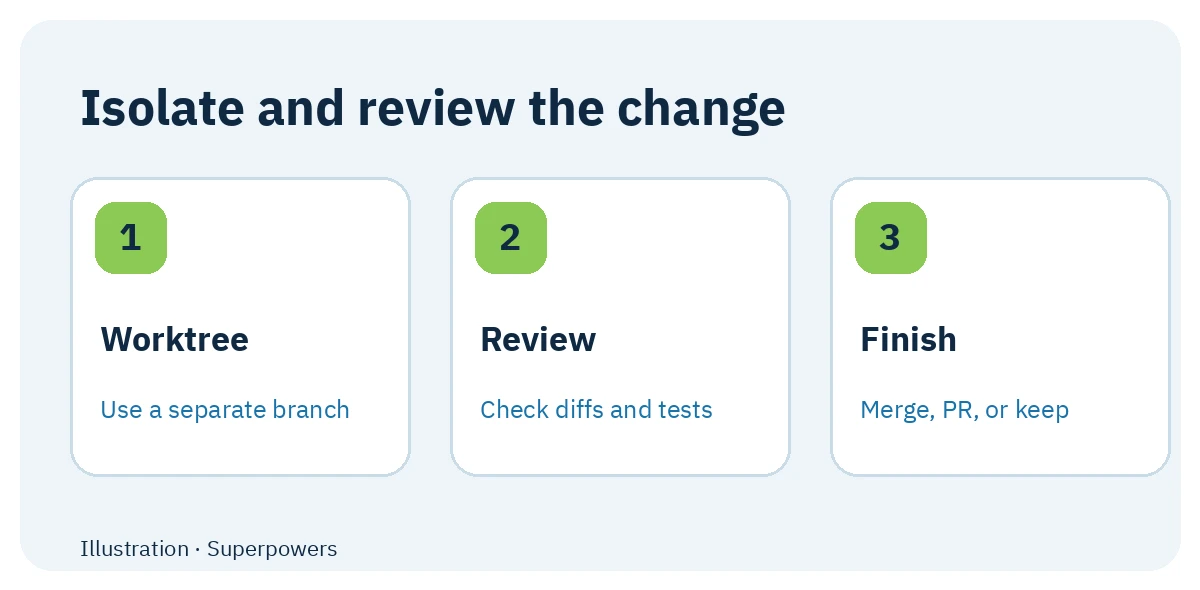
using-git-worktrees creates a separate workspace for the task. requesting-code-review checks work against the plan, and finishing-a-development-branch presents completion options after verification. Ask to see the Git diff and test output before merging or opening a PR. Value: changes are easier to trace and review. Limit: Git workflows need an appropriate repository and host permissions.
🪜 Step-by-step illustrative example
Not run on a real project: ask, “Add a member role that can read tasks in its project but cannot edit another member's task.” The agent clarifies supervisor exceptions, presents a design, plans files and tests, writes an access denial test, updates the logic, reruns checks, and shows the diff for review. If a business rule changes, revisit the design before continuing.
⚖️ What changes compared with manual prompting?
| Without this workflow | With Superpowers |
|---|---|
| Repeatedly remind the agent to clarify requirements | brainstorming structures design questions and approval |
| Ask for plans and tests each time | writing-plans and test-driven-development guide those steps |
| Accept a general “done” message | verification-before-completion asks for evidence |
| Manage branch isolation and review instructions yourself | Worktree, review, and branch completion skills guide the agent |
This describes workflow differences, not measured time savings or a quality guarantee.
🚀 Installation and first use
Installation depends on the host; install separately in each coding tool you use. For Claude Code, the repository documents this plugin command:
/plugin install superpowers@claude-plugins-official
For Codex CLI, open /plugins, search for Superpowers, and select Install Plugin. In the Codex app, open Plugins and choose Superpowers. The README has separate instructions for Cursor, OpenCode, Gemini CLI, and other hosts. Consult the current section for your host before copying commands. Installation and the example were not tested here.
⚙️ Configuration, compatibility, cost, and privacy
The workflow can activate relevant skills without manually selecting each one. Choose the execution style that fits the task and check host permissions before granting file or command access. The project code has an MIT license; host subscriptions and model or API charges are separate. Local skill files do not imply that the coding host runs offline.
The README says an optional brainstorming visual companion loads a Prime Radiant logo containing the Superpowers version; SUPERPOWERS_DISABLE_TELEMETRY disables that behavior. This does not describe all network activity by the host. The original README does not document DeepSeek Harness compatibility; superpowers-dsh is a separate adaptation.
⚠️ Limits and when to keep it lightweight
A one-line change may not warrant design approval, a plan, and multiple reviews. More steps or agents can increase time and model usage. The workflow cannot infer every business rule, and it cannot replace your design decisions, permission review, or actual testing.
📚 Sources and verification date
Original repository and README · Installation · Basic workflow · License. Checked 23 September 2026; the GitHub API reported 290,468 stars and 25,988 forks at the time. These changing popularity counts are neither quality nor security ratings. Installation and the example were not tested.